Matrox Extio 3 Series – User Guide 13
Installing multiple cards
Your system may support the installation of multiple Extio 3 transmitter cards in your system.
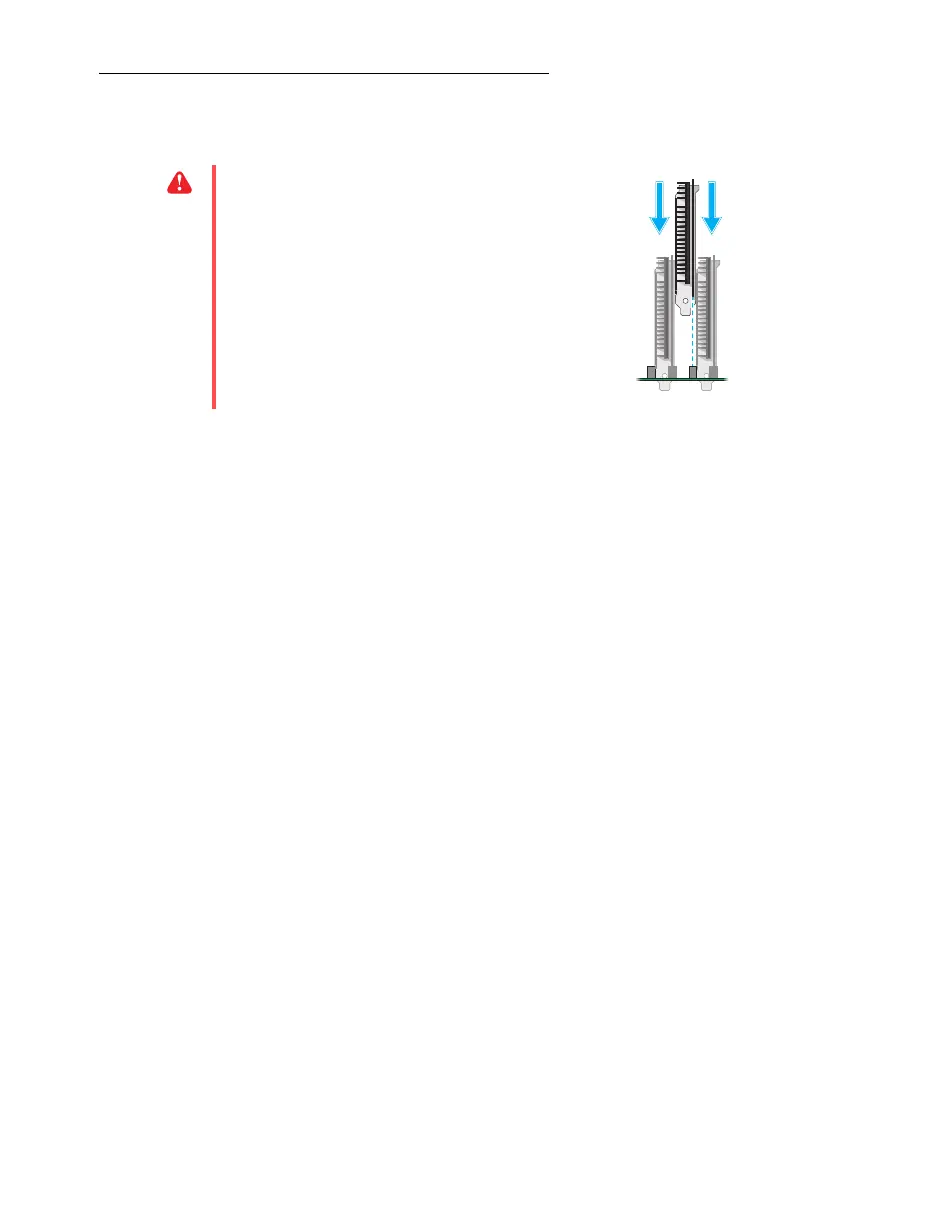
WA R N I NG :
To avoid damaging your
cards, always insert your card as straight as
possible into the slot. Don’t rock the card
from side to side. If you meet resistance,
don’t force the card into the slot.



 To Next Page