38 Matrox Extio 3 Series – User Guide
Using the OSD (On-Screen Display)
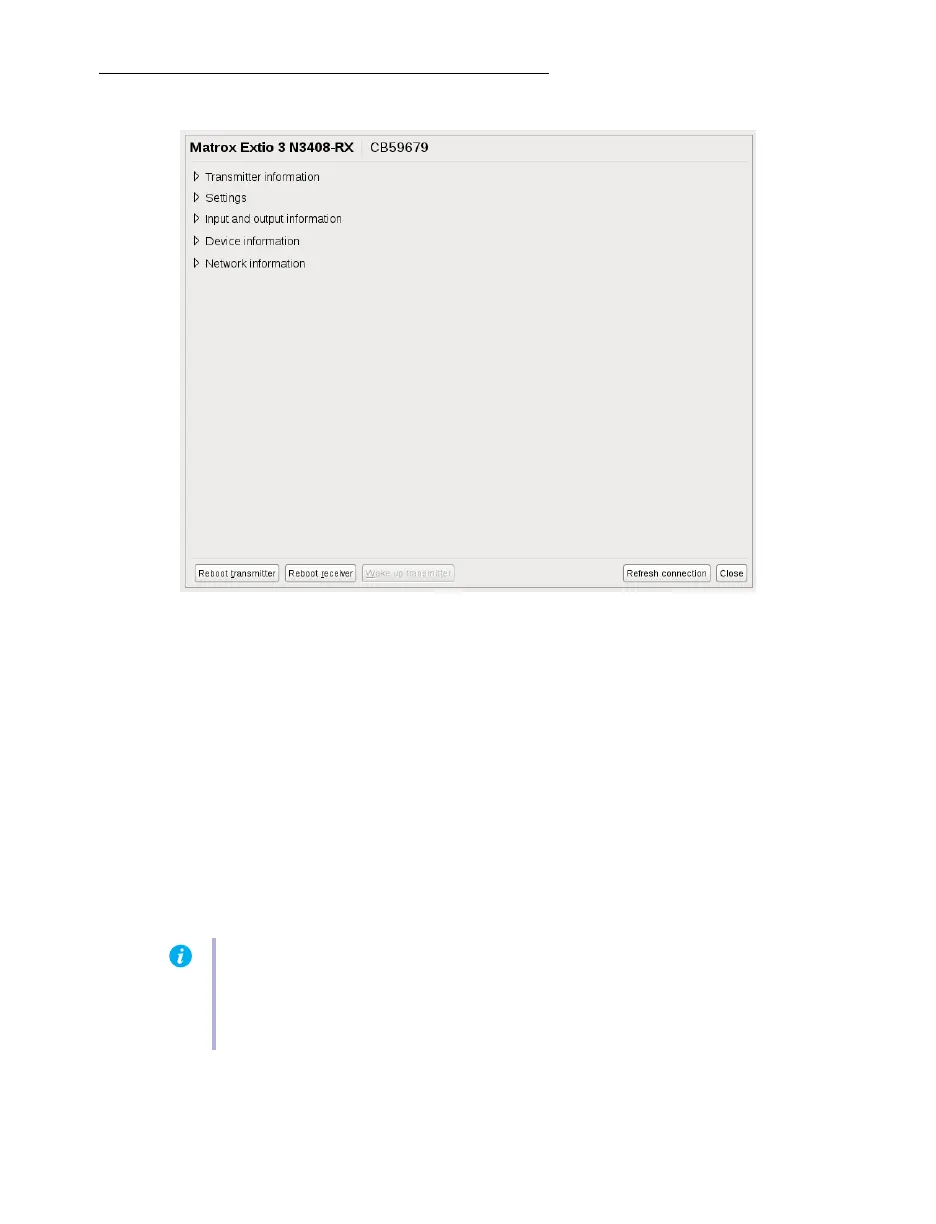
Accessing the OSD
The OSD is available only with Extio 3 receiver devices. To access the OSD, enter the OSD keyboard
shortcut on the keyboard connected to your receiver. The default keyboard shortcut is the [Scroll
Lock] key.
Changing the OSD keyboard shortcut
You can change the keyboard shortcut used to access the OSD. To change the keyboard shortcut, use
the
OSD settings
option.
Enabling point-to-point operation mode
To use your devices in point-to-point mode, click
Point-to-Point
from the OSD startup screen. Wait
for the mode to be enabled. For more information, see “Configuring your Extio devices”, page 39.
Note:
To change the operation mode of your Extio 3 configuration (for example, changing
from networked mode to point-to-point mode), you need to perform a configuration reset
of your devices. For more information, see “Changing the operation mode of your devices”,
page 43.



 To Next Page