34 Matrox Extio 3 Series – User Guide
Accessing Extio Central Manager software
Windows 10/7
– To access the main interface of Extio Central Manager software:
Windows 10 –
Click
Start
Æ
All apps
*
Æ
Matrox Extio Central Manager
*
Æ
Matrox Extio
Central Manager
. (* Depending on your configuration of Windows, this part may not be
necessary.)
Windows 7
– Click
Start
Æ
All Programs
(or
Programs
)
Æ
Matrox Extio Central
Manager
*
Æ
Matrox Extio Central Manager
. (* Depending on your version and
configuration of Windows, this part may not be necessary.)
Configuring Extio Central Manager software
Before you can access and use the OSD, your Extio Central Manager software must be configured. For
information on how to use and configure Extio Central Manager software, see the Matrox Extio
Central Manager User Guide.
Using the OSD (On-Screen Display)
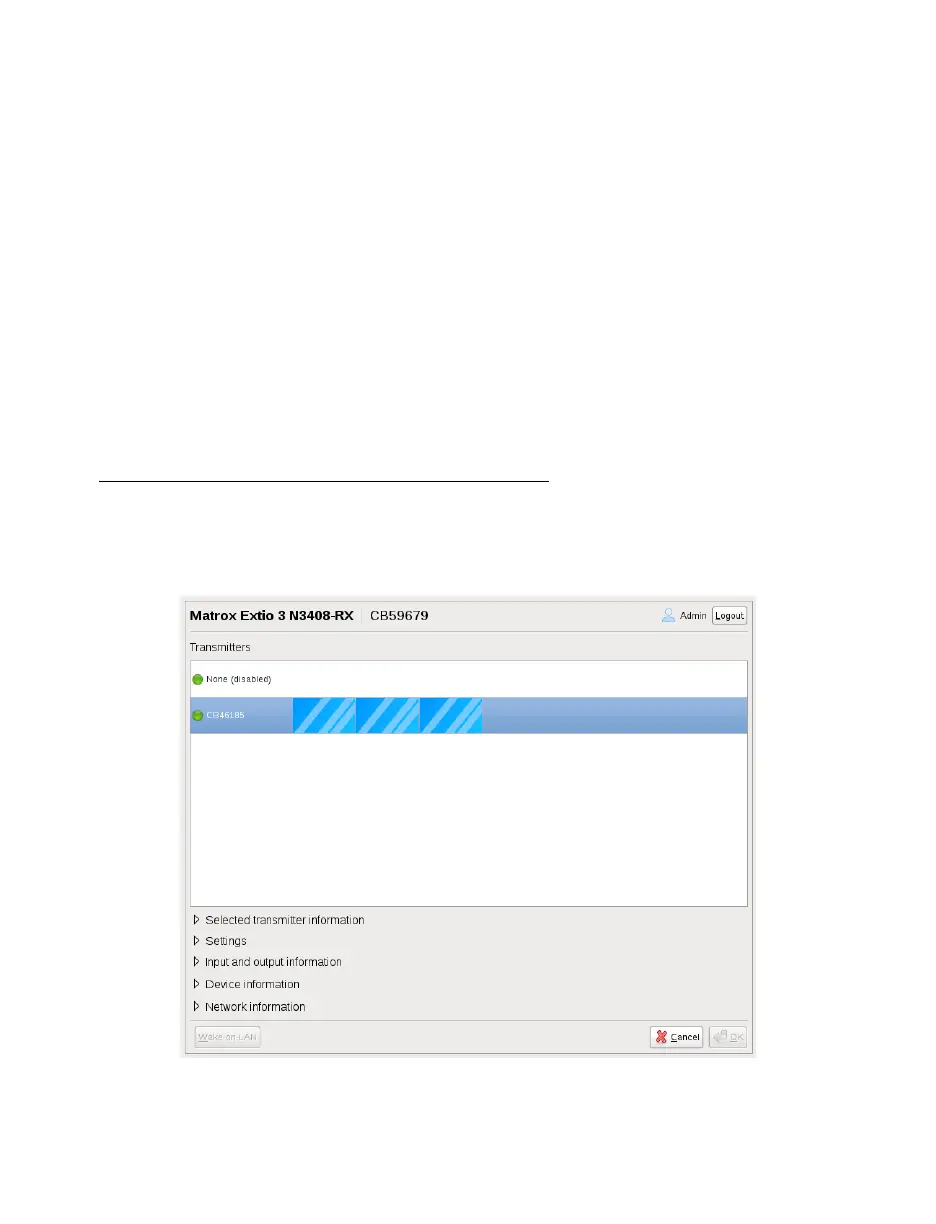
If your devices are networked, the OSD enables you to log into your receiver and switch to different
transmitters.



 To Next Page