© 2023 Maxeon Solar Technologies, Ltd. All rights reserved. | 549549 Revision A - October 2023
Specications included in this document are subject to change without notice
10
4.3. LED status Indicators
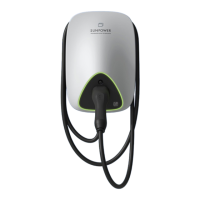
SunPower Drive is equipped with a color LED to visualize the working status of the charging
station.
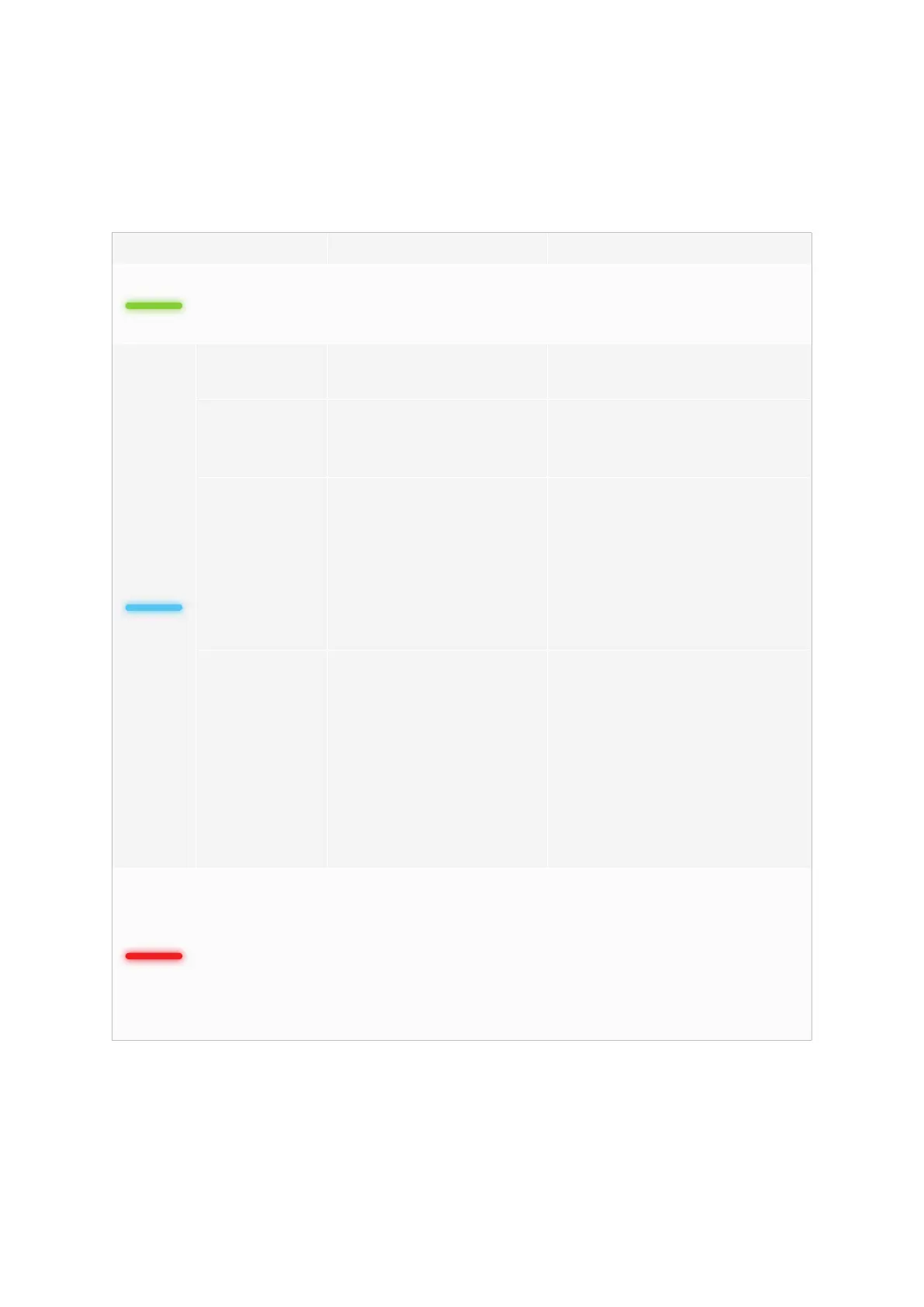
Lighting effects Meanings Subsequent operation
Green indicator
is always on.
The charging station is
in standby state without
failure.
Correctly connect the charging
connector to the vehicle.
Blue indicator is
always on.
The charging connector is
connected.
Start charging through the
ev.energy app
Blue indicator is
ashing quickly.
RFID card authentication
(when activated in the
ev.energy app settings)
Wait for authentication to
complete
Blue indicator
is pulsing /
breathing.
Charging is in progress
The vehicle is in a charging
state (when smart charging is
enabled in the ev.energy app
settings, charging is managed
automatically and vehicle will be
charged according to charging
schedule)
Blue indicator is
ashing slowly.
Suspended charging
Check the vehicle screen for
failure: If any failure is found,
disconnect the charger & check if
the charging capacity has been
limited by the grid or ev.energy;
if the failure is still displayed,
please consult the vehicle dealer;
If not, the grid side has limited the
charging capacity.
Continuous red
indicator
Failure or E-Stop is
activated.
Remove the faults according to
the troubleshooting measures in
the “Troubleshooting” section; if
the problem cannot be solved,
please contact your dealer or
service provider.


 To Next Page
 Loading...