McHale Orbital Round Bale Wrapper
44
7.3 Electronic control box features
7.3.1 Working display
When the electronic control box is first switched on it displays the McHale logo along
with the software version number.
7.3.2 Manual/Automatic modes
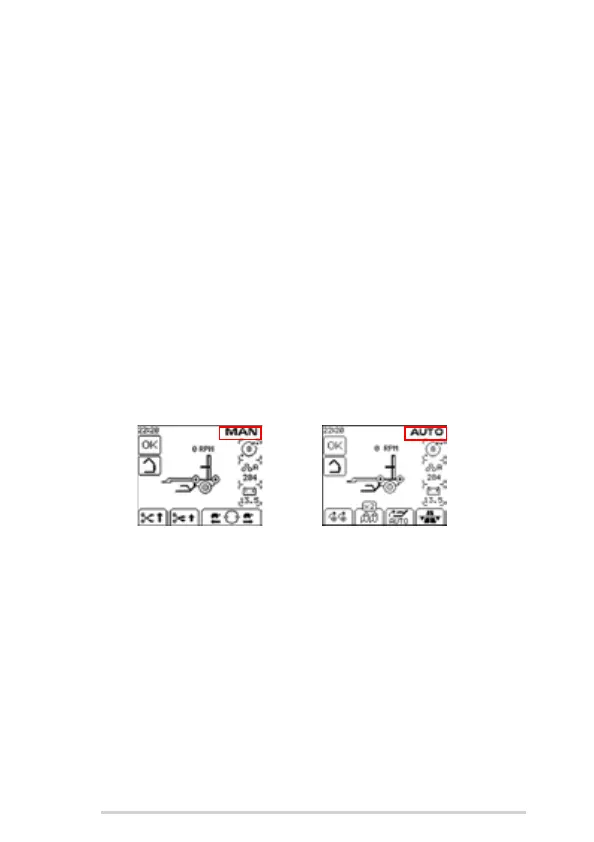
There are two working screen modes:
1. Manual - Shows solid external machine image with soft keys to manually
operate the ‘Cut and Hold’ and also to manually rotate the wrapping ring
forward or reverse. Wrapping ring speed is electronically limited to 25 rpm in
Manual Mode. Manual mode should also be used to lower the load arm into the
work position and raise the load arm into transport position.
2. Automatic - Shows external machine image with bale icons on the machine to
show the status of the wrapping sequence. There are soft keys to rotate the
bale on the rollers, select number of film rolls and add extra revolutions during
wrapping.
To switch between the manual and automatic modes, press AUTO/MAN (Button 3).
The selected control mode is displayed in the top right corner of the screen.
7.3.3 Manual wrapping
Soft keys C and D are used to rotate the wrapping ring in manual mode. Pressing and
holding the forward soft key (D) or reverse soft key (C) once will rotate the ring slowly.
Pressing the forward soft key twice and holding it will rotate the ring forward at fast
speed.
In Automatic Mode, the rotate buttons will only be active if the load arm is down, the tip
arm is up and ring is NOT in the “home” position. (See ‘No rotation warning’)
Automatic Screen Display
Manual Screen Display



 To Next Page