McHale V Series Baler
44
After the roll is replaced, the tractor and electronic control box is powered back up and
the PTO is engaged. Once the net button is pushed, the net feeds into the chamber,
netting the bale and the knife trips. The operator then checks that netting is complete
and work can continue as normal.
6.1.4 Net layer adjustment setting
In an automatic cycle, the netter starts feeding net once the set bale diameter has been
reached. The bale is then wrapped with the predetermined net length and the net knife is
tripped. It is recommended that a minimum of two (2) layers of net are applied to the bale.
Dry conditions and very high densities require up to twice as many layers to ensure a
good bale shape. The amount of net applied can be adjusted between 1.1 and 20
layers per bale.
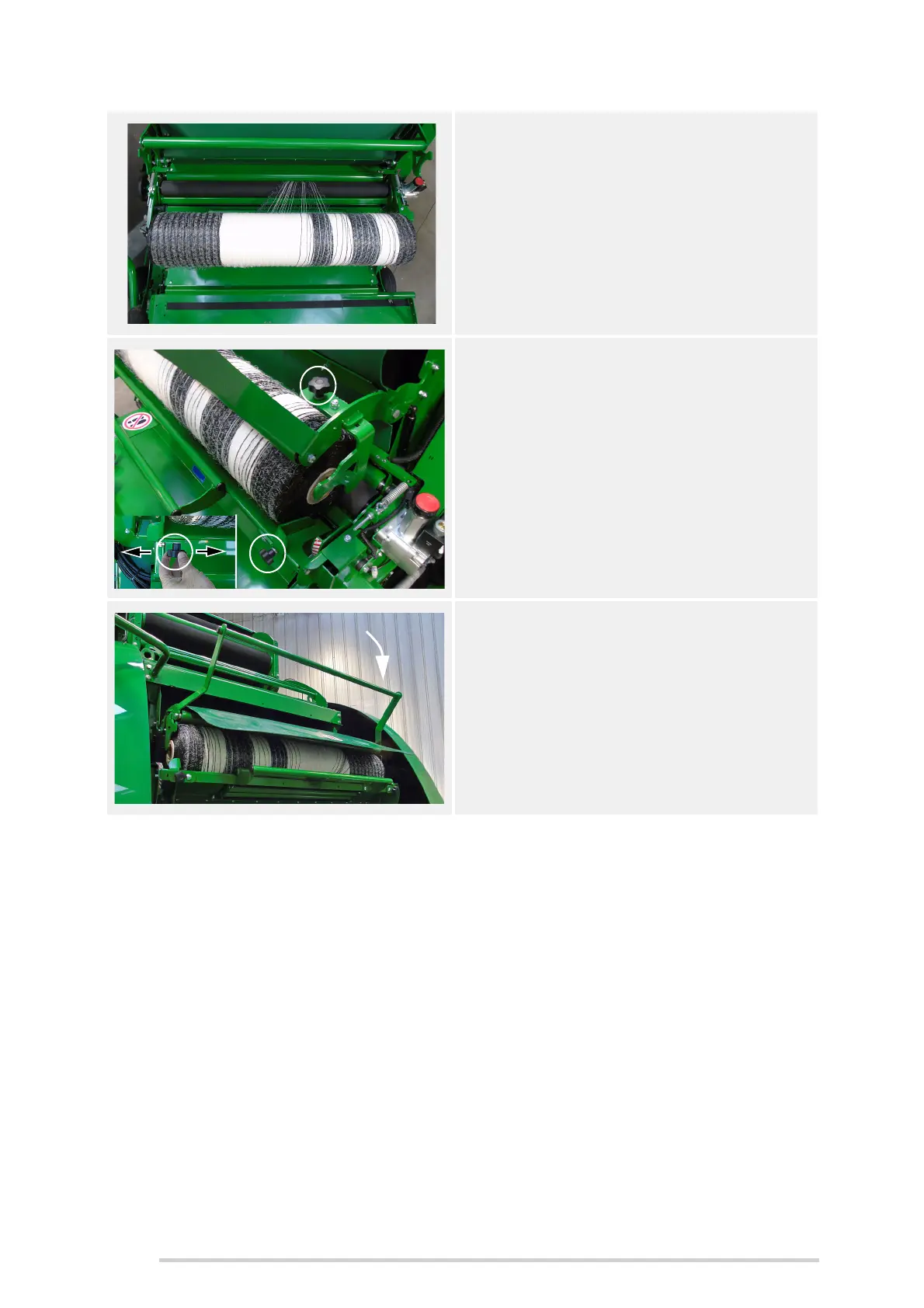
5. Roll the feed roller forward to feed the
net into the netter, taking up any slack
under the roll. Take care not to trap
fingers in between rollers.
NOTE: The net should only be fed in to
a maximum of 70 cm past the rubber
feed roller.
6. Roll the net roll forward from the cradle
onto the rollers.
Adjust the roll guides equally, allowing
2 to 4 mm clearance each end, so the
roll is centred and tightened securely.
7. Pull the net roll bar down onto the roll.
The roll of net is now threaded and
ready for baling.



 To Next Page