• Editing text
To editing the text on the screen, you need to bring up an edit menu
bar.
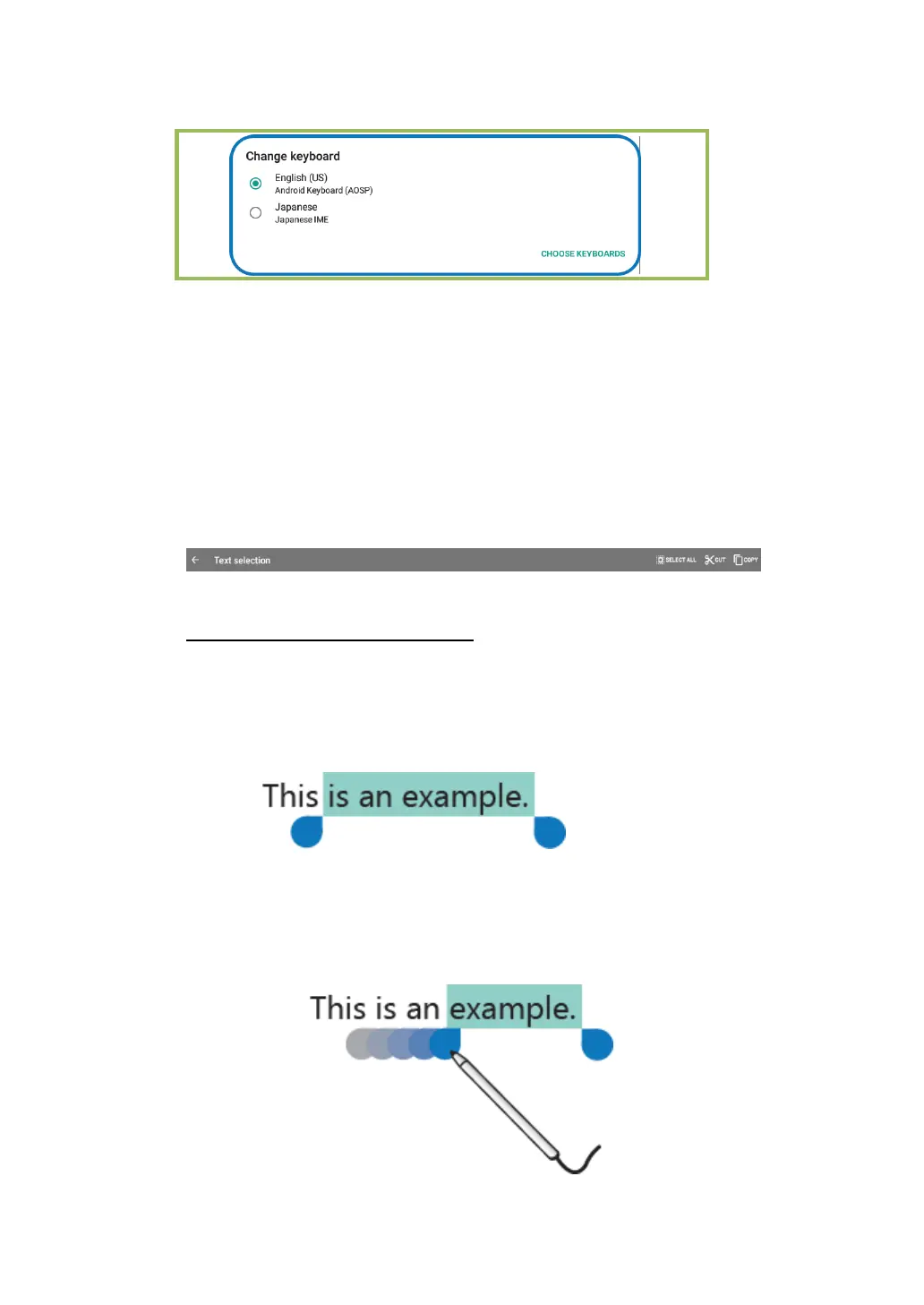
To bring up the menu bar, you only need to do is long-touching the
text you want to edit. Then the menu bar shows up at the top side of
the screen, as shown below.
To cut or copy text, do the following:
1. Long-touch the word you want to use until the edit menu is
displayed at the top of the screen. The selected word is
highlighted and two selection tabs are displayed under the text.
2. Drag either selection tab to expand or reduce the range of the
selected text. (If you want to select all of the text, touch SELECT
ALL from the edit menu.)



 To Next Page