3. Touch CUT or COPY from the edit menu. The text is saved to the
clipboard.
To paste text, do the following:
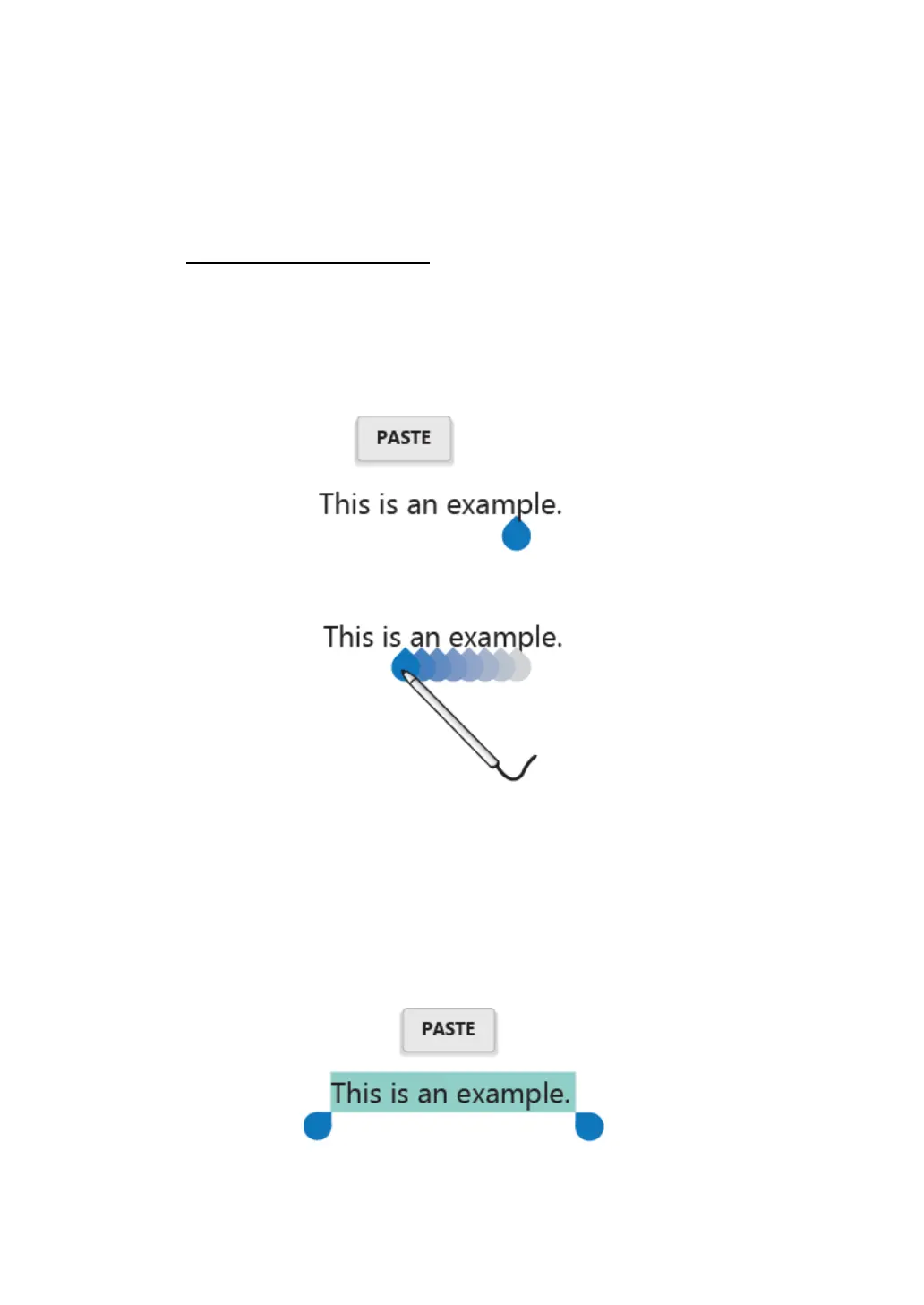
1. Here are two ways to bring up the paste option.
a. A quick touch at the position that you want to insert the text you
have copied. This brings up a tab pointing at the position.
You can rearrange the position by drugging the tab.
Touch the tab again to bring out the paste menu, and touch the
menu to paste your copied text.
b. Long touch the text you want to replace entirely or partially. This
brings up both the pop-up menu and the menu bar. Arrange the
tabs to highlight the section that you want to replace.



 To Next Page