Style Control
17
Accomp Volume
Metronome
PIANO METRONOME
- ACCOMP +
- ACCOMP +
1
1
Tempo
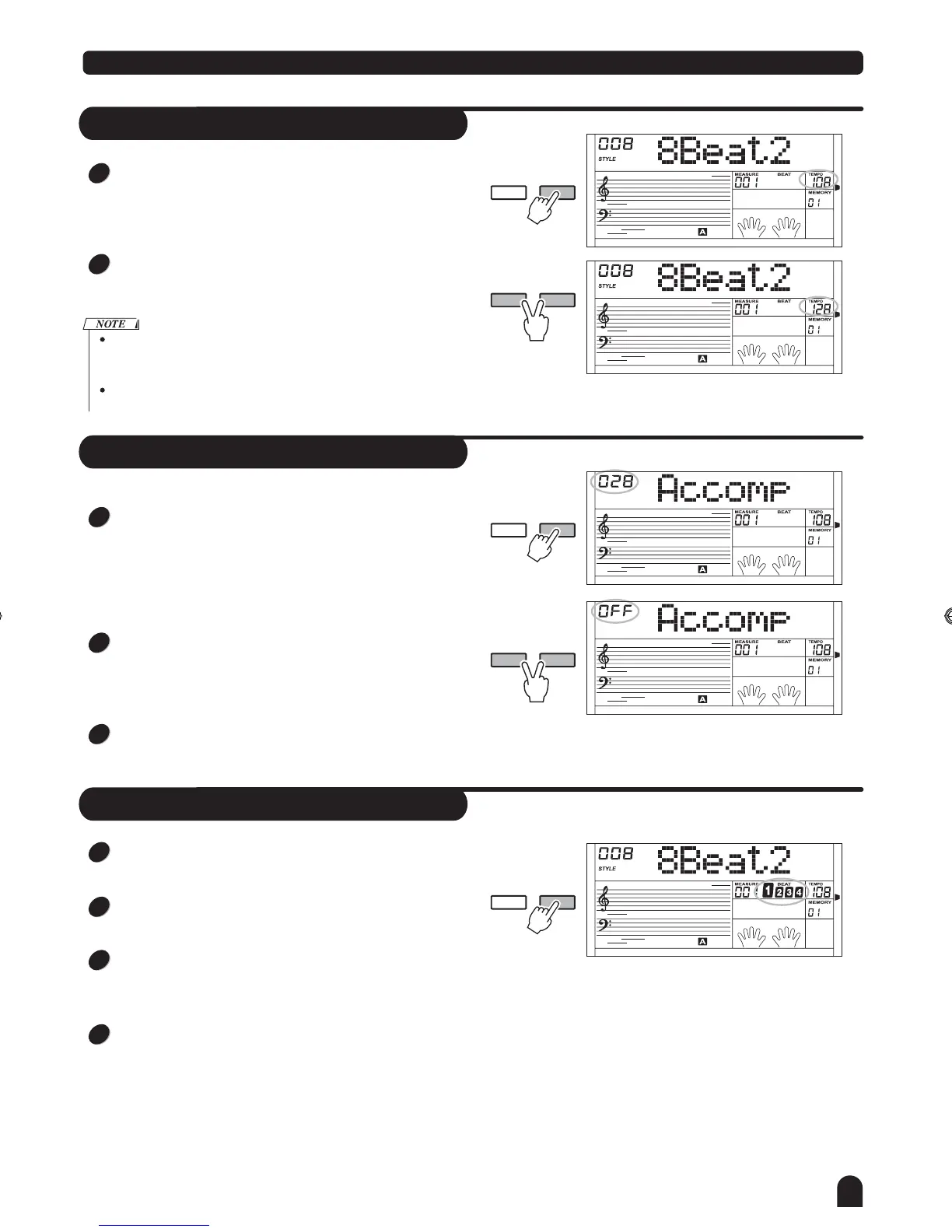
Use the [TEMPO+] or [TEMPO-] button and the [+/YES] or
[-/NO] button and the DIAL to adjust the tempo from 30 to
280.
Press the [TEMPO+] and [TEMPO-] synchronously to set
to the default tempo.
Selecting the style when it stops, the tempo will change with the
style automatically to the default one.
When style is playing, the tempo will not change with the style you
select.
- TEMPO +
- TEMPO +
1
2
2
2
3
3
4
Press [ACCOMP +] or [ACCOMP -] button to adjust volume
of accompaniment in style playing. The LCD displays the
ACCOMP volume which range between 0 and 31.
Default Accomp Value is 28.
Press [ACCOMP +] and [ACCOMP -] button together to
mute the ACCOMP track.
Press [ACCOMP +] and [ACCOMP -] button together again
to turn on the ACCOMP volume.
Press the [METRONOME] button to turn on the metronome
(the beat type can be selected in the FUNCTION menu).
Press the [METRONOME] button again to turn off the
metronome.
When the style stops to play, the beat type follows the sele-
ction in the function after turning on the metronome. When
the style begins to play, the beat type follows the current style.
Metronome can be turned on together with the style. If the
style plays at first, the metronome will respond next meas-
ure. Contrarily the metronome responds at once to the first
beat of the style.
TOUC H
TOUC H
TOUC H
TOUC H
DZB63B0DQXDOB*BSGIDZB63B0DQXDOB*BSGI



 To Next Page