Memory
Bank
23
Memory feature can be used to preset 48 complete
control-panel setups which could be recalled
whenever needed.
There are 8 banks in total; each bank has 6 memories
(M1~M6).
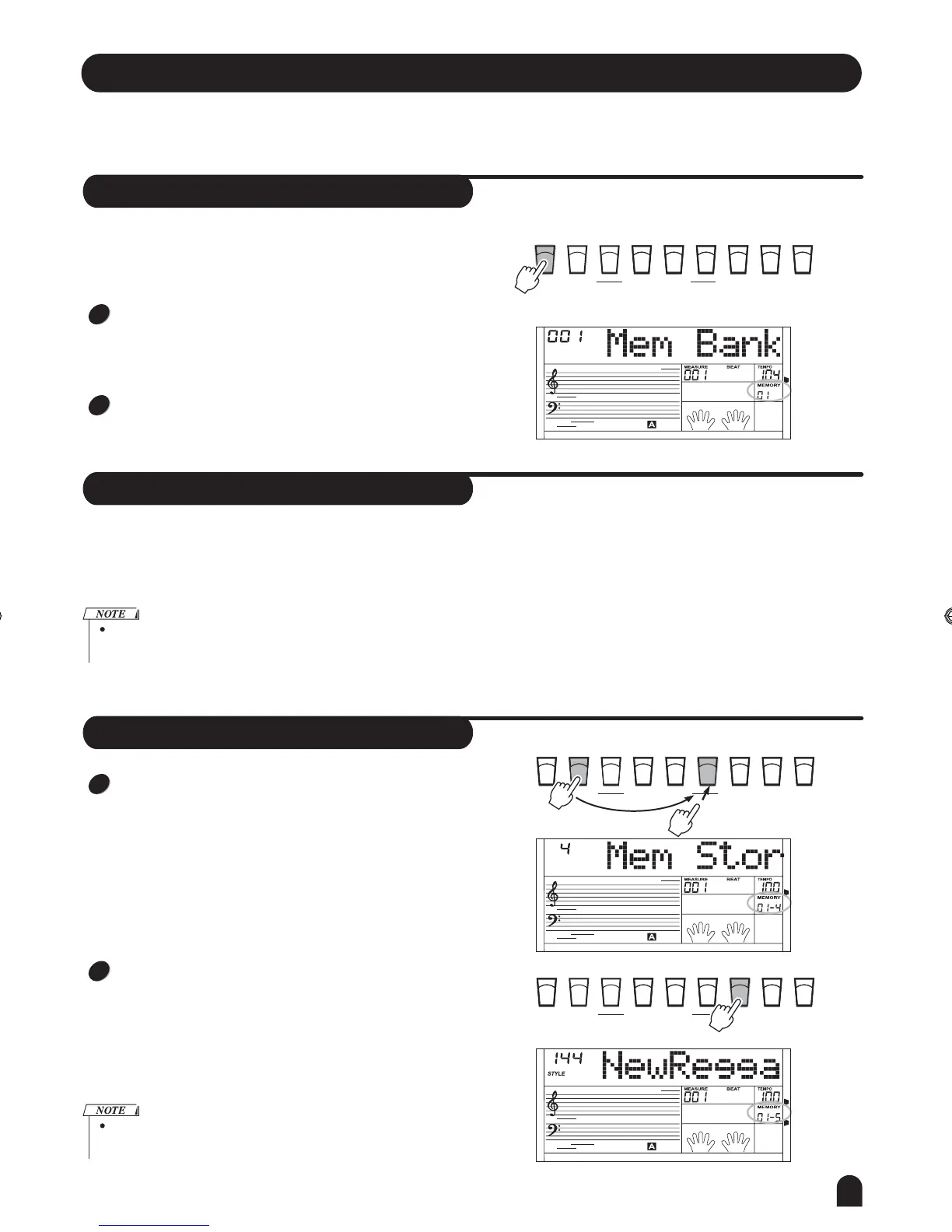
Press [BANK] button, the LCD displays "00x Mem Bank",
with 00x showing the Bank that has been selected.
Use [+/YES] / [-/NO] button or DIAL to select the bank.
If the current memory data be changed, the corresponding memory
flag on LCD will be erased.
Memory Data
STORESTORE O.T.S.O.T.S.
BANKBANK M2M2
M3M3
M4M4
M5M5 M6M6
M1M1
ONE TOUCH SETTINGONE TOUCH SETTING
1
2
The data can be stored to the memory are as follows:
Voice R1, Voice R2, Voice L, Sustain, Style, Tempo,
Function, Mixer, Accomp Volume and Octave.
Store and Load
Press and hold the [STORE] button, then press the [M1]
button (or [M2] ~ [M6]) , the current data will be stored in
them.
Press the [M1] button (or [M2 ~ [M6] ) to load the data
from them and replace the current parameters.
1
2
Press [STORE] and [M1] together while power the piano , the
memory data will be set as the default value.
STORESTORE O.T.S.O.T.S.
BANKBANK M2M2
M3M3
M4M4
M5M5 M6M6
M1M1
ONE TOUCH SETTINGONE TOUCH SETTING
Press and Hold
STORESTORE O.T.S.O.T.S.
BANKBANK M2M2
M3M3
M4M4
M5M5 M6M6
M1M1
ONE TOUCH SETTINGONE TOUCH SETTING
DZB63B0DQXDOB*BSGIDZB63B0DQXDOB*BSGI



 To Next Page