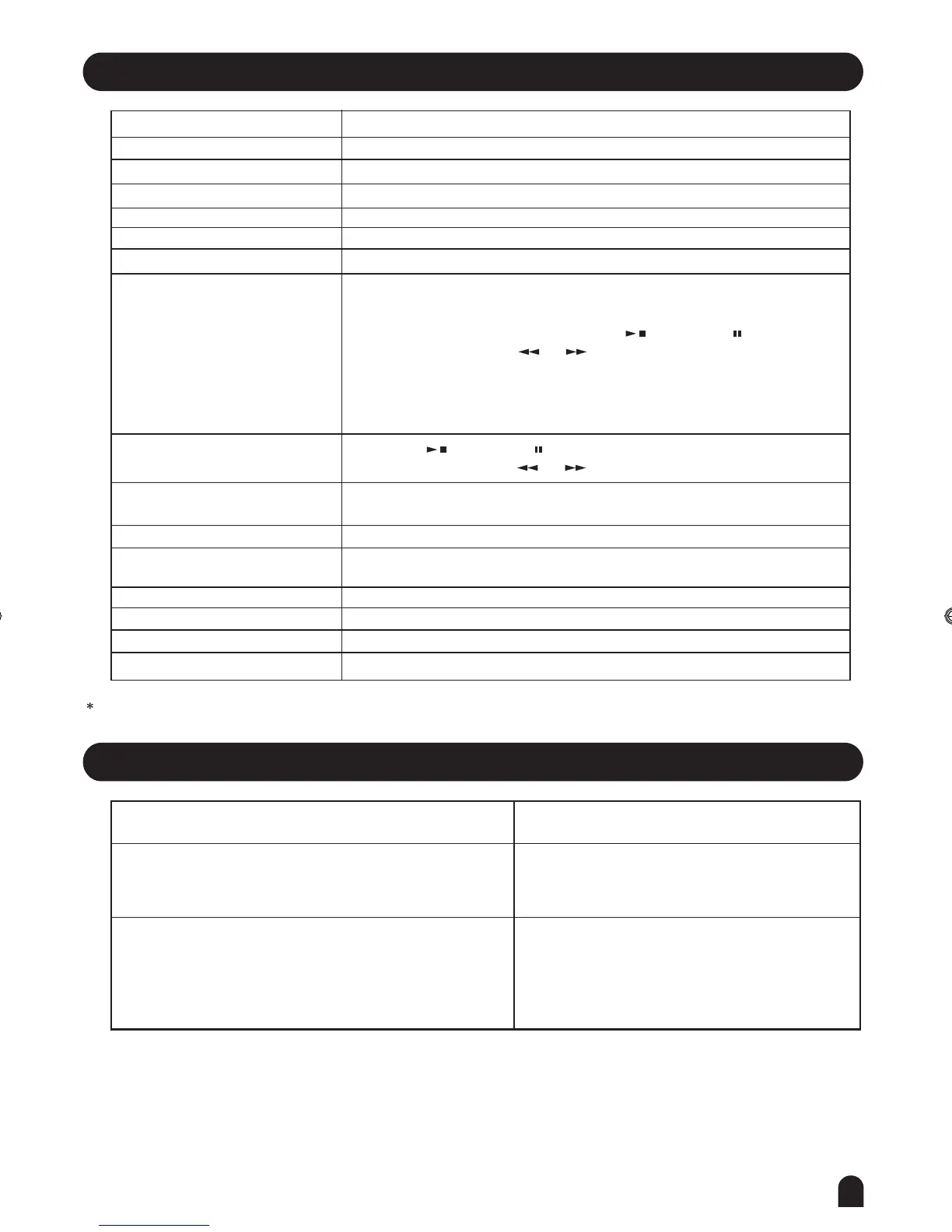
Specifications
45
Trouble Shooting
LCD display
Keys
Voice
Polyphony
Style
Song
Demo
Control button
Accompaniment Control
Record Function
Panel Memory
Connectors
Speaker
Dimension
Weight
Accessories
No matter the instrument is turned on or off, a popping
sound will be temporarily produced.
There is no sound even when the keyboard is played or
when a song or style is being played.
This is normal and indicates that the instrument
is receiving electrical power.
Check if any cable or headphone is connected to
the PHONES jack on the rear panel. When a set
of headphonesis plugged into this jack, no sound
is output.
Problem Possible Cause and Solution
4Ω 15w x 2 ; 4Ω 25w x 2
1360(L)x370(W)x143(H)mm
19.5kg
Adaptor, Music Rest, Manual
Multi-functional LCD
88 hammer action key
559 Voices
64-note polyphony(max)
203 Styles, including 3 user styles.
100 Songs
2 Demos
Power on/off, Volume, Brilliance, Accomp +/-,Tempo +/-, Lesson, L&R,
Chord Dictionary, Mixer, Function Back/Next, Voice, Style, Song,
O.T.S. , M1-M6, Store, Bank, Start/Stop , Sync Start , Sync Stop,
Intro/End/Repeat A/B, A , B , FADE, Chord mode,Record,
Style Record, Play/Stop, Accomp, Melody 1, Melody 2, Melody 3
Melody 4, Melody 5, Dual, Split, Touch, DSP, Demo, SD Menu, Execute,
+/YES,-/NO, Dial, Piano, Metronome,Tranpose +/-
Record, Style Record, Play/Stop, Accomp, Melody 1, Melody 2, Melody 3
Melody 4, Melody 5
48 Memory Storage
DC Power, Headphones, Aux.Out (L/MONO R), Aux. IN, Sustain pedal,
Assign pedal, USB, MIDI IN/OUT
All specifications and appearances are subject to change without notice.
Start/Stop , Sync Start , Sync Stop,
Intro/End/Repeat A/B, A , B , FADE,
DZB63B0DQXDOB*BSGIDZB63B0DQXDOB*BSGI



 To Next Page