28
Style Record
Record a new Style
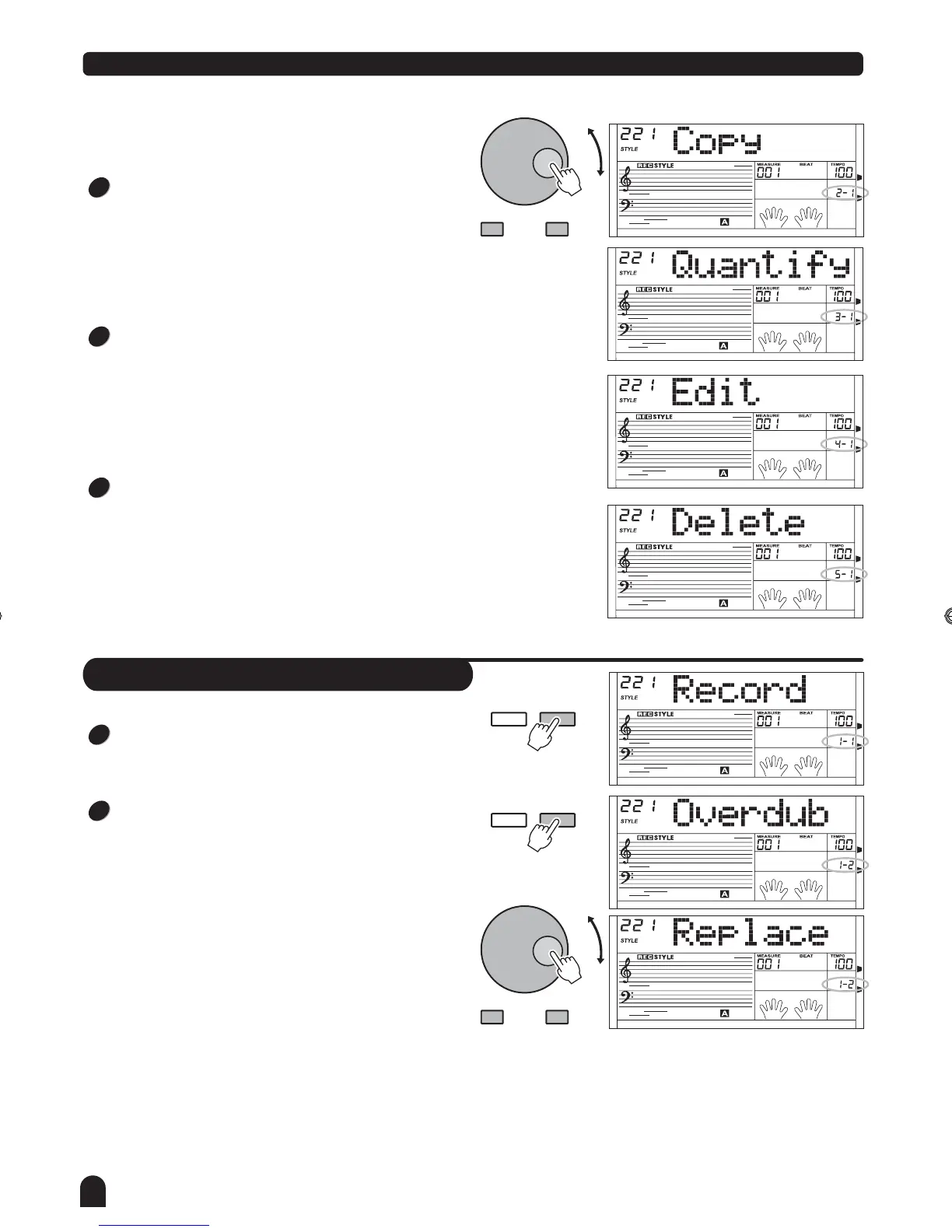
Select RECORD in style record menu level1.
Press [FUNCTION / NEXT] to enter record mode menu.
LCD now displays "Overdub".
Press [+/YES], [-/NO] button or rotate the DIAL to select a
recording mode. 2 options for recording mode: overdub
and replace.
In Overdub mode, the newly recorded data will be added to
the original style data.
In Replace mode, the original style data will be overwritten
with the newly recorded data.
FUNCTION
NEXTBACK
FUNCTION
NEXTBACK
- / NO + / YES
1
2
Use the [+/YES] or [-/NO] button and DIAL to select the
others includes Record, Copy, Quantify, Edit and Delete.
If the user style selected is empty, only Record and Copy
can be selected.
At any moment of style recording state, pressing
[STYLE RECORD] button again will exit from the
recording state. The data will not be saved.
- / NO + / YES
4
5
6
DZB63B0DQXDOB*BSGIDZB63B0DQXDOB*BSGI



 To Next Page