- / NO + / YES
Pedal
Foot Switch
37
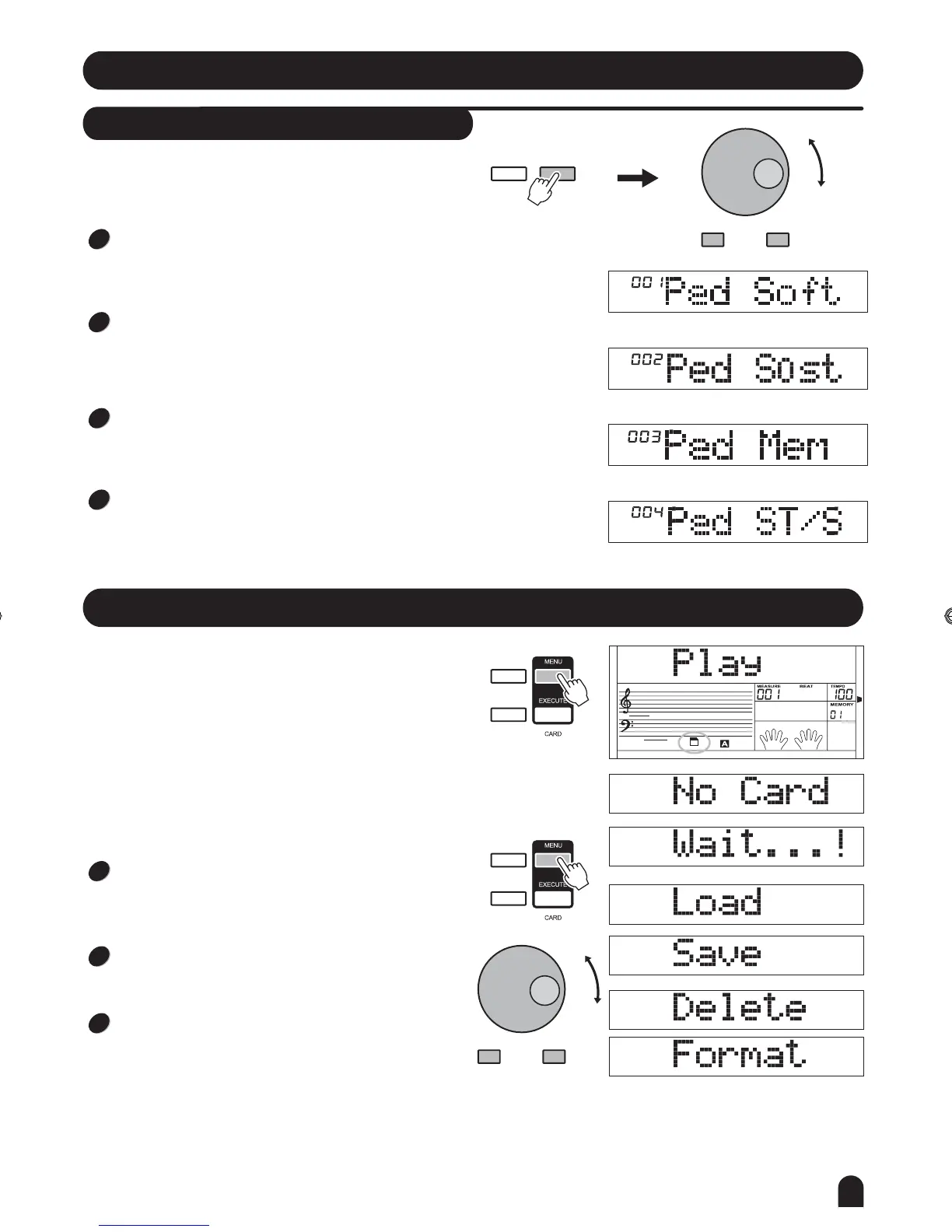
The keyboard can assign the pedal in function menu.
(See FUNCTION)
PEDAL SOFT
If pedal assign is set as pedal soft , it will activate the
soft effect when you step the pedal.
""
1
1
PEDAL START/STOP
If pedal assign is set as pedal ST/S , the pedal will have
the same function as [START/STOP] button.
""
4
PEDAL MEMORY SELECT
If pedal assign is set as pedal mem , it will load the next
memory parameter when you step the pedal.
""
3
3
PEDAL SOSTENUTO
If pedal assign is set as sostenuto he notes played before
you step on have a sustain effect. Release the pedal,
sostenuto effect is turned off .
" ", t
2
2
FUNCTION
NEXTBACK
SD Function
SPLIT
TOUCH
LESSON 1
card
- / NO + / YES
SD
SPLIT
TOUCH
SD
There is a standard SD external interface which supports
SD cards with capacity of 16M ~ 2G. It is compatible with
the FAT 16/32 file system format.
Press the [MENU] button to enter the SD CARD sub menu
which includes: PLAY, LOAD, SAVE、DELETE and FORMAT.
If there is no card, it will display "No Card",then you can
press [MENU] to exit. Otherwise, "Wait... !" will disappear
temporarily for 3 seconds then it will show "Play"on the
LCD.
You can also press any DIRECT SELECT BUTTON/
[VOICE] / [STYLE] / [SONG] / [DEMO] / [DUAL] /
[SPLIT] / [PIANO] to exit SD CARD menu.
In midi play mode,you can press mixer button then
press [+/YES] [-/NO] button to adjust the volume
to play.
,
In SD card mode, you could press [MENU]button
repeatedly to exit sd menu step by step,you also
could press and hold [MENU] button for 2 seconds
to exit directly.
DZB63B0DQXDOB*BSGIDZB63B0DQXDOB*BSGI



 To Next Page