105 Version 1.0
3.9.3 My Webcam
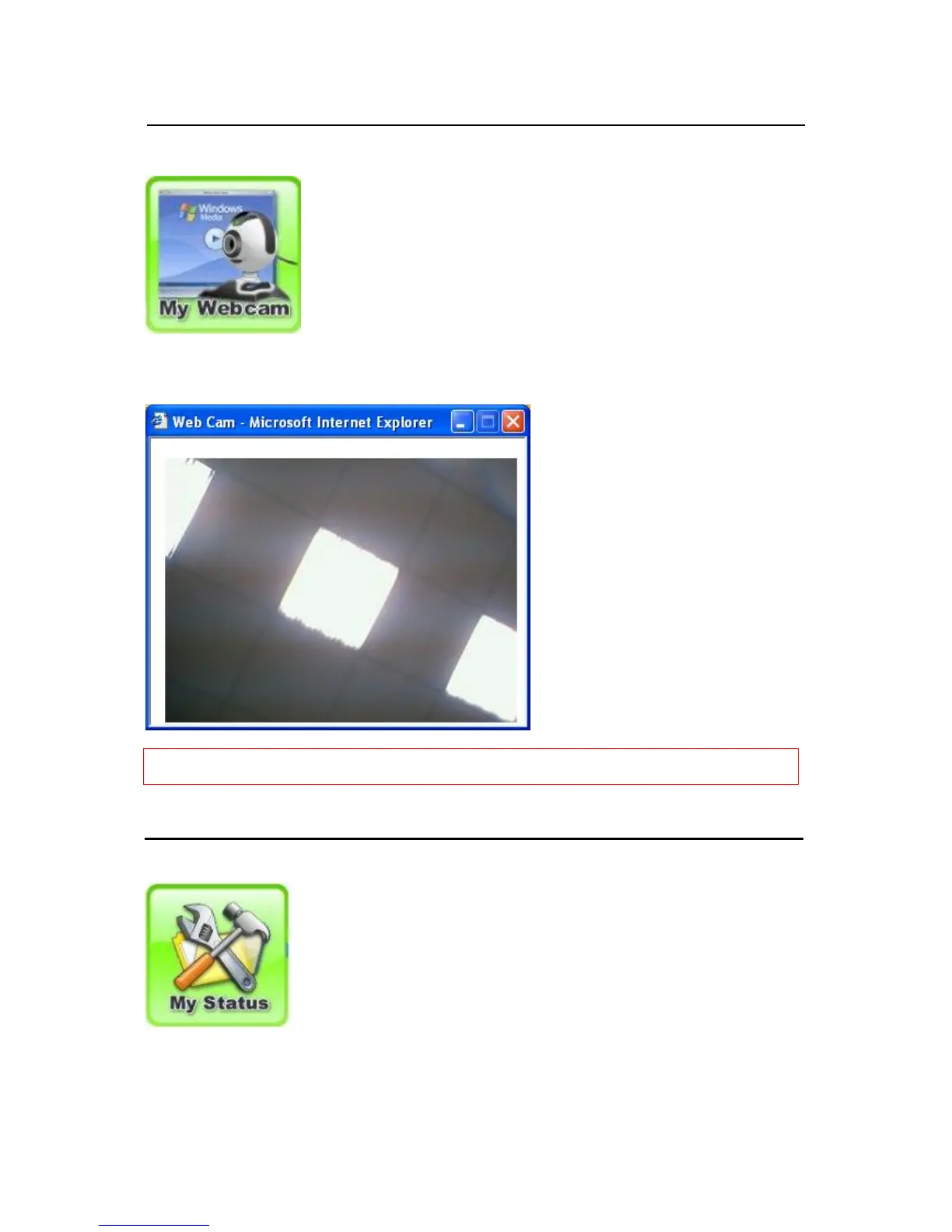
Click My Webcam, and the system pops up a new window to display real time image as the
example below shows.
Notice: If you can’t view the real-time image, the cause may be the setting of Internet Security and needs to be
adjusted, or to install the Java program.
3.9.4 My Status
Click Main Menu on the left to go back main control panel and other applications.



 To Next Page