193 Version 1.0
2. Remote Management: You can allow any Internet IP address to access the router, or
set up deny rule according to IP setting.
3. IP Address: Internet IP address of the computer that has access to the router.
4. Description: Enter the description for the remote configuration.
5. Add, Apply & Cancel
Click Add to add the remote list, and click Apply to activate, or Cancel to clear the
settings on this page.
6. Remote Management IP List
Display, edit or delete IDs, description and IP address of allowed remote list.
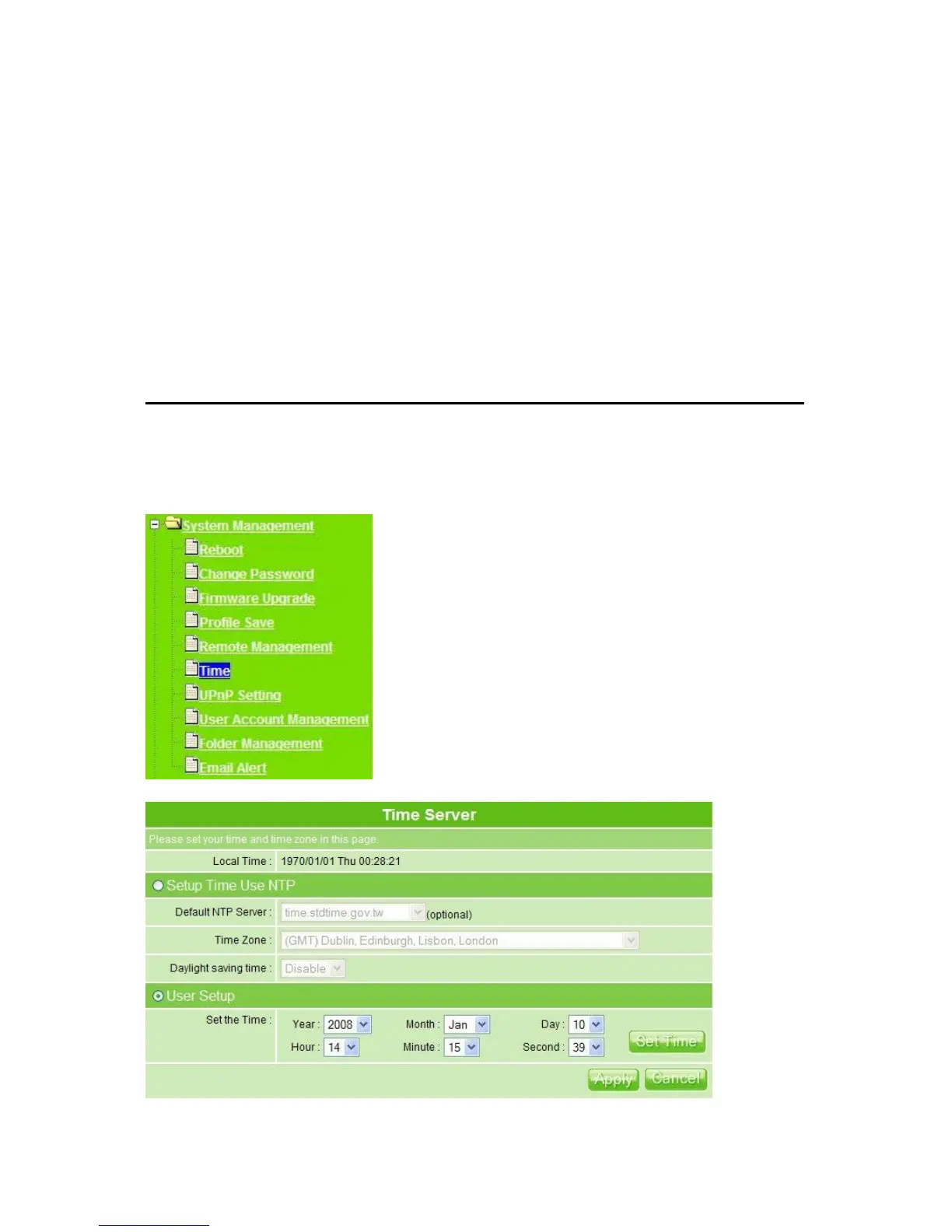
5.5.6 Time
The system automatically shows the local time and time on PC. You can set the time and
date manually so that it can be adjusted on router accordingly.



 To Next Page