159 Version 1.0
Chapter 5 Client Mode
5.1 Administrator Quick Setup
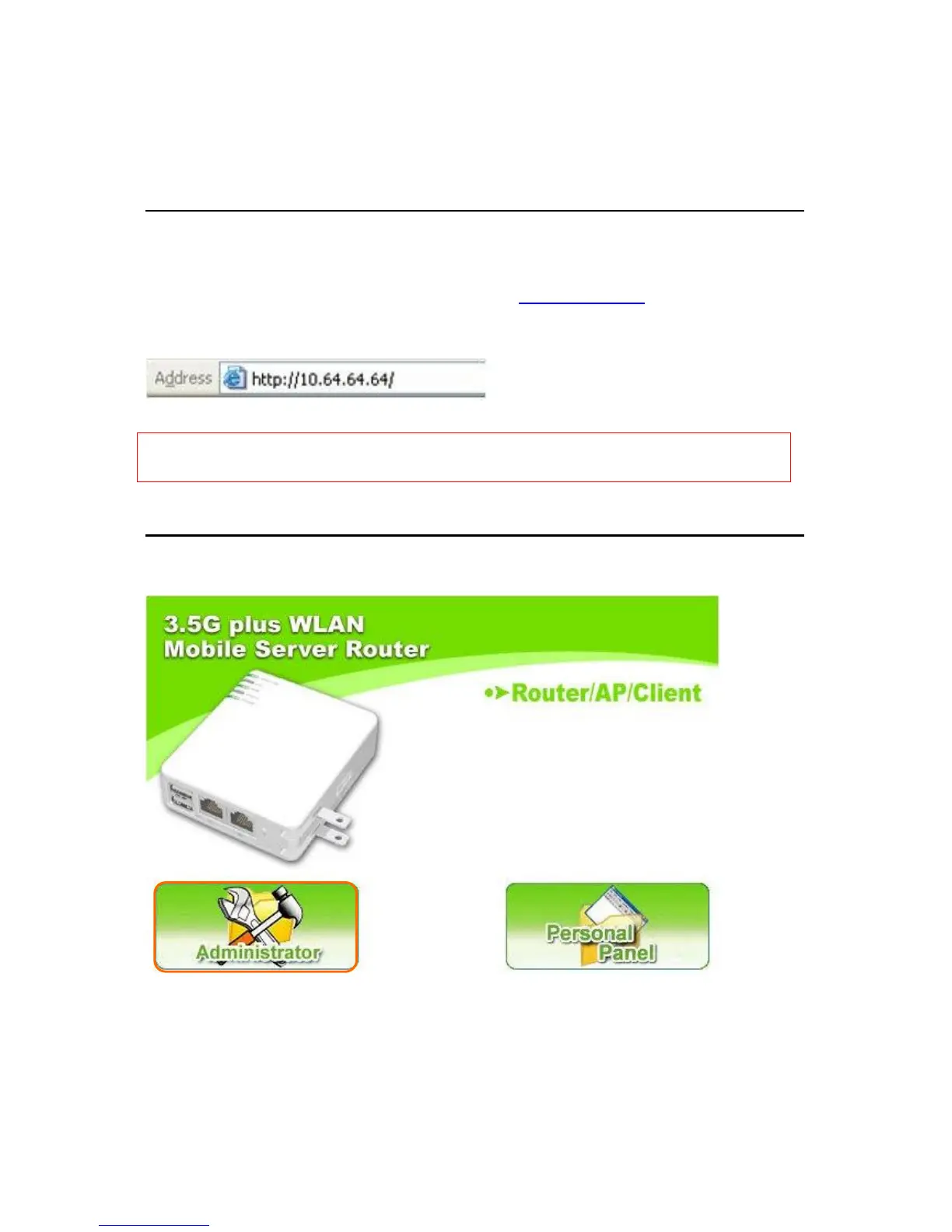
Make sure to switch the mode into Client Mode, then open a Microsoft Internet Explorer,
Mozilla Firefox or Apple Safari browser, and enter http://10.64.64.64 (Default Gateway)
into browser’s blank field.
Notice: If the homepage doesn’t appear, please check whether the TCP/IP configuration is obtaining IP
address automatically or not. If you don’t know how to do this, please refer to section 1.5 Get your
IP Automatically & Manually.
Homepage
Please click Administrator to log in setup menu.



 To Next Page