190 Version 1.0
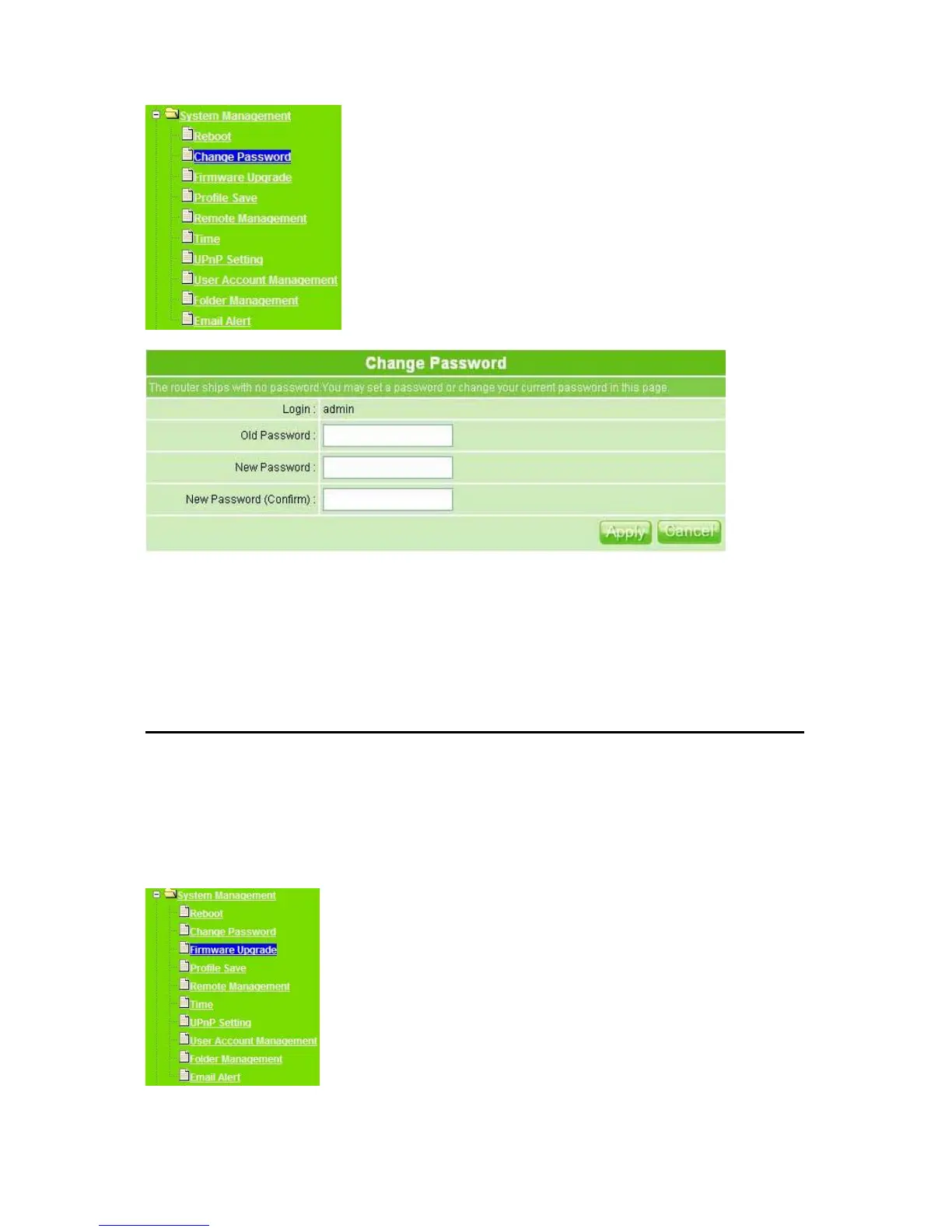
1. Old Password: Enter the original password you set.
2. New Password: Enter the new password you want to change.
3. New Password (Confirm): Enter the new password again for confirming.
4. Apply & Cancel
Click Apply to continue or Cancel to clear the settings on this page.
5.5.3 Firmware Upgrade
There is certain risk while upgrading firmware. Upgrading firmware is not recommended
unless the significant faulty is found. You can upgrade the firmware of MT4205 on this
page. Make sure the firmware you want to use is on the local hard drive of the computer.
Click Firmware Upgrade to proceed.



 To Next Page