161 Version 1.0
The above diagram shows all PCs and devices connected to your MT4205 and their
status. Click Quick Setup on the left of the main menu. Then you’ll see the full
functionality selection screen appears and detailed settings for each item, including
―Basic‖ and ―Application‖ two parts.
Note: The device models named of USB Device, Webcam and Printer will be shown under the picture of each
device if the product supports.
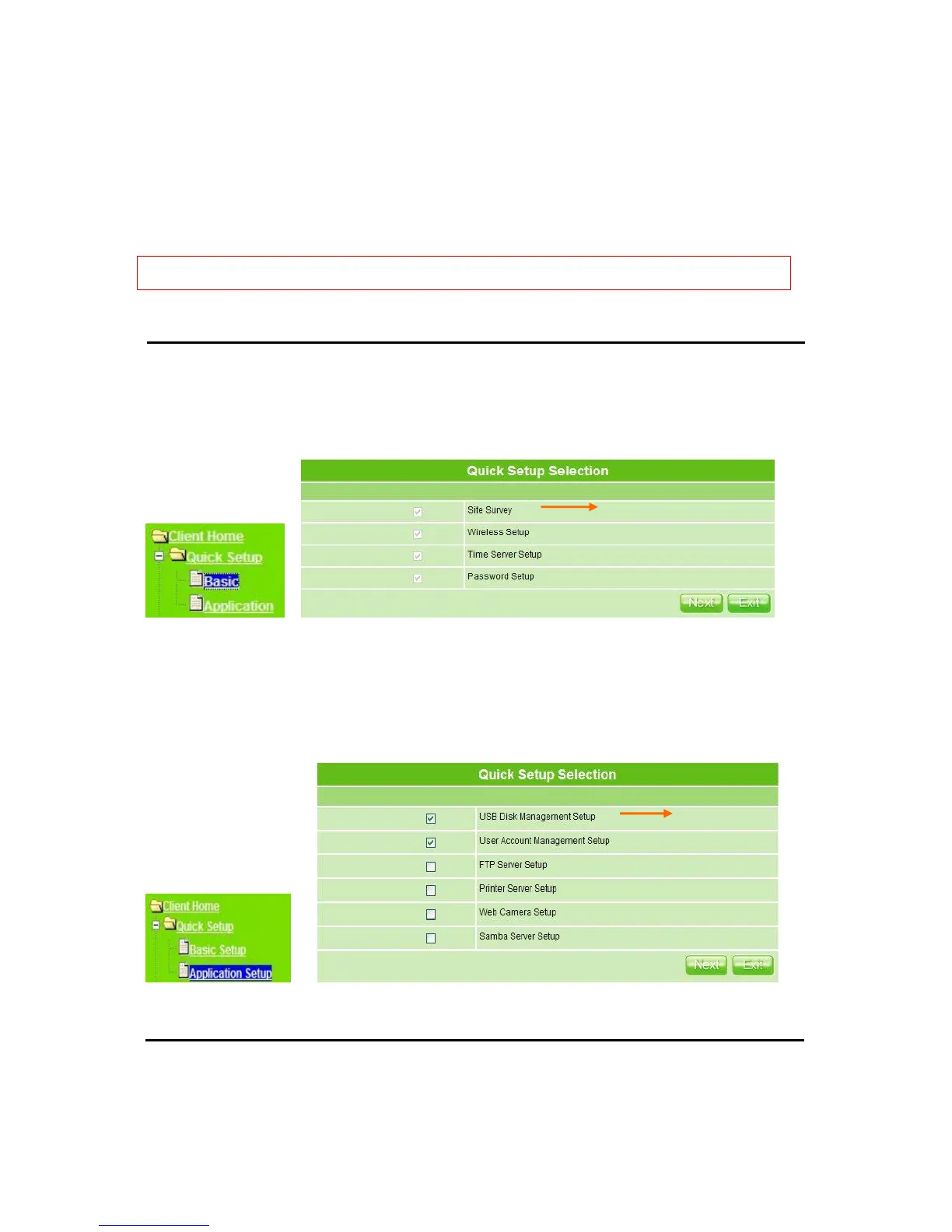
Quick Setup full function table list
Click Basic, you see 4 major items set in Quick Setup Selection. Please click Next
to continue.
Click Application, you see 6 major items set here, including USB Disk Management
Setup, User Account Management Setup, FTP Server Setup, Printer Server Setup, Web
Camera Setup and Samba Server Setup. For the checked ones are recommended, all
can be selected upon your demands.
5.2.1 Site Survey Setup
Search for available wireless APs to access Internet. Click Rescan to show the information.



 To Next Page