79 Version 1.0
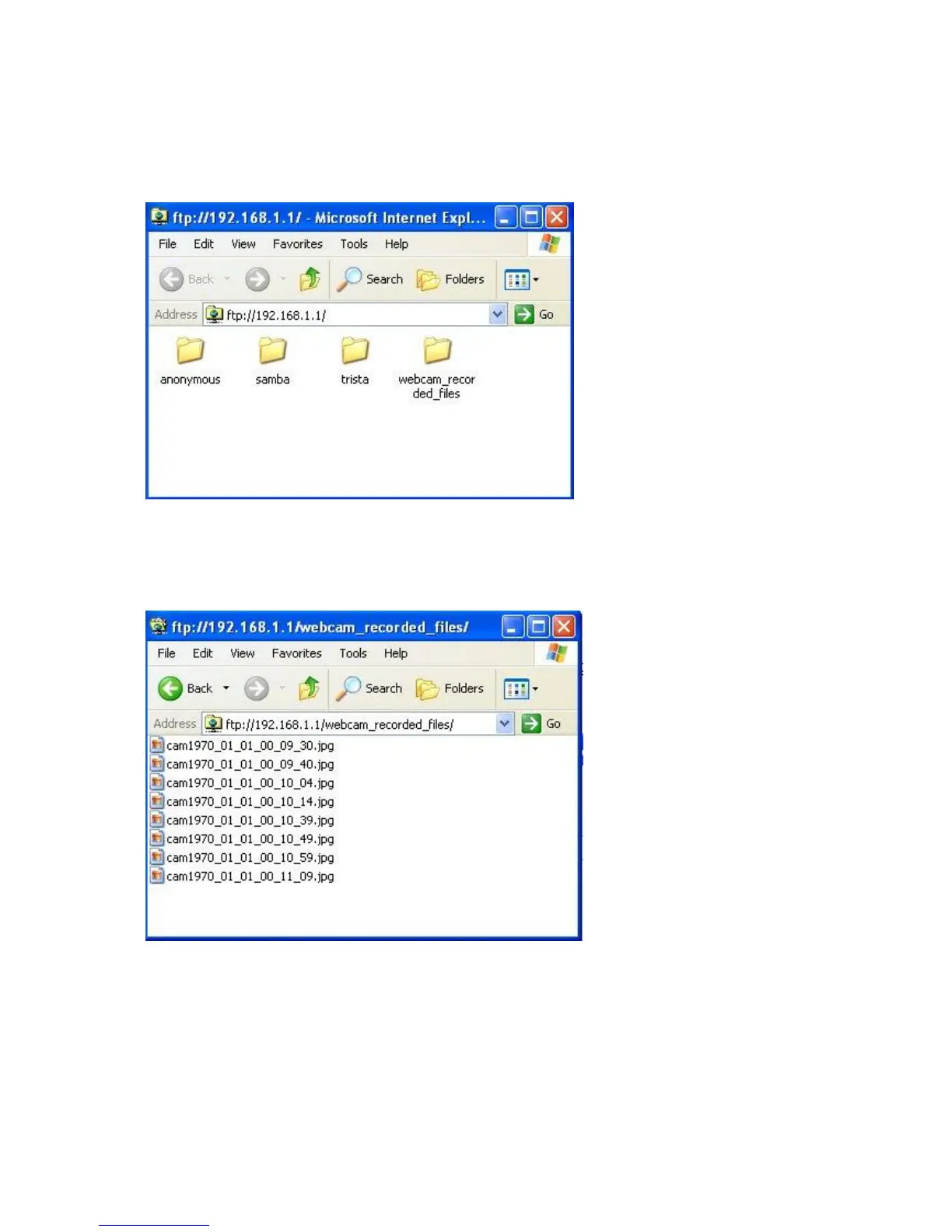
After click on Disk Explorer, you will see the folder screen appear including all the folders
inside MT4205. (Below is the example.)
For getting the images from web camera or any files inside router, you may copy the files
into your own HDDs directly. In addition, all image files are stored in
webcam_recorded_files folder, click to examine the content inside.
3.5.3.3.2.2 Personal Application
All the users under administrator’s setting can view entire webcam recording images from
My Document. Please log in with your own personal account. For viewing your own folder,
please click on “My Document”.



 To Next Page