99 Version 1.0
11. Refresh & Delete
Click on Refresh to renew the login data and other system status information, or click
on Delete to clear these logs.
3.7 Log & Status
MT4205 provides the log list, connection status and user’s account.
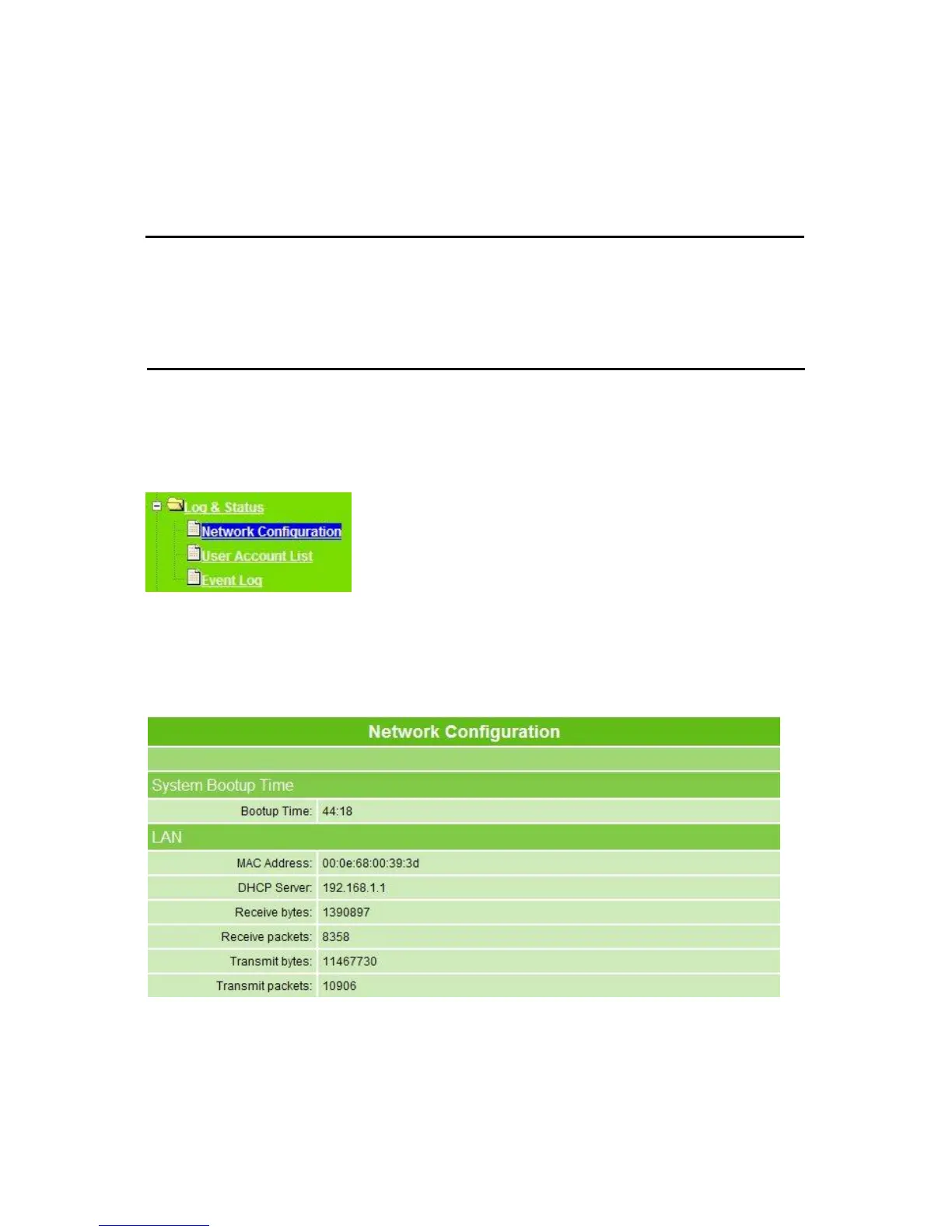
3.7.1 Network Configuration
Network Configuration shows all connection status of LAN, WAN, Wireless and plugged
USB devices.
Each block shows configuration status, you may click Refresh to update the screen list. If
WAN connection is in dynamic, click Release to free the used IP or Renew to get a new
one.



 To Next Page