90 Version 1.0
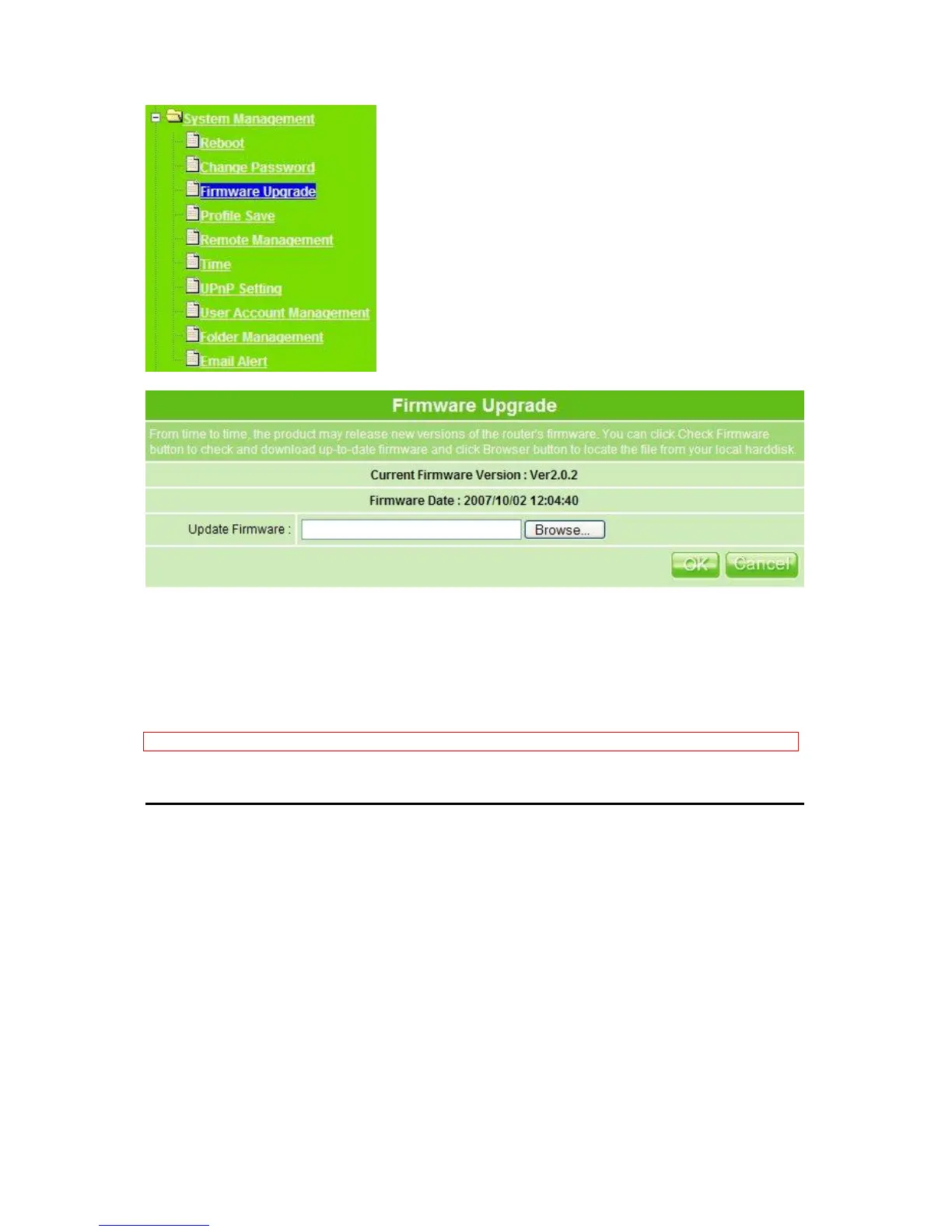
1. Update Firmware: Click on Browse… button to search your local hard drive and
locate the firmware to be used for update.
2. OK & Cancel
Click OK to confirm or click Cancel to clear the setting on this page.
Notice: Before using a whole new disk, please format it on your PC first, so that it can be formatted on MT4205.
3.6.4 Profile Sasve
To back up the current configuration setting or load the backup data, also you can restore
MT4205 to default setting by this function.



 To Next Page