75 Version 1.0
monitoring or recording of all images into the USB HDD for reviewing. Often marketed as
surveillance tools for home or office security; network Webcams are now being employed
by early adopters for more personal matters, such as watching kids and monitoring pets.
The Webcam can be remotely accessed and controlled via a browser. In addition, record
and monitor live actions with USB webcam; then view the image through Internet
browsers or WiFi mobile phones.
3.5.3.3.1.1 Web Camera Monitoring via WAN connection
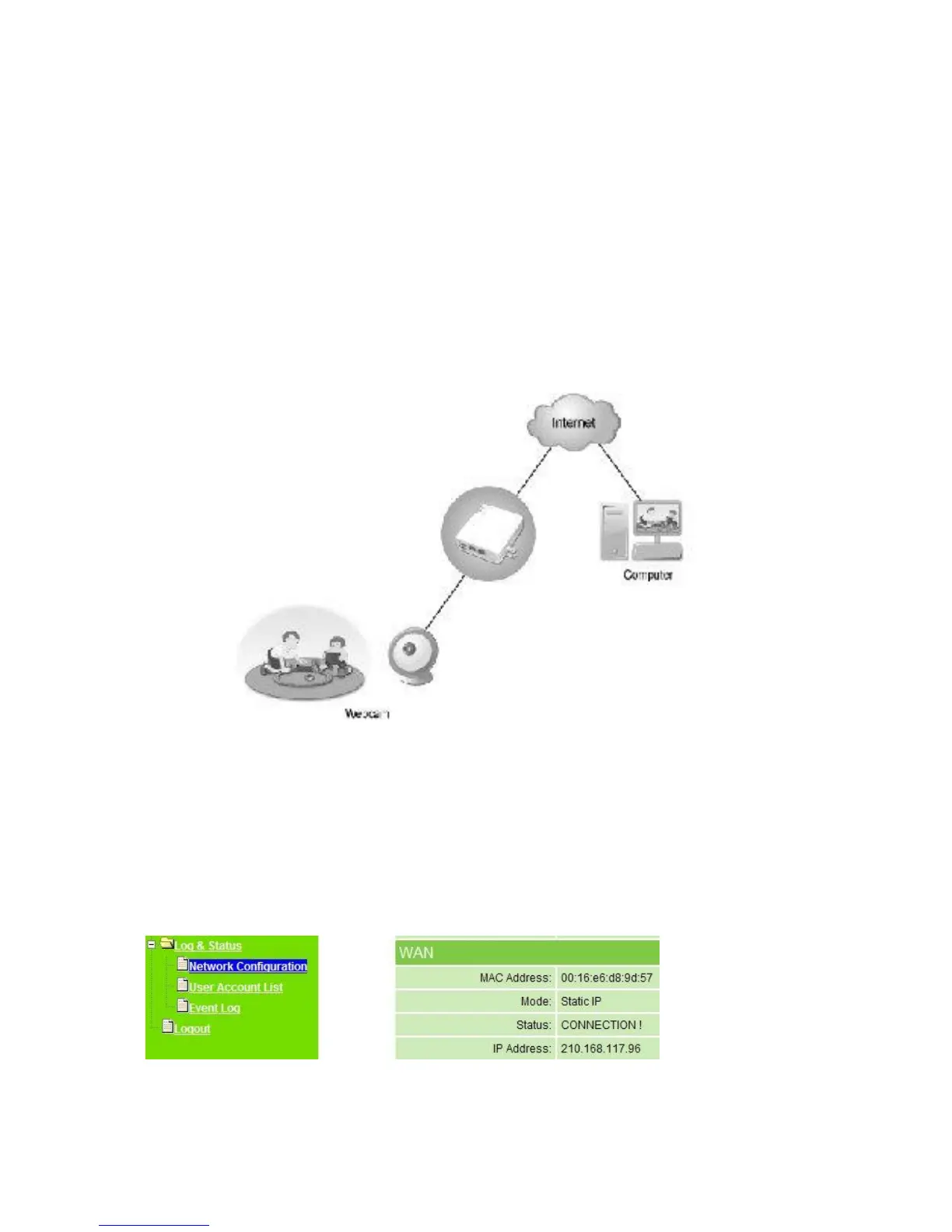
The illustration below is an example for watching the webcam image via WAN connection.
How to check your WAN IP address
To monitor the webcam image from outside, you need to know the WAN IP address.
Select Network Configuration under Log & Status on main Menu after connected, and
you will see the WAN IP Address used to connect to webcam monitor screen. Here uses
210.168.117.96 as an example.
Monitor the webcam image via WAN



 To Next Page