112 Version 1.0
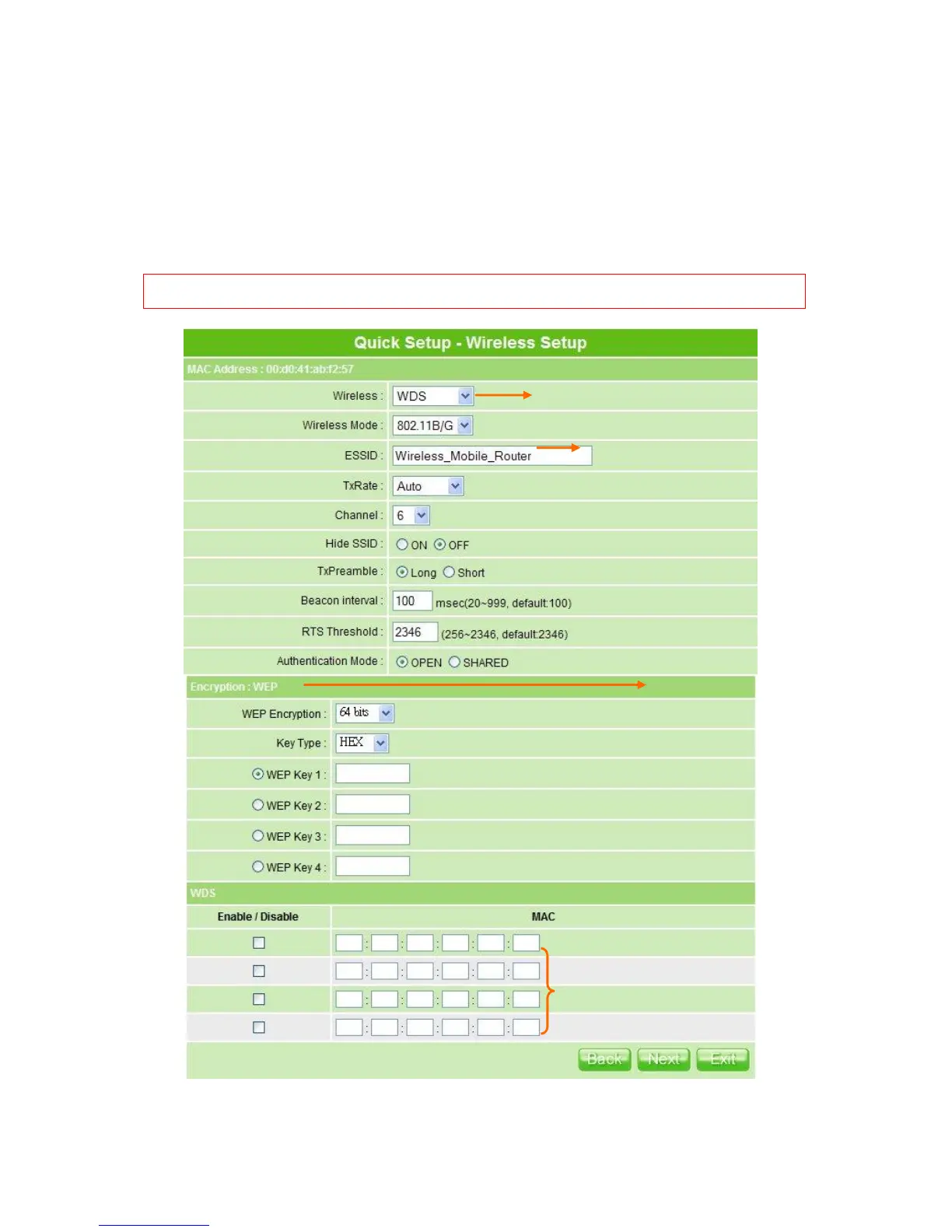
requests from unauthorized wireless clients. As the Encryption Type, select WEP or WPA
can protect your data from eavesdroppers, if you do not need the encryption, select
―None‖ to skip the following setting.
After checking each above and choose the suitable item by demand, click Next to
proceed.
Notice: If uses AP/Bridge to wirelessly connect to the router, here suggests disabling the DHCP in LAN Setup.
Please refer to 4.2.1 LAN Setup.
6 is the default channel. Both 2
APs must share the same channel.
(The wireless adapters will
automatically scan and match the
wireless setting.)



 To Next Page