131 Version 1.0
【Step 2】
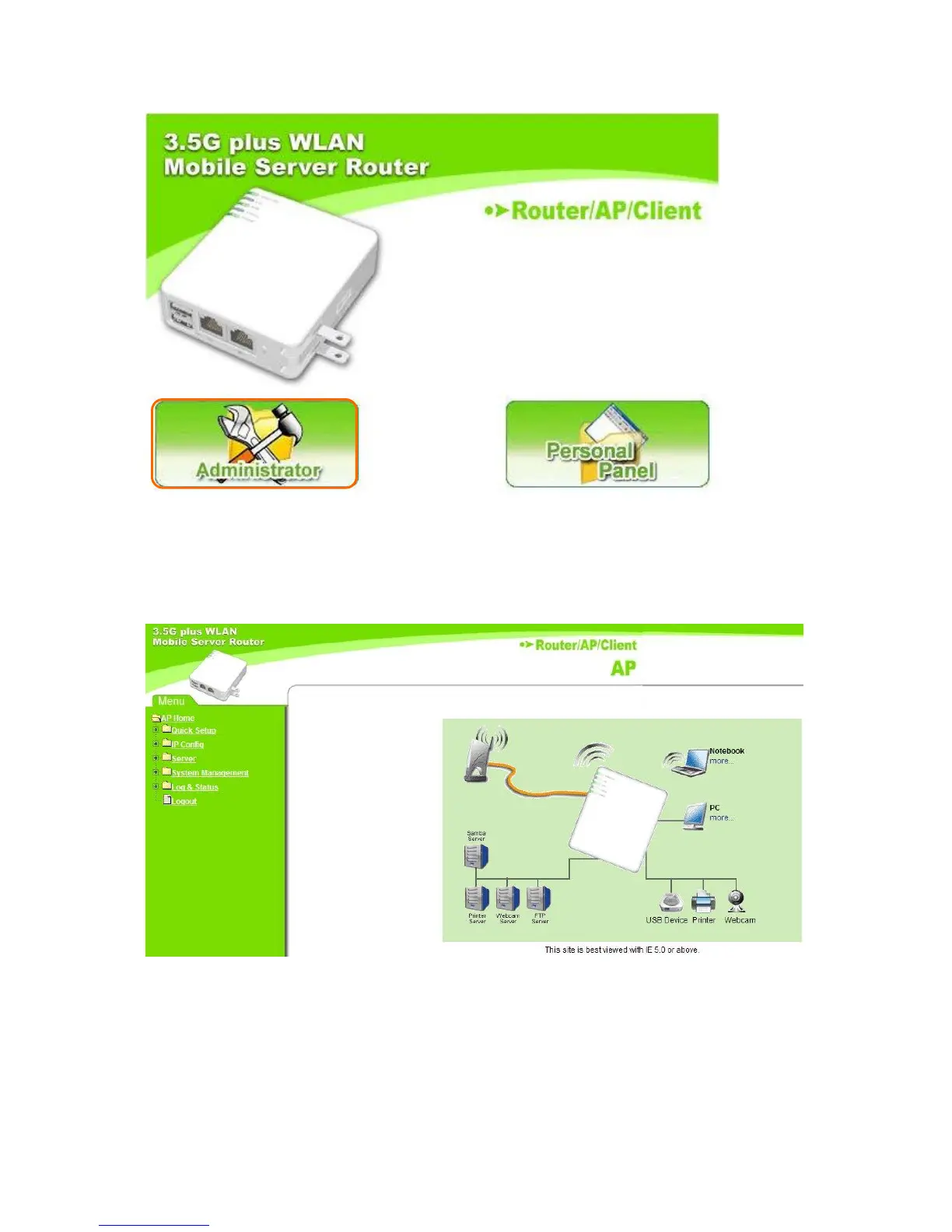
Enter the default value, admin, for both administrator’s name and password and log in the
product’s main menu page.
【Step 3】
Click LAN under IP Config folder on the left side menu. Then set IP Address in the same
subnet with upper-layer device, for example, 192.168.2.49; 192.168.2.1 for IP Gateway.
After that, disable DHCP function and click Apply to save the settings.



 To Next Page