150 Version 1.0
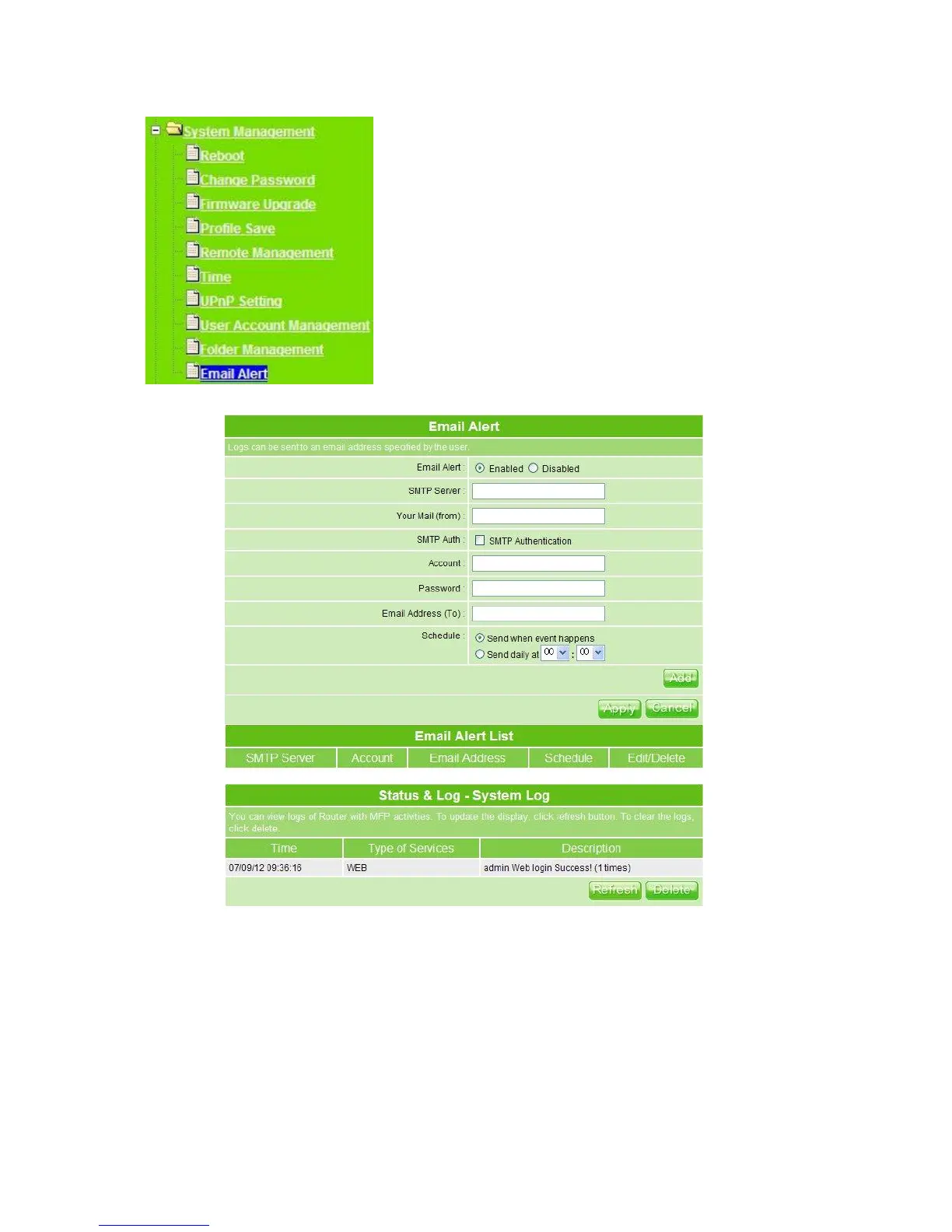
1. Email Alert: Check the enable box to activate the email alert service.
2. SMTP Server: Specify an IP address of the SMTP server which can send mails from
your MT4205 to the recipients’ mailboxes directly.
3. Your Mail (from): Enter the email address indicated the sending location.
4. SMTP Auth: If the email alert needs to be sent via SMTP authentication, please check
this item, and then enter the required account and password.
5. Account: Enter the email account from which you want to send the alert.
6. Password: Enter the email account password to validate.



 To Next Page