177 Version 1.0
Follow instructions below to set up WAN IP address.
【Step 1】
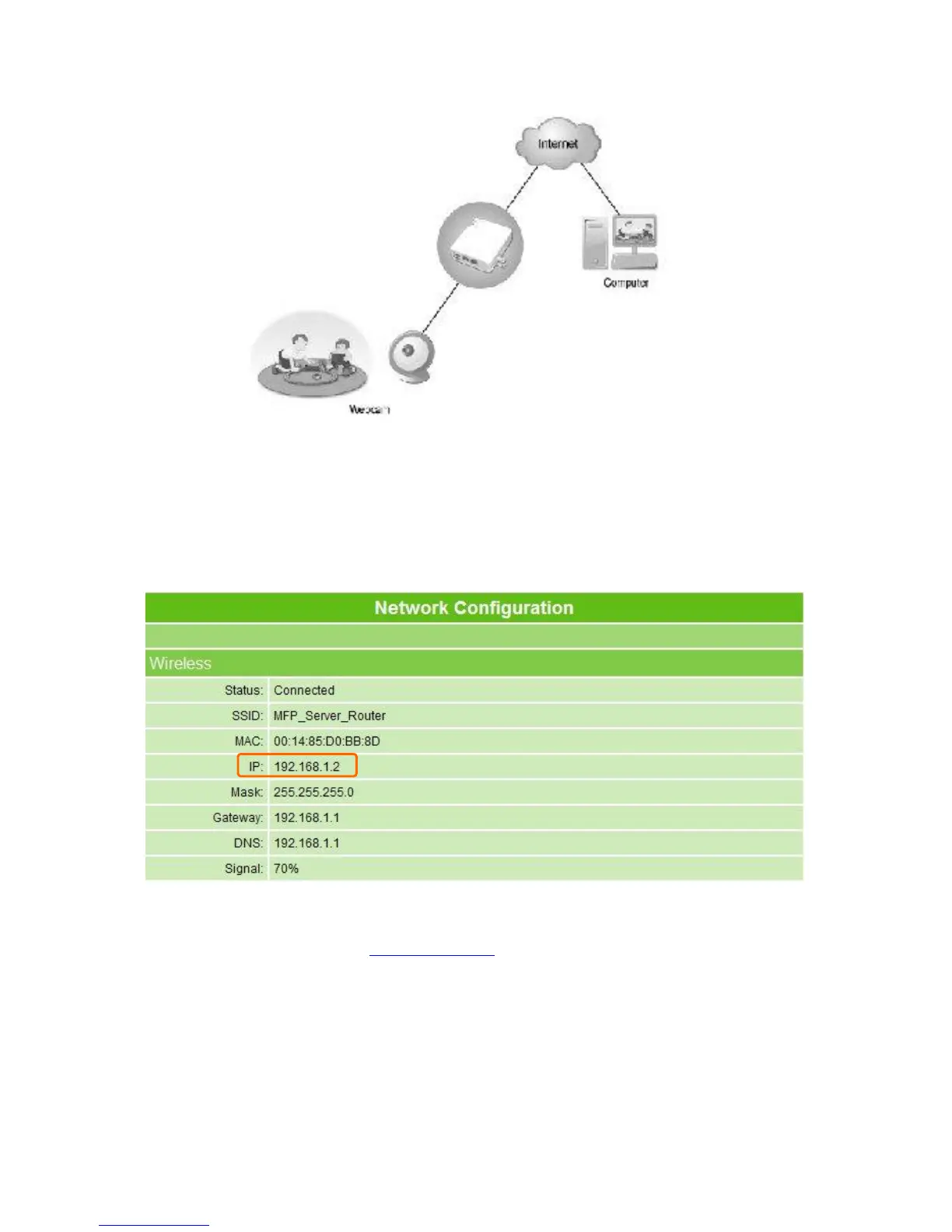
Click Network Configuration under the directory of Log & Status to check the selected
wireless IP address, for example, 192.168.1.2 as below.
【Step 2】
Open web browser and fill http://192.168.1.1 into address field. The homepage of
connected router with MT4205 shows up. Click Network Configuration under the directory
of Log & Status to check its IP address, such as the example below.



 To Next Page