70 Version 1.0
【Step 2】
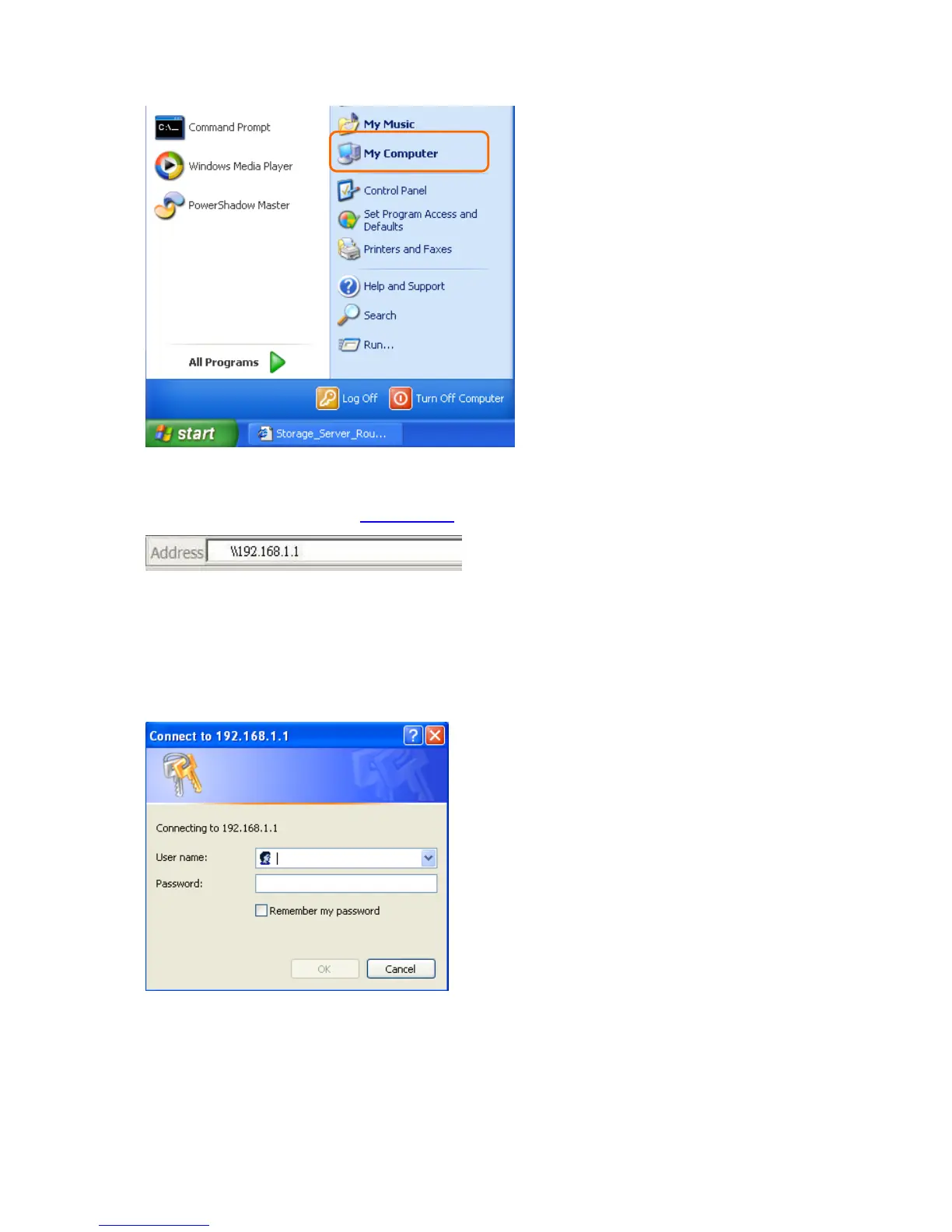
Fill in blank address field with \\192.168.1.1.
【Step 3】
A window pops up asking for user name and password. If log in as an administrator,
please enter admin for both fields; otherwise, fill in with personal account and password.
Click OK after finished.
【Step 4】
As the window below appears, login user has entered file sharing directory, and the
folders underneath are all available for sharing locally.



 To Next Page