87 Version 1.0
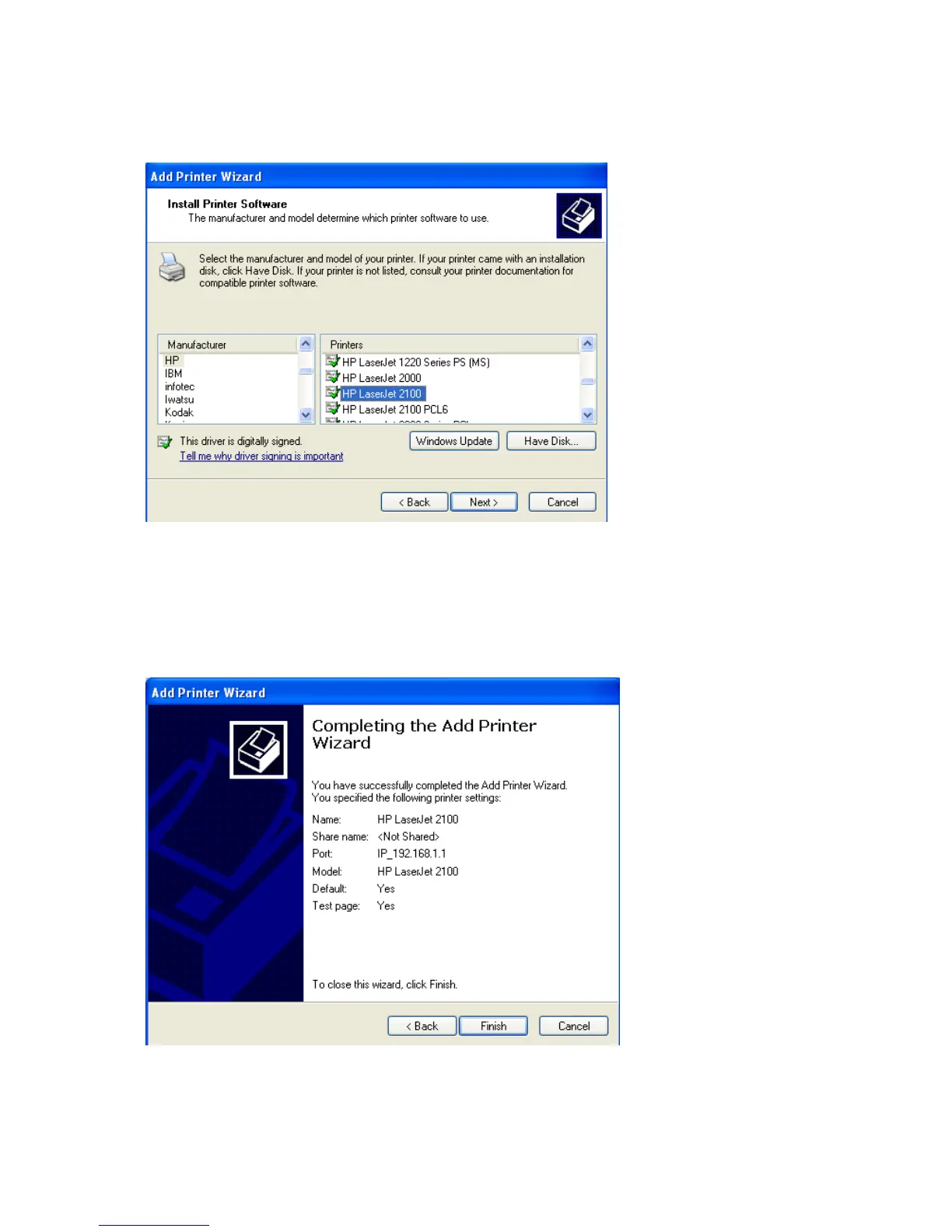
insert its driver CD and then click on Have Disk… button for installation. Or click on Next
button to finish the setting.
You can name your printer, set it as default printer and share your printer as the next
screen shown, the Printer Server setting is getting completed.
【Step 12】
It shows you the printer settings that you have specified, and then click Finish.



 To Next Page