95 Version 1.0
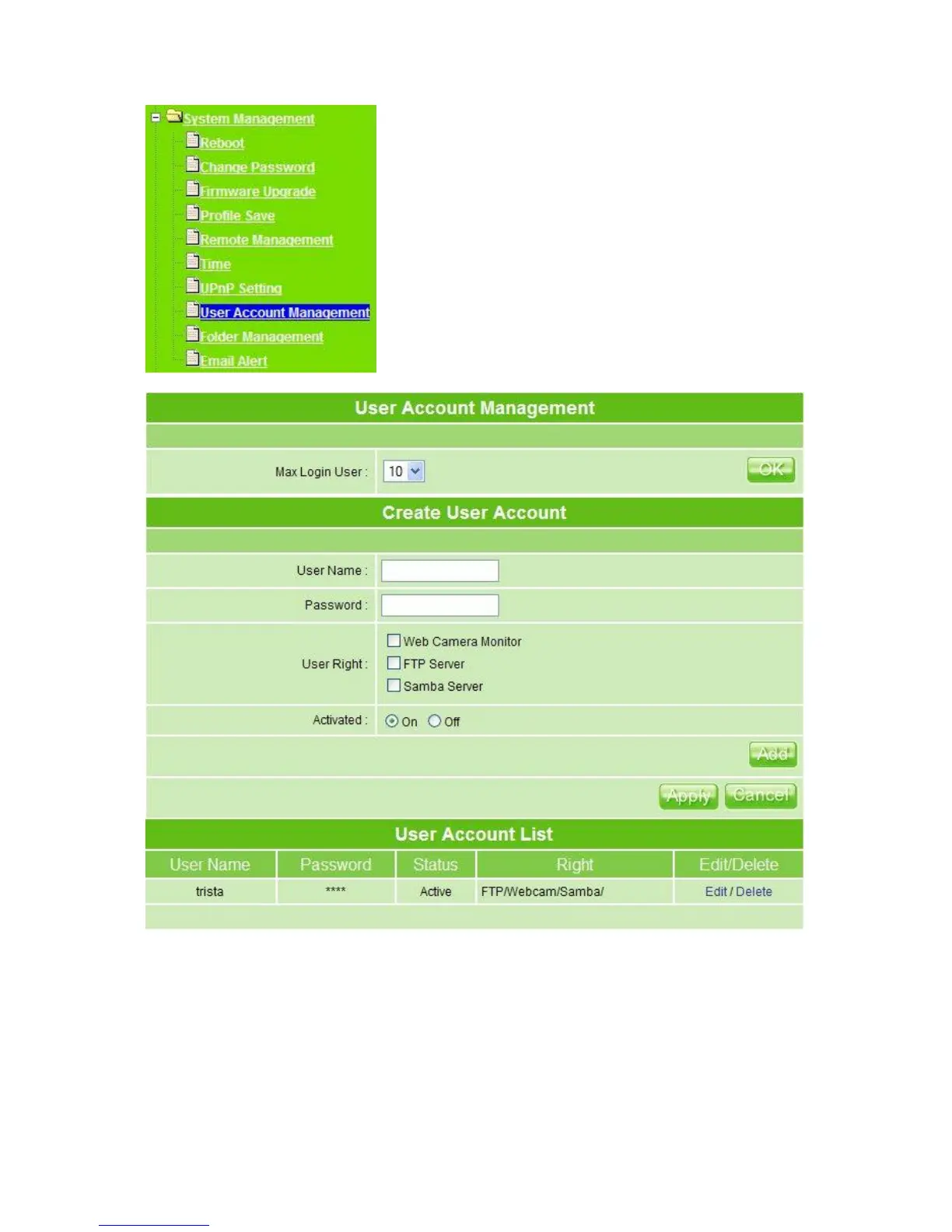
1. Max Login User: Set up the maximum users to log in at the same time, select the
number from drop-down list. If you want to change the maximum login users only
without changing user’s information, please click on OK button after select login user’s
number.
2. User Name: Create the user name in this blank.
3. Password: Set up the user’s password.



 To Next Page