Mega 105WR Router - Manual
Page 14 of 82
Chapter 4 - Setting Up the Telkom Mega 105WR
This section will guide you through your Mega 105WR router’s configuration. The Mega
105WR router is shipped with the PPP configuration that is required to connect to Telkom ISP’s
network.
NOTE: The quickest way to configure your Mega 105WR when using a PC
running one of the Windows operating systems (OS), is described in the
printed Quick Start Guide (for other OSs’, use the Easy Start Guide on
the CD in PDF form) and it is suggested that these processes are followed
before attempting to make any connection. It is however possible for
advanced users to make use of the information given below to configure
your router, without having to use the utility.
4.1 Logging into your Mega 105WR
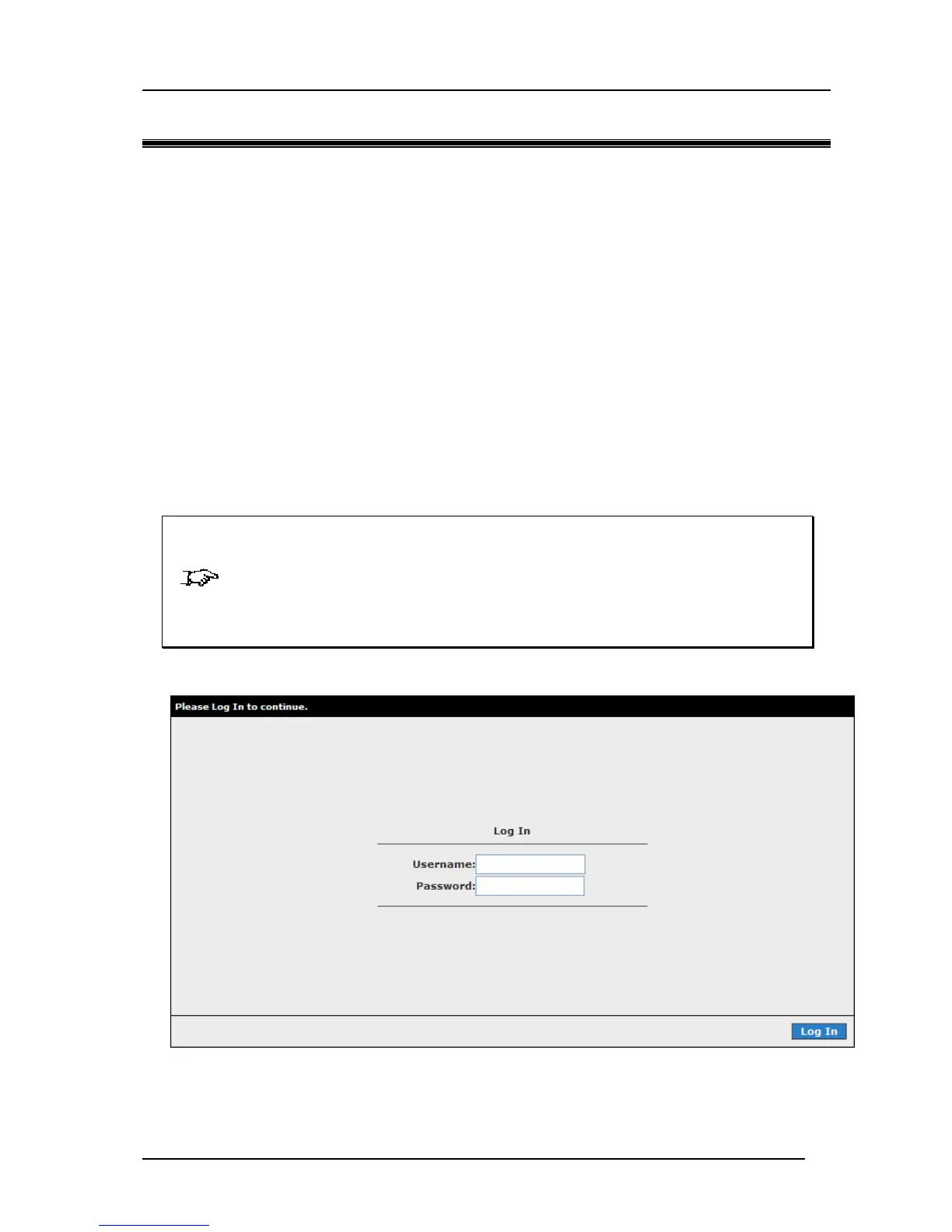
To configure your router, open your web browser. You may get an error message at this point;
this is normal. Type the router’s default IP address (10.0.0.2) on the web address bar.
NOTE:Before continuing, you should have your computer’s network card configured for
DHCP mode and have proxies disabled on your browser. Upon accessing the
Mega 105WR, if the browser still displays a login redirection screen, you should
check your browser's setting and ensure that the JavaScript support is enabled. If
the screen shown in Figure 4-1 is not attainable, you must delete your temporary
Internet files to clear the web cache.
Figure 4-1: login screen



 To Next Page