Mega 105WR Router - Manual
Page 53 of 82
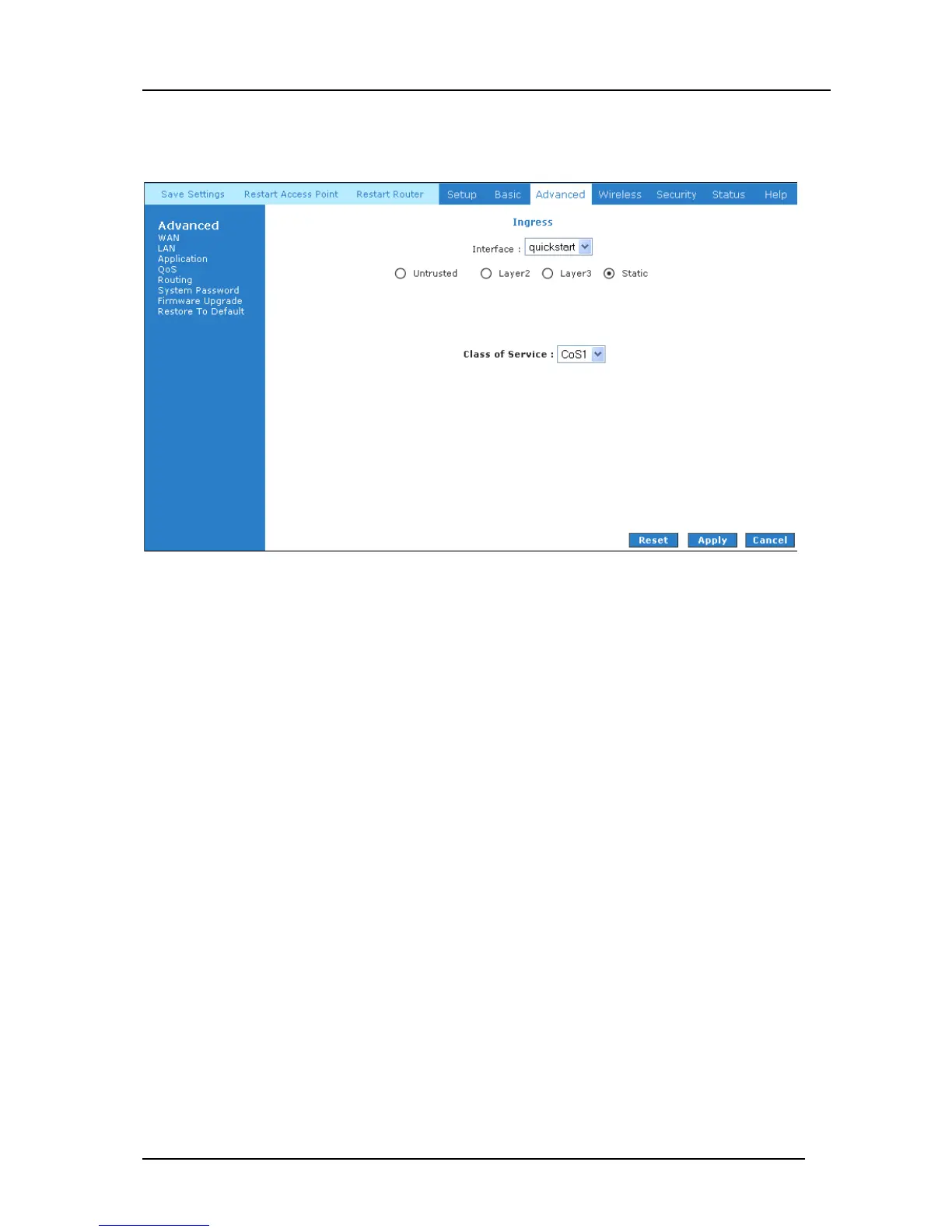
Ingress Static Configuration
The Ingress - Static page enables you to configure a static CoS for all packets received on a
WAN or LAN interface.
Figure 4-43: Ingress Static Configuration
To configure, use the following procedure to configure Ingress static QoS settings.
Ingress Static Configuration
1. At the Interface drop-down box, select USB.
You are configuring QoS on this interface only. Any WAN/LAN interface that is not
configured, defaults to the Untrusted mode.
2. Select CoS1 in Class of Service.
All incoming traffic from the USB interface receives CoS1, the highest priority.
3. Click Apply to temporarily activate the settings.
Note—the changes take effect when you click Apply; however, if the router configuration
is not saved, these changes will be lost upon reboot.



 To Next Page