Mega 105WR Router - Manual
Page 63 of 82
4.5.30 Routing Table
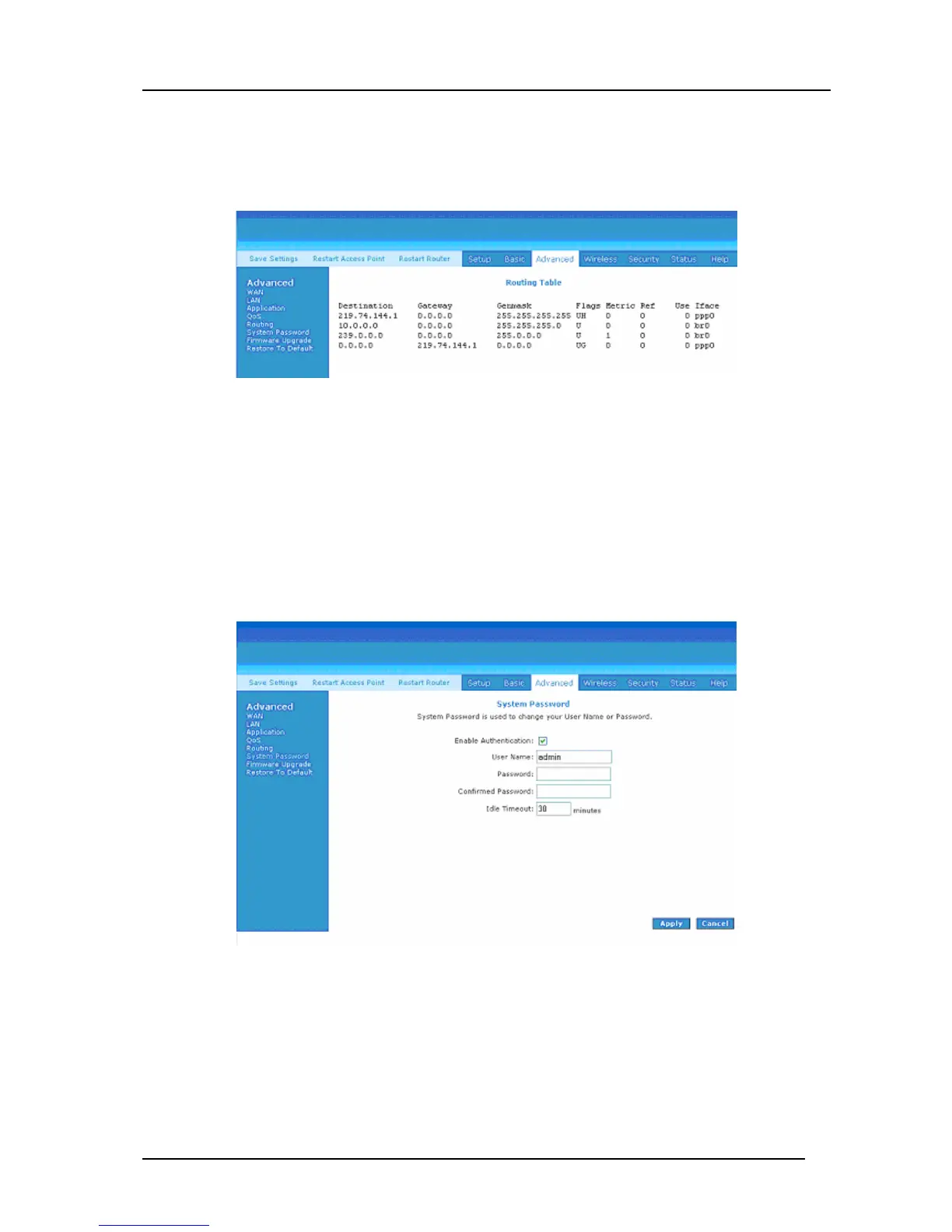
The Routing Table shows the information used by routers when making packet forwarding
decisions. Packets are routed according to the packet's destination IP address. See Figure
4-51.
Figure 4-51: Routing Table
4.5.31 System Password
You can change your Mega 105WR’s username and password by clicking on System
Password. You can also change the idle timeout. You will need to log back onto the router
once the timeout expires. If you forget your password, you can press and hold the reset
button for 10 seconds (or more) to reset to factory default settings. The Mega 105WR will
reset to its factory default configuration and all custom configurations (including ADSL
user name and password) will be lost. See Figure 4-52.
Figure 4-52: System Password



 To Next Page