Mega 105WR Router - Manual
Page 75 of 82
If you wish to remove a word from the list, click on that word, and click on Remove. Remember
to click on Apply once you have made changes.
4.8 Status
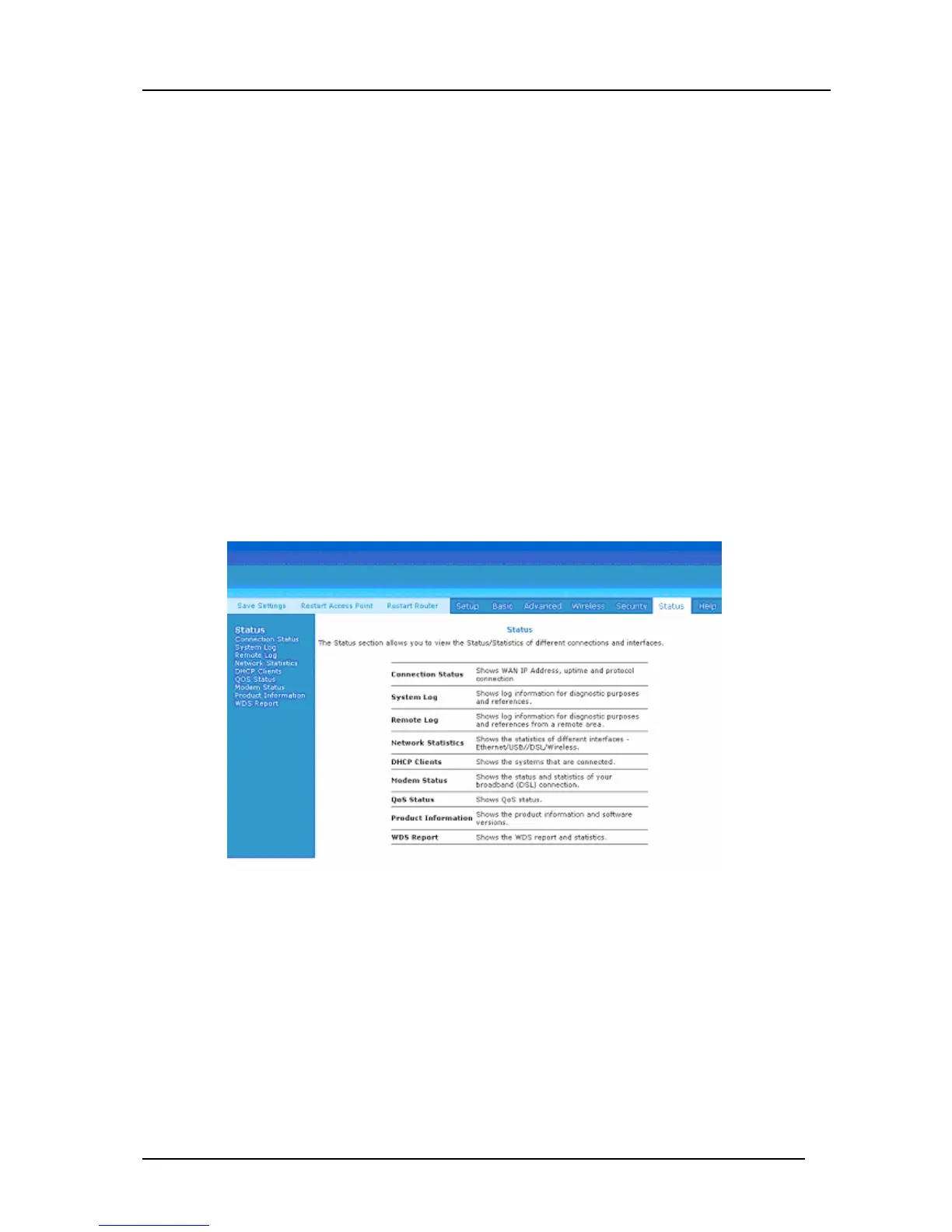
This status section (Figure 4-68) allows users to view the following connections and interfaces:
• Connection Status
• System Log
• Remote Log
• Network Statistics
• DHCP Clients
• Modem Status
• Qos Status
• Product Information
• WDS Report
Figure 4-68: Status
4.8.1 Connection Status
Connection Status will display all the relevant information regarding your Internet
Connection. It will display the type of protocol used, the WAN IP address, the connection
state and the duration connected. See Figure 4-69.



 To Next Page