Mega 105WR Router - Manual
Page 26 of 82
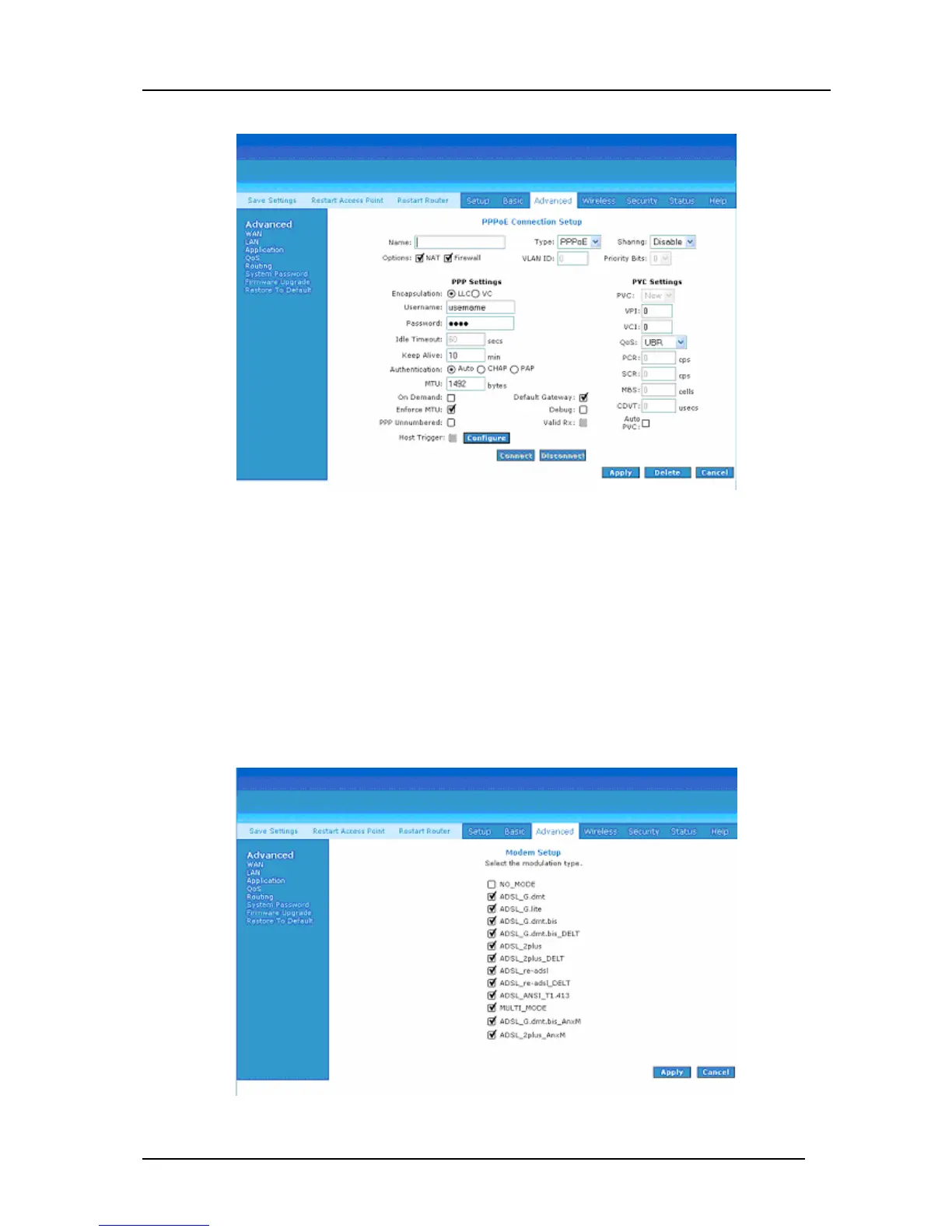
Figure 4-16: New Connection (PPPoE Connection Setup)
4.5.3 ADSL Modulation
To configure the DSL modulation type, Click WAN, ADSL Modulation. This will bring
up the modem setup screen (Figure 4-17). Tick the modes that you would like the
modem to be able to use. You are able to specify a particular type of modulation (Should
your ISP support only one particular type) by selecting only 1 option or you can select
many options and let the router detect which to use. In most cases, this screen should not
be modified.
Figure 4-17: ADSL Modulation (Modem Setup)



 To Next Page