Mega 105WR Router - Manual
Page 29 of 82
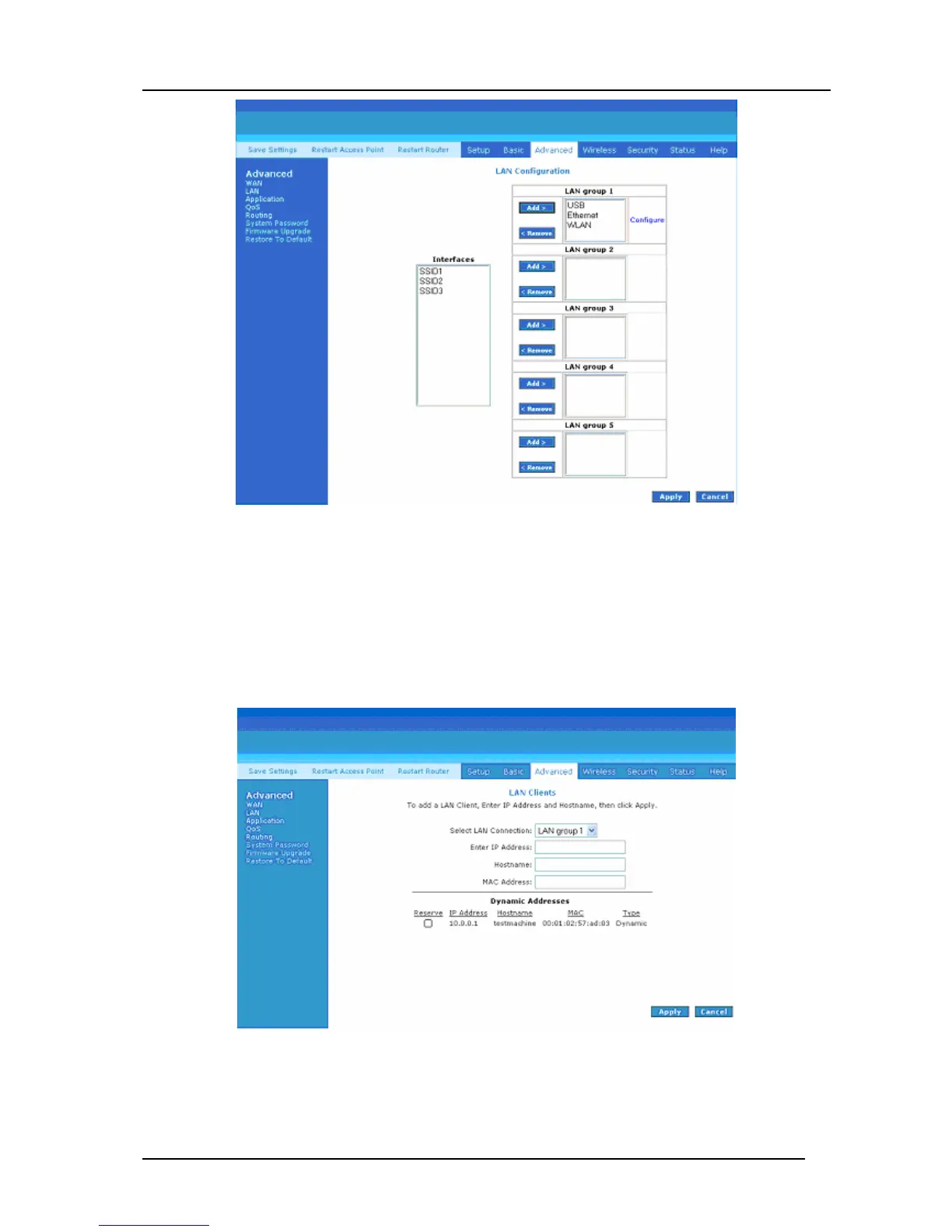
Figure 4-19: LAN Configuration
4.5.6 LAN Clients
To add a LAN client, select LAN clients option under LAN. If DHCP was enabled in the
configuration, all DHCP clients are automatically assigned with IP address. If a fixed IP
address server is on the LAN and you want this server to be visible via the WAN, you must
add its IP address. Once the IP address has been added, you can apply Port Forwarding and
Access Control rules to this IP address.
Figure 4-20: LAN Clients



 To Next Page