Mega 105WR Router - Manual
Page 48 of 82
4.5.25 Ingress
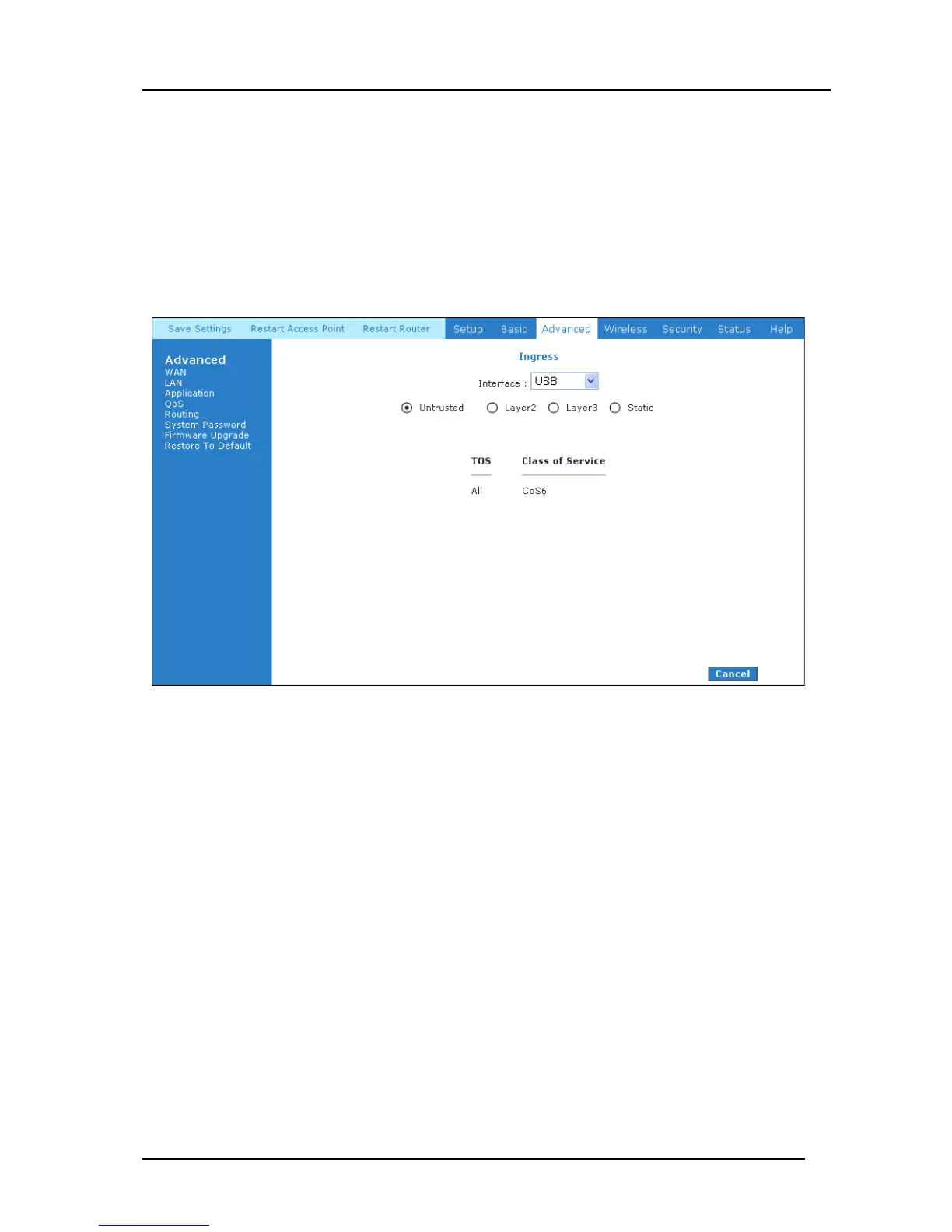
The Ingress page (Figure 4-40) enables you to configure QoS for packets as soon as they come
into the router. This page is accessed by selecting Ingress on the Advanced main page under
QoS. The domain mappings are converted to CoS (the common language) so that the priority
marking is carried over. There are four modes that are discussed below:
Ingress Untrusted Mode
Untrusted is the default Ingress page setting for all interfaces. In this mode, no domain mapping
is honoured in the router. All packets are treated as CoS6 (best effort) as shown in Figure 4-40.
Figure 4-40: Ingress Untrusted Mode



 To Next Page