Mega 105WR Router - Manual
Page 74 of 82
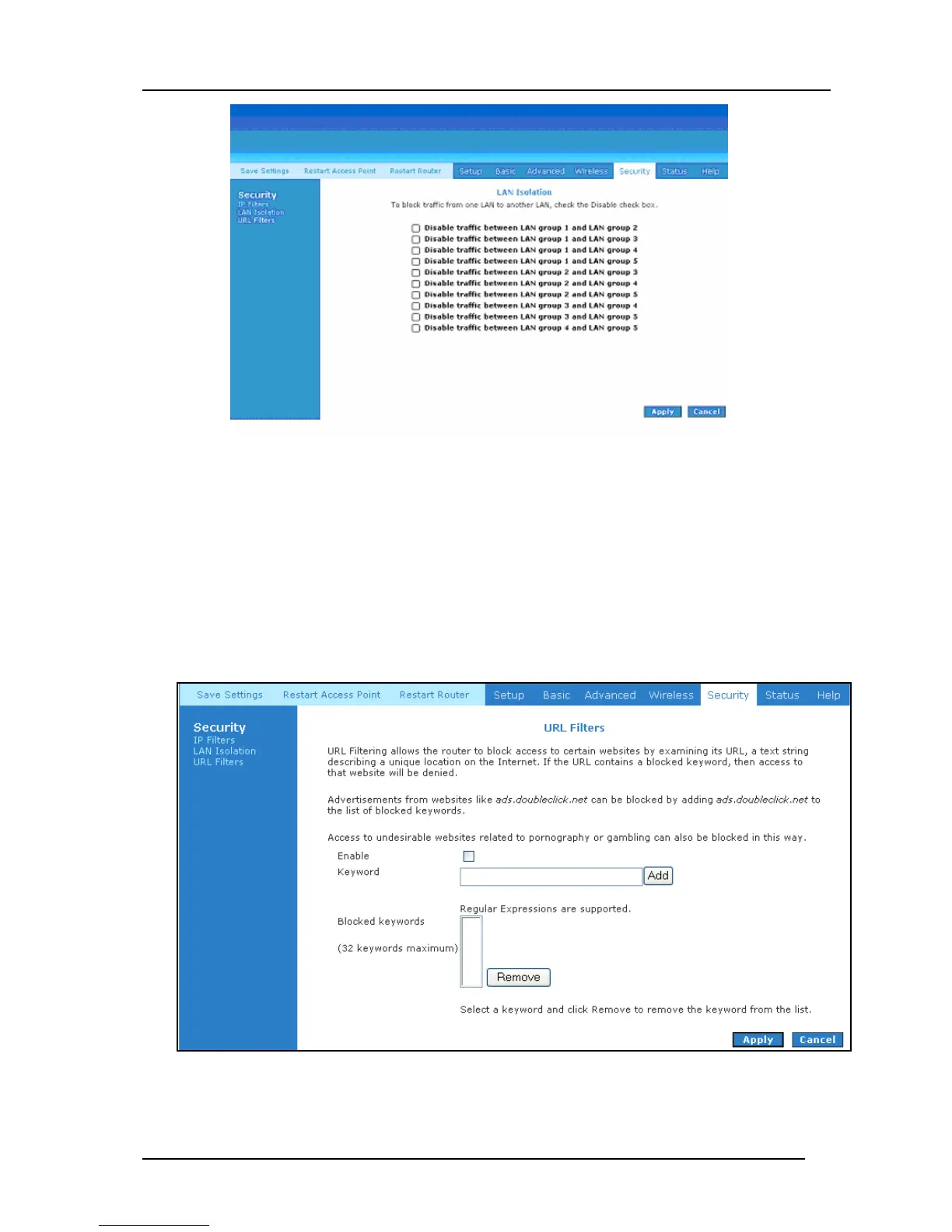
Figure 4-66: LAN Isolation
4.7.3 URL Filters
This feature allows the router to block access to certain websites by examining its URL (a text
string describing a unique location on the Internet). If the URL contains a blocked keyword, then
access to that website will be denied. On the page shown in Figure 4-67, select Enable, type a
word that you wish to ban in the Keyword field, and click Add.
Figure 4-67: URL Filters



 To Next Page