Design and construction subject to change without prior notice!
MEIKO Maschinenbau GmbH & Co. KG, Englerstraße 3, D-77652 Offenburg, Tel.: +49 (0)781/203-0, Fax: +49 (0)781/203-1174
10.6 Special functions: queuing function
The queuing function is turned on at quiet times for the pot wash.
When the queuing function is turned on, it is not necessary for a person to stand by the
tableware clearing section and continuously clear tableware.
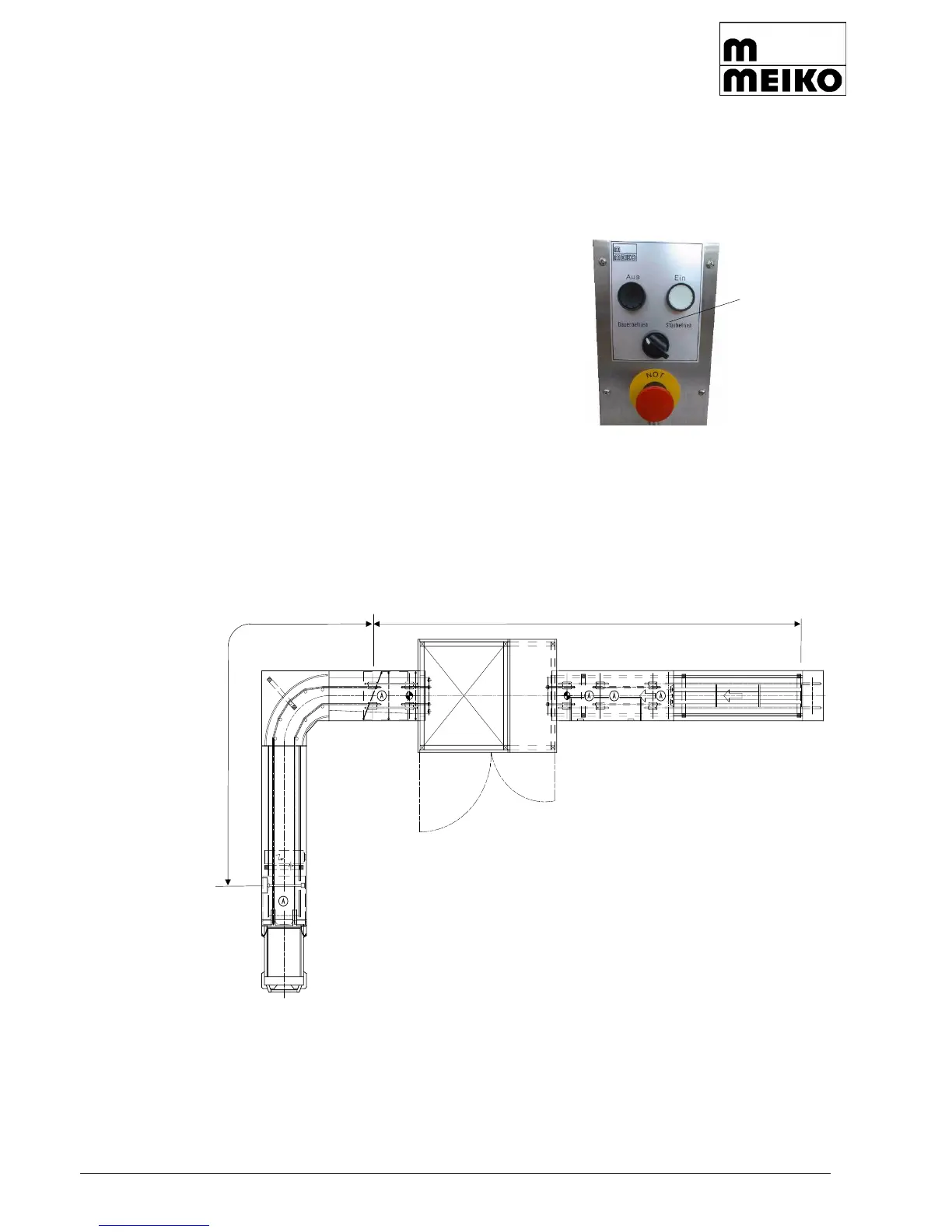
The queuing function is turned on by pressing the
toggle switch next to the on and off switches on
the control panel.
Turn toggle switch for queue operation.
The first section of the conveyor Section I (tray in-
feed station) remains in operation.
The trays are conveyed as far as the queuing func-
tion-light barrier/light key at the end of section I.
When a tray activates the light barrier/light switch, the next conveying system, section II,
switches on. If the tray has passed through the light barrier/light switch, the section II con-
veying system stops. This creates a row of trays at narrow intervals.
If the first tray in the queue section activates the height limiting light barrier at the end of
the conveying system, the whole installation shuts down and a horn signal sounds. This
signal can be turned off by switching the queuing function to continuous operation.



 To Next Page