10 Settings
47
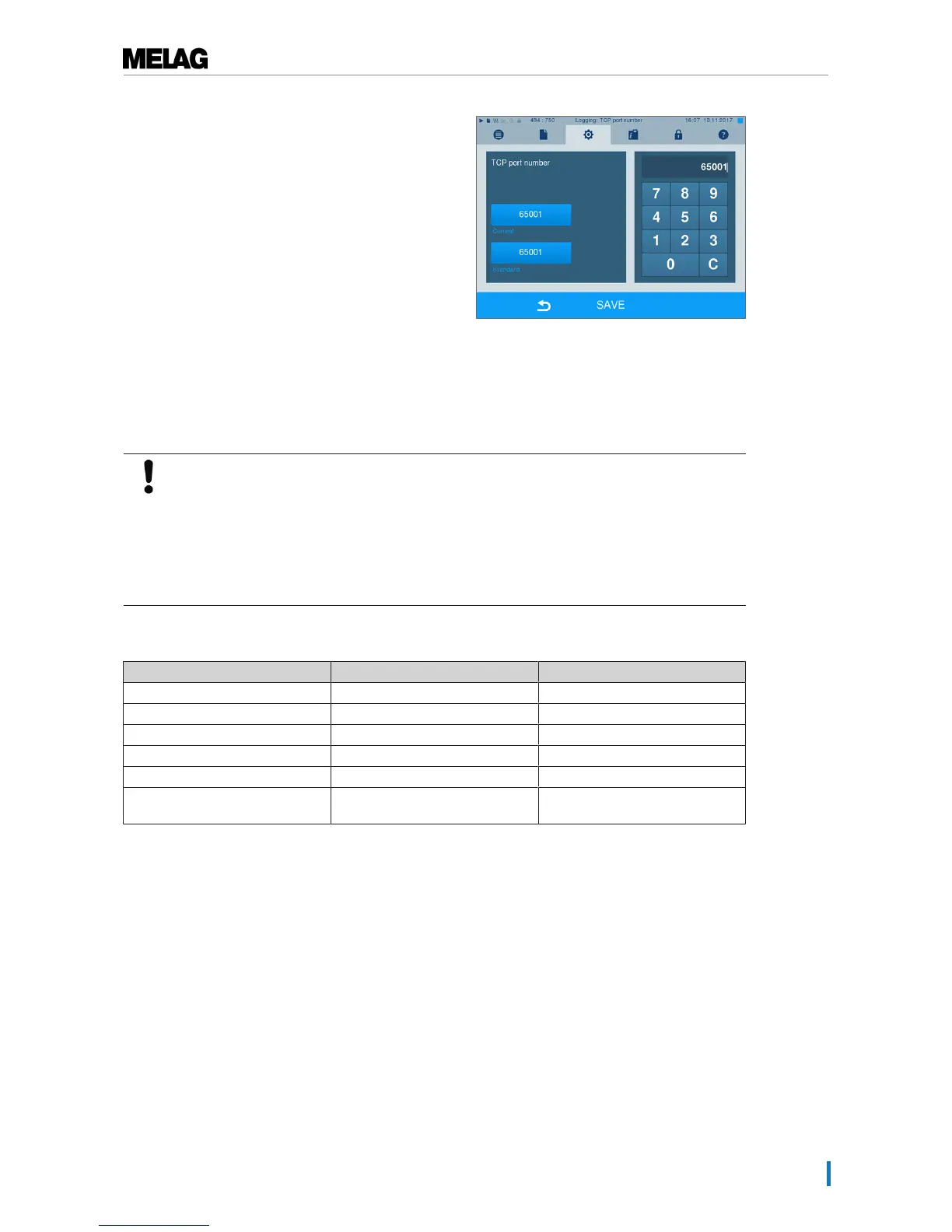
2. Press on this pushbutton to change the pre-set TCP
port. The display switches to the settings window.
3. Delete the most up-to-date TCP port using button
C; enter another TCP port.
4. Confirm with SAVE.
IP addresses
PLEASE NOTE
Those setting up the (practice) network will require in-depth understanding of the
network technology.
Errors in the handling of IP addresses can result in malfunctions and data loss in your
user network.
n Setting of IP addresses should only be performed by the system administrator of the
(practice) network.
The device is equipped as standard with IP addresses which all belong to a common network with the
subnet mask stated in the following depiction.
Device IP address Remarks
Steam sterilizer 192.168.40.40 Preset works side
Computer 192.168.40.140 Preset works side
Log printer MELAprint 42/44 192.168.40.240 Preset works side
Label printer MELAprint 60 192.168.40.160 Preset works side
Gateway 192.168.40.244 Not relevant within a network
Subnet mask 255.255.255.0 Possibly to be adopted by
customer network












 To Next Page