28 D33451 | Date 01/2018
Operation and control
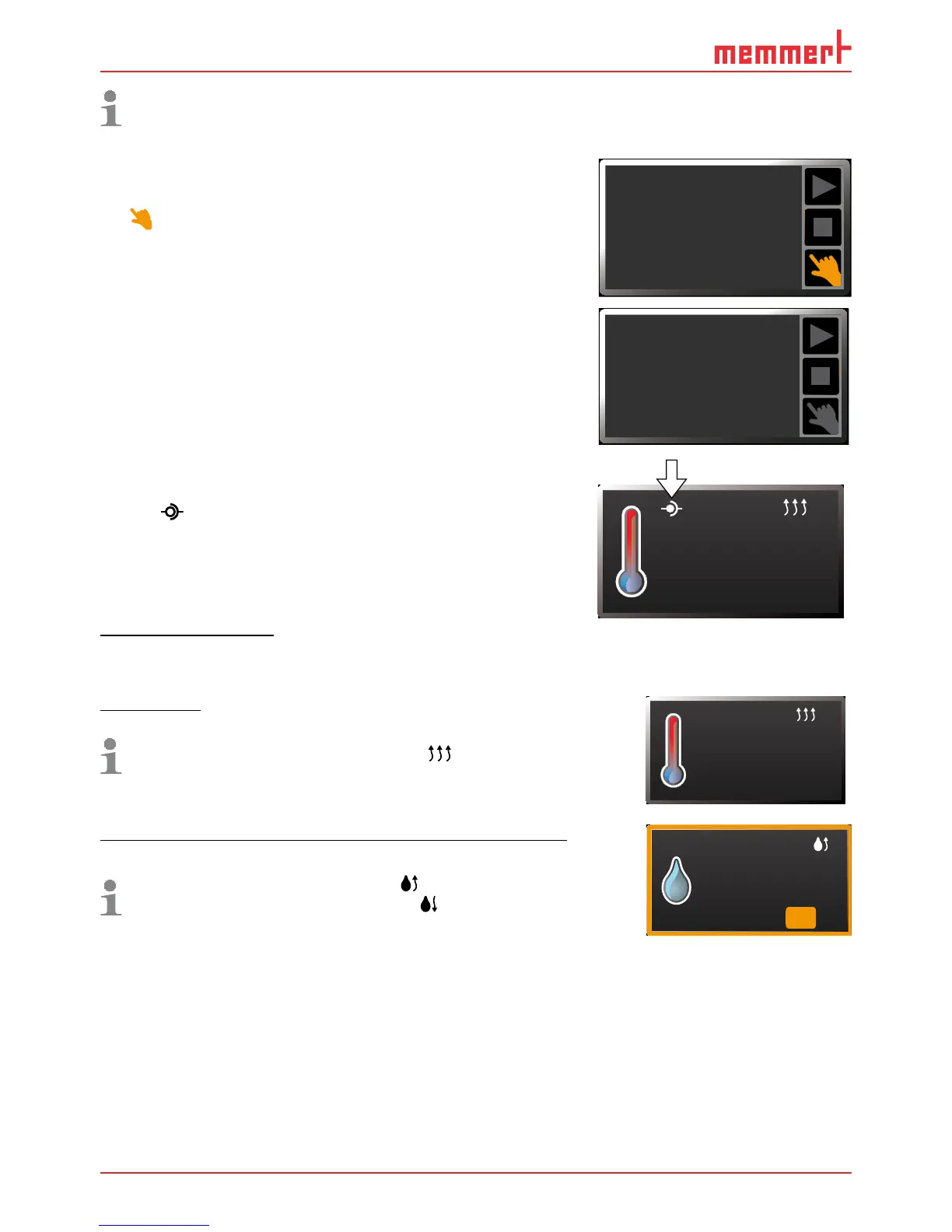
The status display shows you which operating mode or operating state the appliance is
currently in. The current operating state is highlighted in colour and indicated by the text
display:
Appliance is in programme mode
■ Programme is stopped
Appliance is in manual mode
The example on the right shows the appliance in manual
mode, identified by the coloured hand symbol.
► When the appliance is in timer mode, Timer active
is displayed:
► If the appliance is in remote control mode,
the
symbol appears in the temperature display:
5.5.4 Manual mode
In this operating mode, the appliance runs in permanent
operation at the values set on the ControlCOCKPIT.
Adjustment options
As described in chapter 5.5.2 , you can set the following parameters after pressing the cor-
responding activation key (in any sequence):
Temperature
Adjustment range: +18 °C to +50 °C
Heating operation is indicated by the
symbol.
You can select °C or °F as the temperature unit displayed (see
page 49).
22.4
37.0
TEMP
Set
°C
°C
Humidity (only for appliances with active humidity control)
Adjustment range: 40 to 97 % rh and OFF
Humidification is indicated by the
symbol.
Dehumidification is indicated by the
symbol.
When the appliance heats up, the humidity is dynamically adjusted
to approach the setpoint depending on the dew point of the
interior temperature.
HUMIDITY
70 %rh
Set
34%
rh
Manual Mode
12.Sept.2012
13:44
Timer active
12.Sept.2012
13:44
23.2°C
TEMP
Set 38
.0°C



 To Next Page