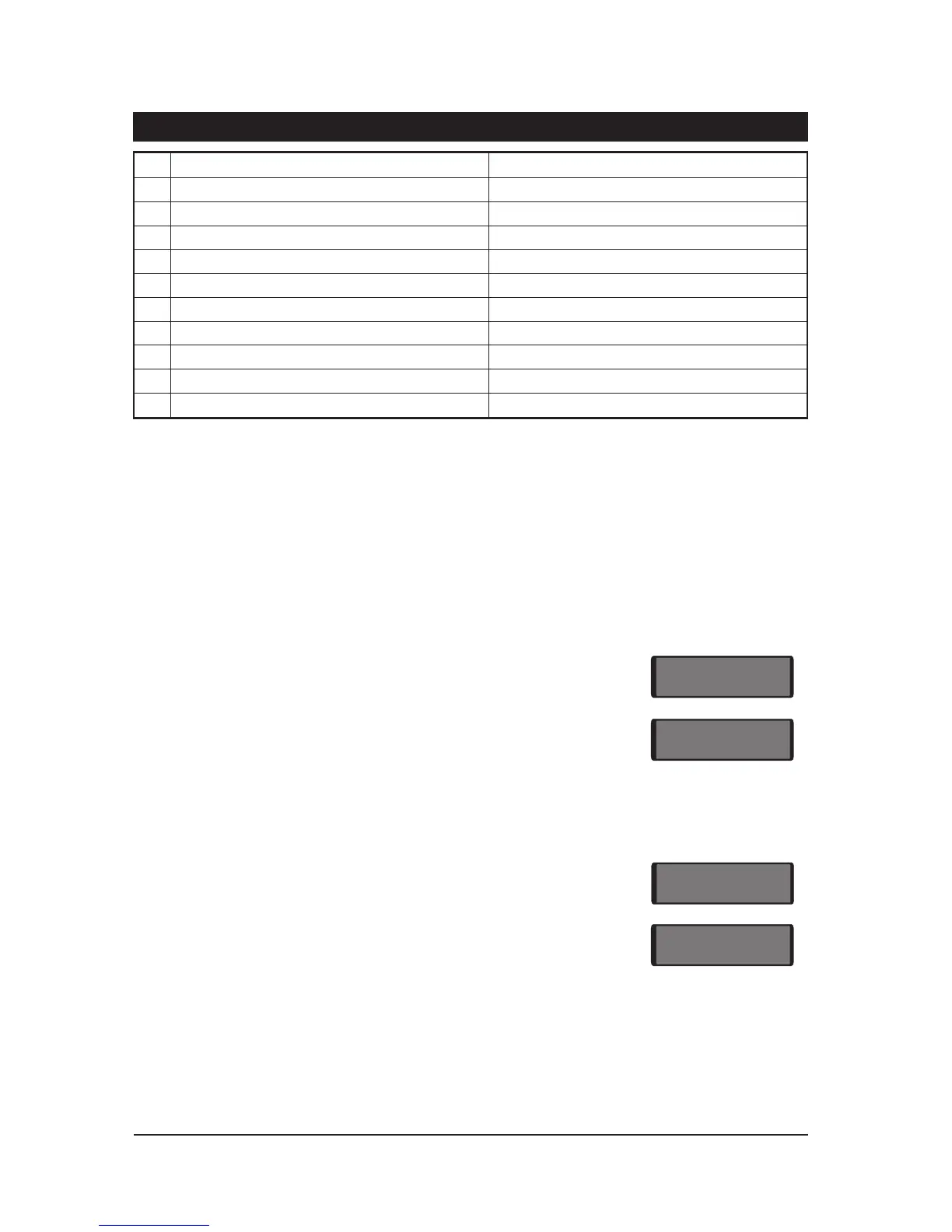
Key YES NO
0
Bell output is s et for SAB Bell output is set for S CB
1
Disable Ma ster User from menu 2 options 4-9 Master user has acce ss to all options in menu 2
2
Fire Signalled when Unset/Part Set/Full Set Fire signalled only when full Set
3
24hour circuits silent when Un set 24hour circuits audible wh en Uns et
4
Bell is insta nt when Pa rt Set Bell is delayed when Part Set (30 secs)
5
Alarm output (05) cl eared when s ystem is unset Alarm output cleared whe n system is reset
6
Setting inhibited with line fault/no mains po wer Setting allowed with line fault/no mains power
7
System reset by User or Engineer System reset by Engineer or Remote Reset
8
Continuous Entry and Exit tones Rising Entry and Exit tones
9
Engr&RemoteResetcode togainacc esstoE1/E2 E ngr code gains access to E1 and E2 menus
Tabl e 6. Syst em Configuration options
Engineer's Menu 2
This menu is select ed by pr essing the [ENT] key whilst "Engineers menu 1" is selected. There are ten
programming options wit hin thi s menu, which can be selected in any order. T he en gineer can
le ave this menu and return to "Engineers Menu 1" by pressin g the [ESC] key.
View Circuits
This option allows the e ngineer to view the status of ea ch detection circuit. The circuit s tatus
conditions are H=Healthy, A=Ac tive, S=Sho rted or T=Tamper.
1. Ensure that "Engineer M enu 2" is selected.
2. Press 1 to select the View Circuits option.
3. The circuit status will be displ ayed.
4. Select circuit s either by en tering the number or by pressing [ to
scroll th rough the circuits.
5. Press ] to abandon and return to "Engineer Menu 2".
Change Time
The system clock may be changed usi ng 24 hour clock format.
1. Ensure that "Engineer M enu 2" is selected.
2. Press 2 to select the Change Time option.
3. Enter the time in 24 hour notation (e .g., 1805).
4. Press [ to accept.
22
Pr ogramming TS700 Instal lation Manual
03-H
Circuit 03 is H ealthy.
03-A
Circuit 03 is A ctive.
----
En ter time in 24 hour format.
1805
Time entered 1805 (6:05 pm.)



 To Next Page