25
Chapter 4 Congure the Router in Wireless Router Mode
• Subnet Mask - The Subnet Mask determines which portion of an IP address is the
network portion, and which portion is the host portion.
• Default Gateway - The IP address of the gateway device to which the data packets
will be sent. This IP address must be on the same subnet with the router’s IP which
sends out data. In the example, the data packets will be sent to the LAN port of
Router B and then to the Server, so the default gateway should be 192.168.1.2.
• Interface - Determined by the port (WAN/LAN) that sends out data packets. In the
example, the data are sent to the gateway through the LAN port of Router A, so LAN
should be selected.
• Description - Enter a description for this static routing entry.
4. Click SAVE.
5. Check the Routing Table below. If you can find the entry you’ve set, the static routing is
set successfully.
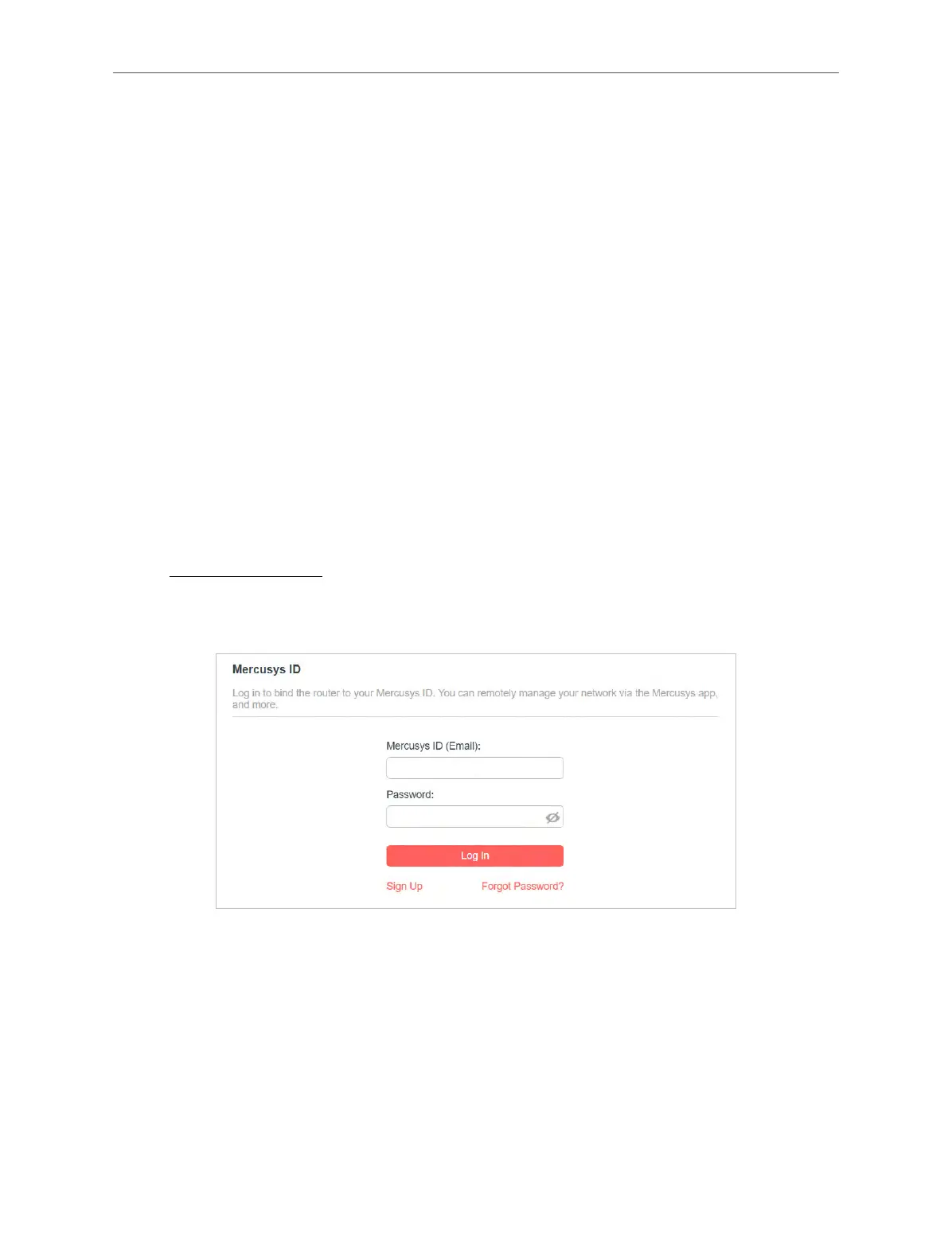
4. 4. Mercusys ID
1. Visit http://mwlogin.net, and log in with your Mercusys ID or the password you set for the
router.
2. Go to Advanced > Mercusys ID.
3. Log in with your Mercusys ID. You can manage the account information and bind more
accounts to manage the network.
Note: If you don’t have an account, sign up first.



 To Next Page