300Mbps Wireless N ADSL2+ Modem Router
- 32 -
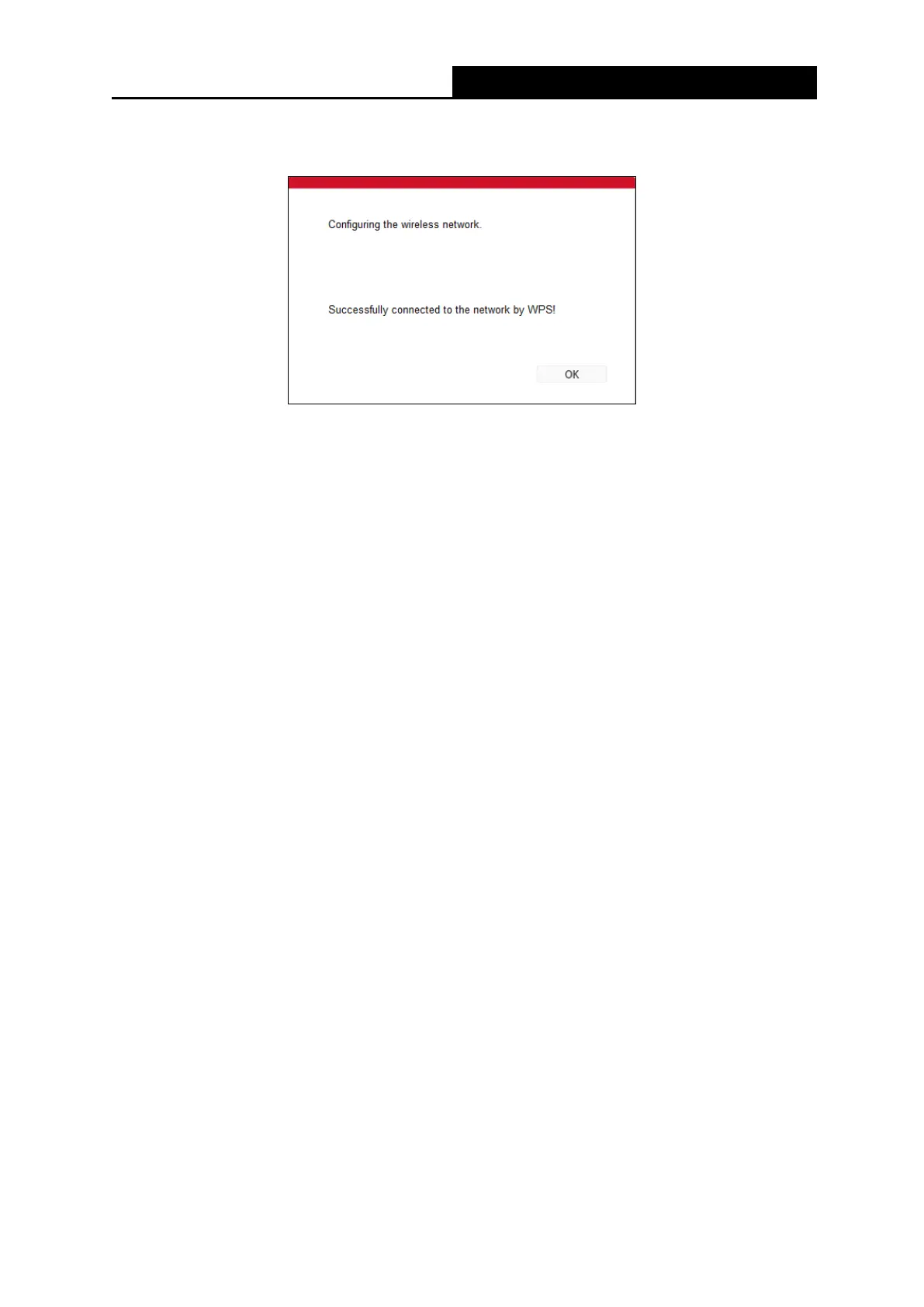
Step 3: Wait for a while until the following screen appears. Click OK to complete the WPS
configuration.
The WPS Configuration Screen of Wireless Adapter
• WPS progress: Show the current WPS progress.
• Reset to OOB: Reset WPS AP to the OOB (out-of-box) configuration.
• SSID: Wireless network name shared among all points in a wireless network. The SSID
must be identical for all devices in the wireless network. It is case-sensitive and must
not exceed 32 characters (use any of the characters on the keyboard). Make sure this
setting is the same for all stations in your wireless network. Type the desired SSID in
the space provided.
• Authentication Type: Select an authentication type from the drop-down list, which
allows you to configure security features of the wireless LAN interface. Options
available are: Disabled, WEP-64Bits, WEP-128Bits, WPA-PSK, WPA2-PSK, and
WPA-PSK/ WPA2-PSK.
• WEP- 64Bits
To configure WEP-64Bits settings, select the WEP-64Bits option from the drop-down
list. The menu will change to offer the appropriate settings. WEP-64Bits is a data
privacy mechanism based on a 64-bit shared key algorithm, as described in the IEEE
802.11g standard.
• WEP-128Bits
To configure WEP-128Bits settings, select the WEP-128Bits option from the
drop-down list. The menu will change to offer the appropriate settings. 128-bit is
stronger than 64-bit.
• WPA-PSK, WPA2-PSK, WPA-PSK/WPA2-PSK
To configure WPA-PSK, WPA2-PSK or WPA-PSK/WPA2-PSK settings, select the
corresponding option from the drop-down list. The menu will change to offer the
appropriate settings. It requires a shared key and does not use a separate server for
authentication. PSK keys can be ASCII or Hex type. WPA-PSK/WPA2-PSK is more
flexible than WPA-PSK or WPA2-PSK.
• Encryption: Select the encryption you want to use: TKIP/AES, TKIP or AES (AES is an
encryption method stronger than TKIP).
• TKIP (Temporal Key Integrity Protocol) - a wireless encryption protocol that
provides dynamic encryption keys for each packet transmitted.



 To Next Page