300Mbps Wireless N ADSL2+ Modem Router
- 16 -
4.2 Interface Setup
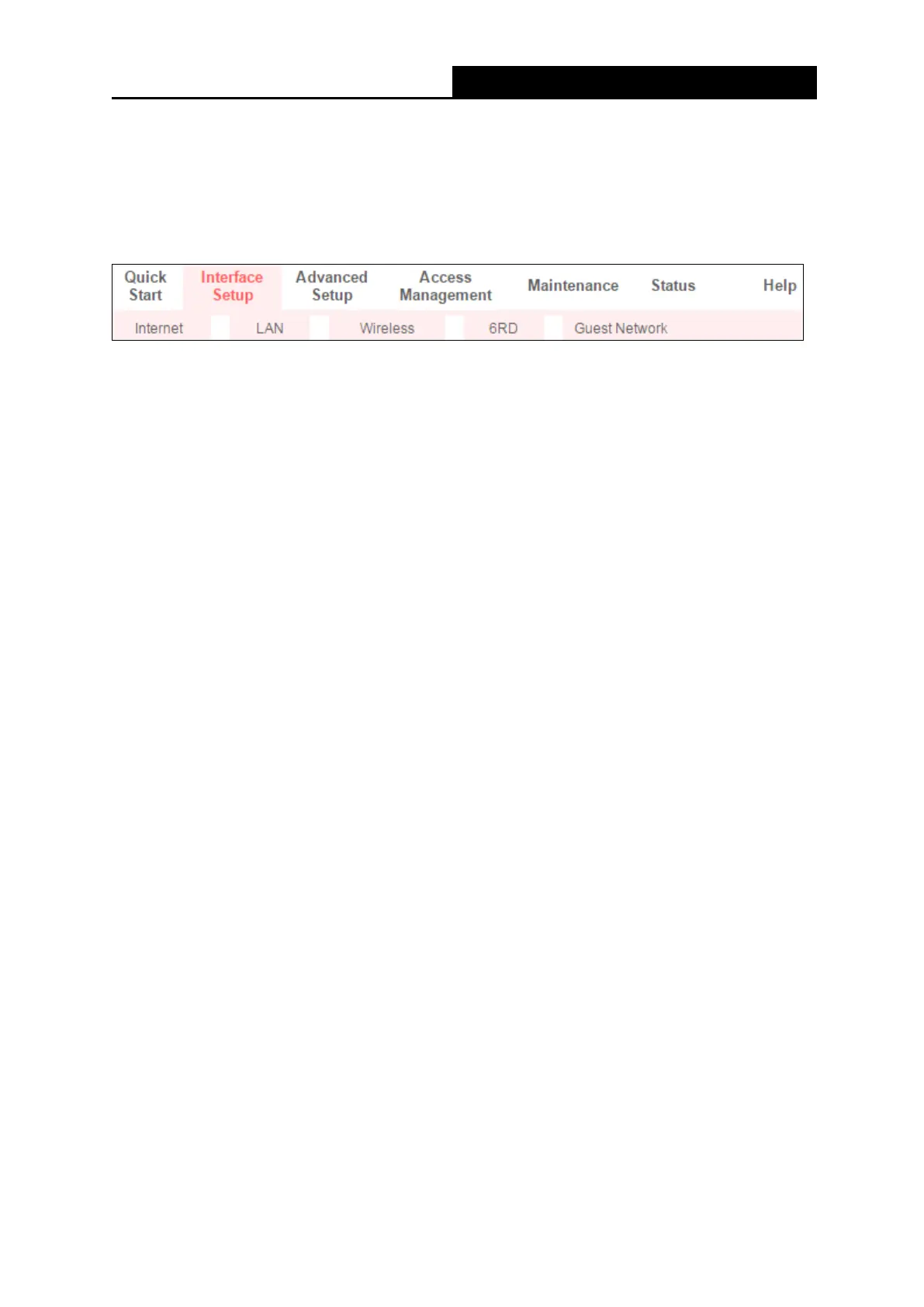
Choose Interface Setup, and you will see the following submenus: Internet, LAN, Wireless,
6RD, and Guest Network. Click any of them, and you can configure the corresponding
function.
4.2.1 Internet
Go to Interface Setup → Internet, and you can configure the parameters for WAN ports in the
following screen.



 To Next Page