Page 23 of 104
those of Load (i.e. lb/ft, kg/m). To prevent zeroing a belt when material may
actually be present, this value should be set very low.
Absolute Limit
This parameter is the maximum allowed total change of the Zero Load. As
successive Zero Tracking processes are performed, the sum of all tests is
accumulated. If this sum exceeds the “Absolute Limit” then no change is made.
The Logical Output “Zero Track Fail” will occur if the change is within the
increment limit but outside the absolute limit. Limits are minimum of 0 and
maximum of <later> % of the Design Load. To prevent
Start Delay
This parameter is the hold off time at power up (coldstart) to keep controller
from starting and running Zero Tracking on a cold belt. The units are seconds.
Splice Allowance
On some belts there is a section around the splice that causes the measured
belt load to “spike” (rapidly increase) then fall back to normal just as quickly.
This spike can be high enough to abort the Zero Tracking process, prohibiting it
from ever completing. The Splice Allowance parameter allows the controller to
ignore a spike in belt load if it occurs for less than the specified amount of belt
travel. That section of the belt is not used in the zero calculation
The units of the Splice Allowance are those of length (i.e. ft or m). Setting this
parameter to zero defeats this allowance.
Warnings
Warnings are logical conditions that may occur of which you wish to be notified.
Warnings are informational only and will not affect the process. Any Logical Input or
Output can be used to trigger a Warning. To set a Logical I/O point as a Warning, see
Main Menu > Advanced Setup > Digital I/O > Warnings/Faults.
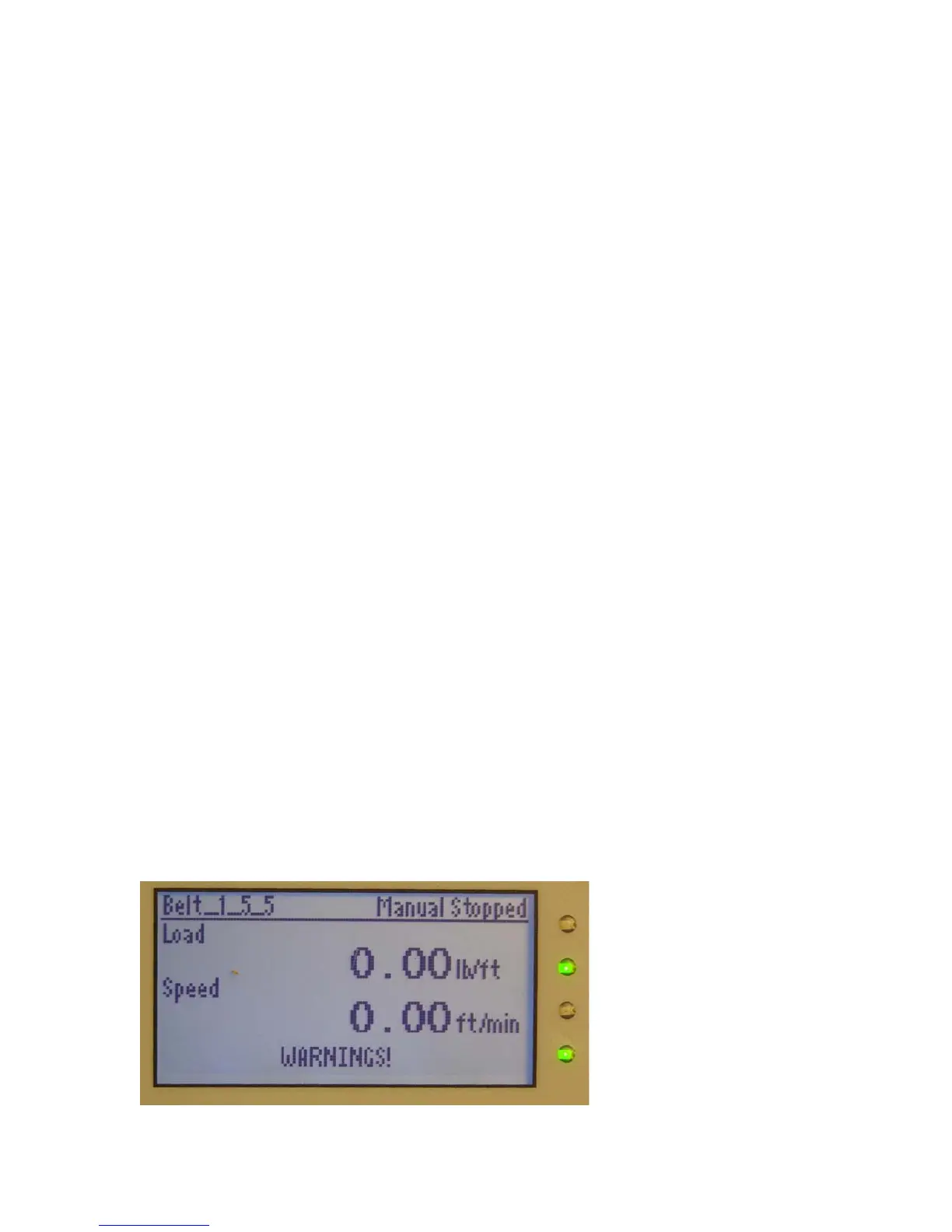
If any Warning occurs, you will see the text “WARNINGS!” on the bottom of the main
display, like this:



 To Next Page