Page 74 of 104
Loss of flow will be determined by two methods; a fixed turn-off time delay, and a
delay based on the amount of material that passes though the feeder after the
initial loss of flow is indicated. The intent is to provide a warning soon after a loss
of flow, and then a Fault (i.e. trip the feeder) before the pipe is completely empty
and a loss of seal occurs. Each method qualifies a specific Logical output and can
therefore be acted on independently.
Note: To enable this item, see Main Menu > Advanced Setup >Configuration >
Infeed Flow Monitor).
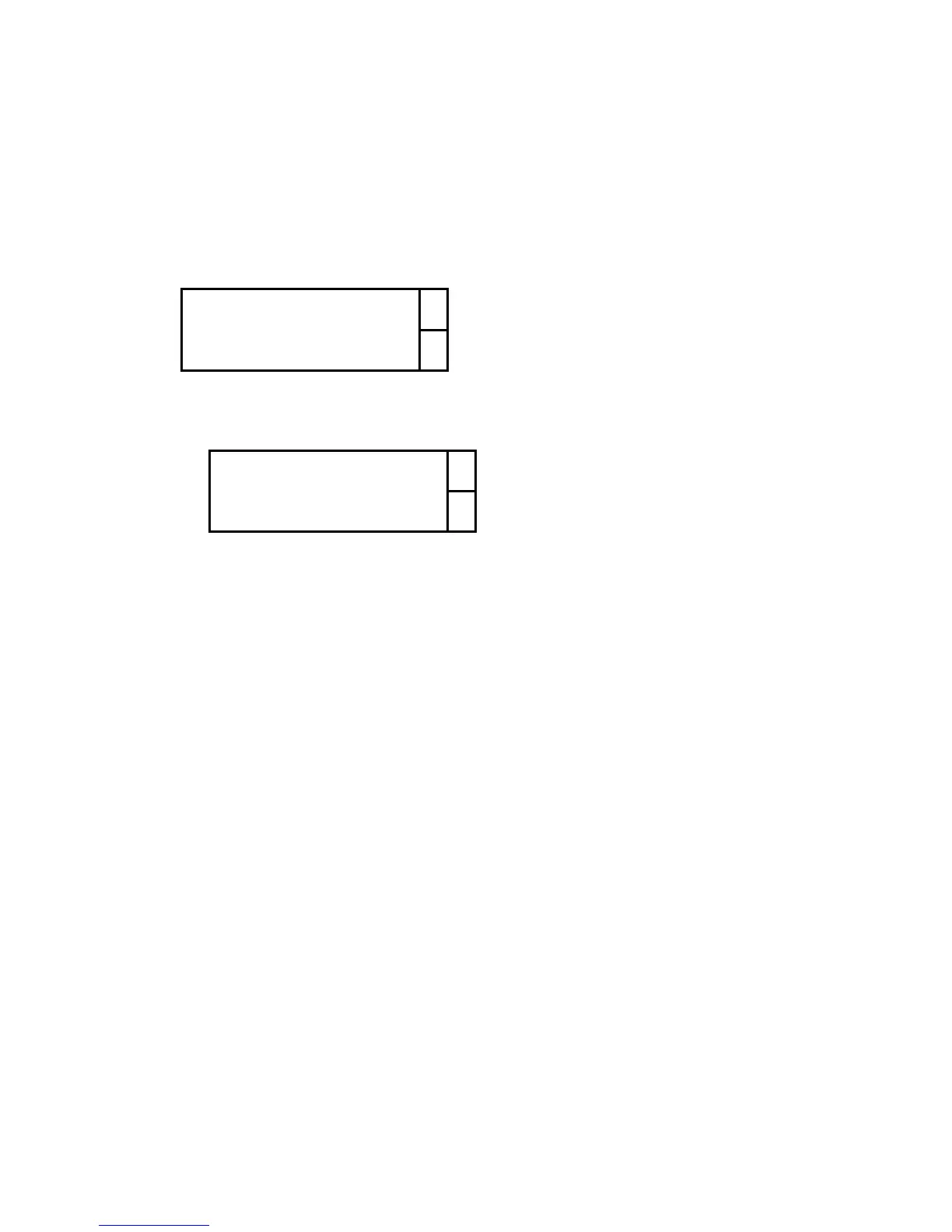
Numeric Data… ↑
↓
Numeric Data
The following parameters control the functionality of the Infeed Flow Monitor:
Loss of Flow Delay ↑
Loss of Flow Weight ↓
Loss of Flow Delay
This is the amount of time, in seconds, that the controller will wait, after an
initial indication of loss of flow, before turning on the “No Flow” logical output.
Loss of Flow Weight
This is the amount of material, in units of weight (i.e. lb or kg), that must
pass through the feeder after an initial indication of loss of flow, before the
controller turns on the “Empty Pipe” logical output.
Note : It is common for the “No Flow” output to be set as a “Warning”
(annunciate only), and for the “Empty Pipe” output to be set as a “Fault”
(shuts down, or trips, the feeder).



 To Next Page