MM-IM User Guide
26
Outstation Parameters
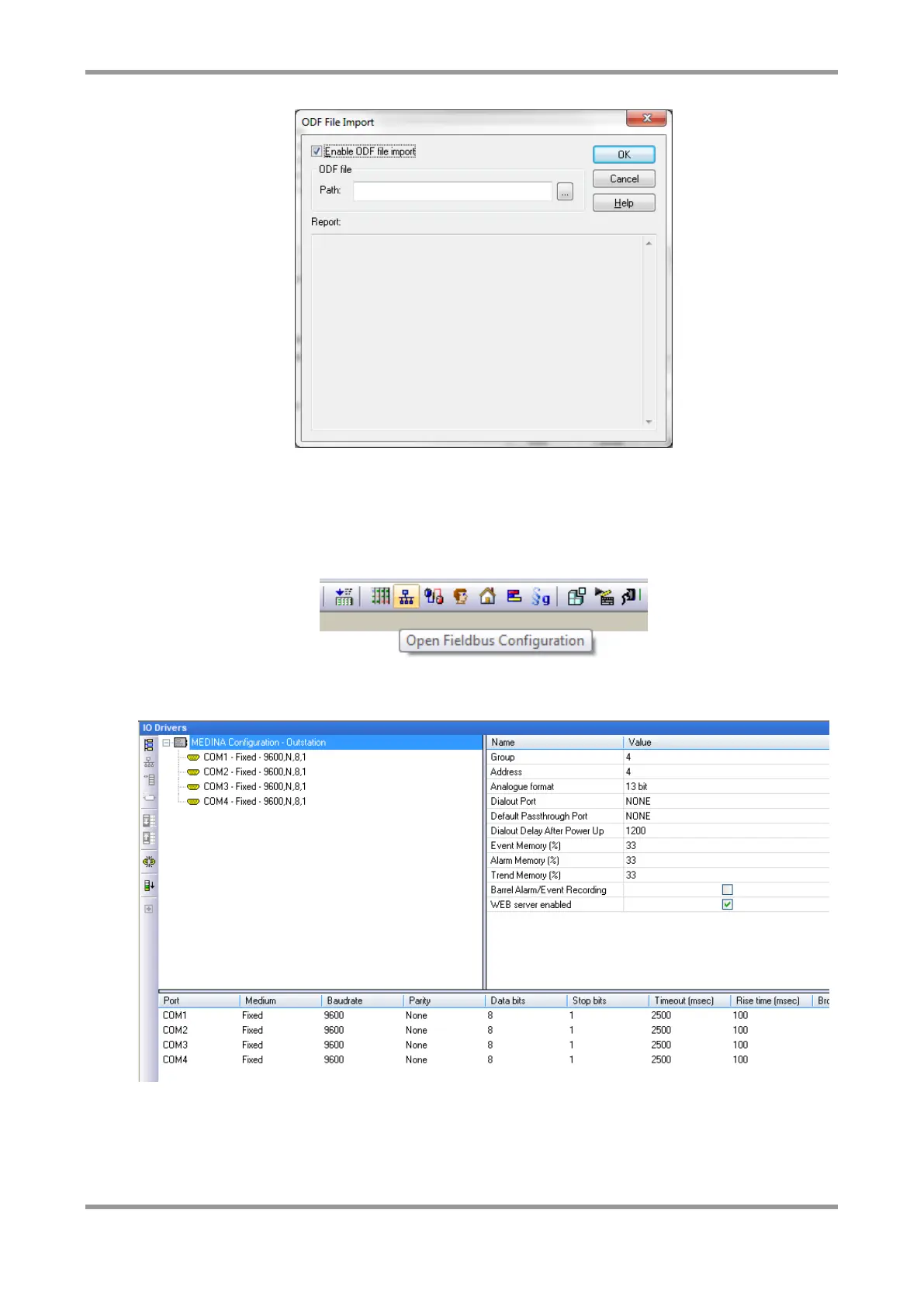
All the MM-IM configuration revolves around the Fieldbus Configuration screen, a tree-like
format. Click on the toolbar icon shown below or use the “File / Open / Fieldbus
Configuration” command from the menu.
The “MEDINA Configuration – Outstation” view will be present. In this screen, you define
each of the Com port settings, along with other general settings for the MM-IM.



 To Next Page