MM-IM User Guide
41
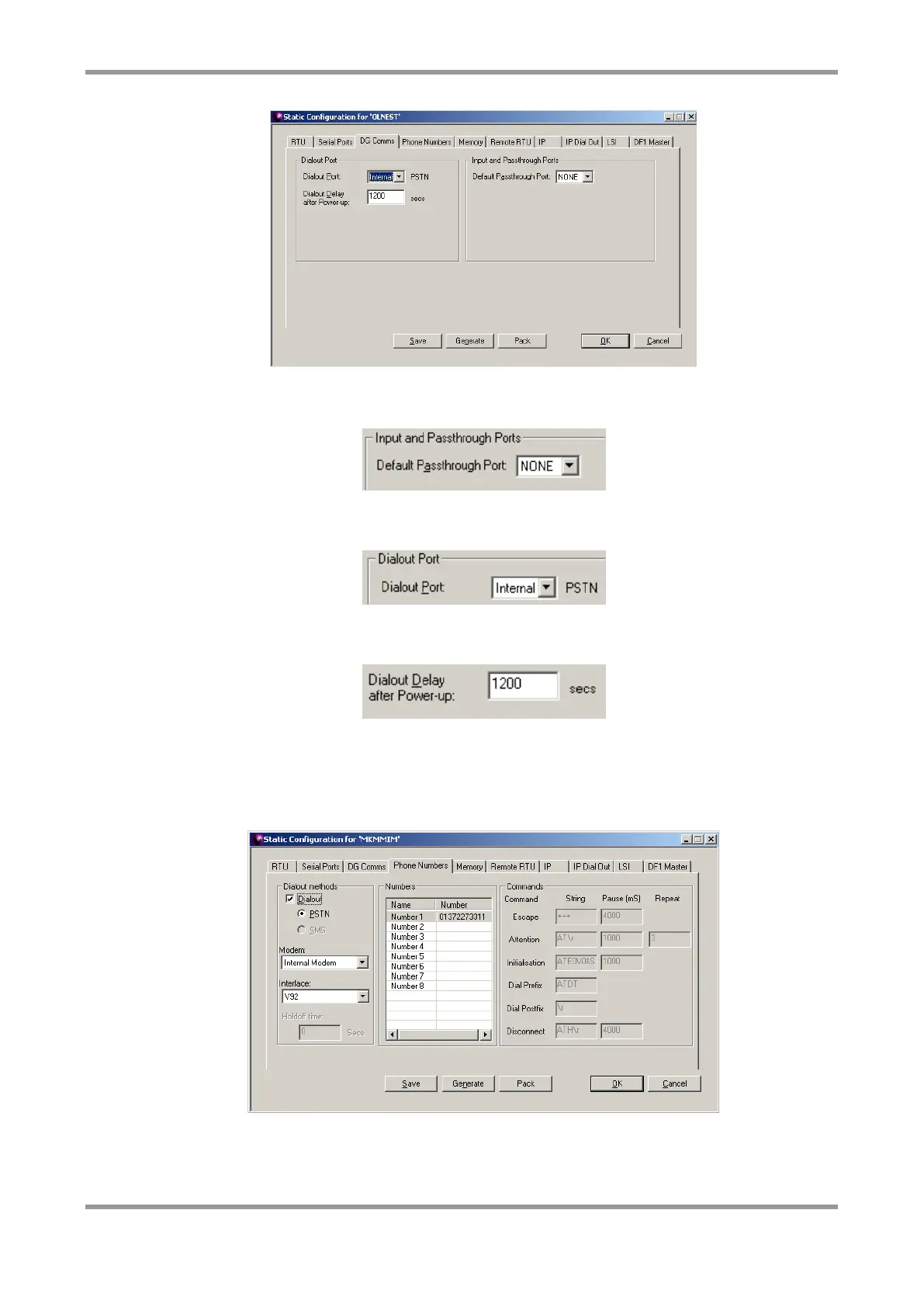
This screen allows you to set up the options for the dialout port and passthrough ports.
Select a default passthrough port if required.
Select the dialout port from the list of available ports. This is the serial port that will be
used to initiate an outgoing call following an alarm condition or power-up event.
This is the delay after the MM-IM is switched on before it will try to contact Master Control
using the phone numbers or IP addresses defined in the configuration.
Phone Numbers
The MM-IM can hold up to eight telephone numbers which it will try and dial out to in
sequence in the event of an alarm.
This screen allows you to set up the telephone numbers and also optionally the details of
the modem used.



 To Next Page