MM-IM User Guide
40
Serial ports
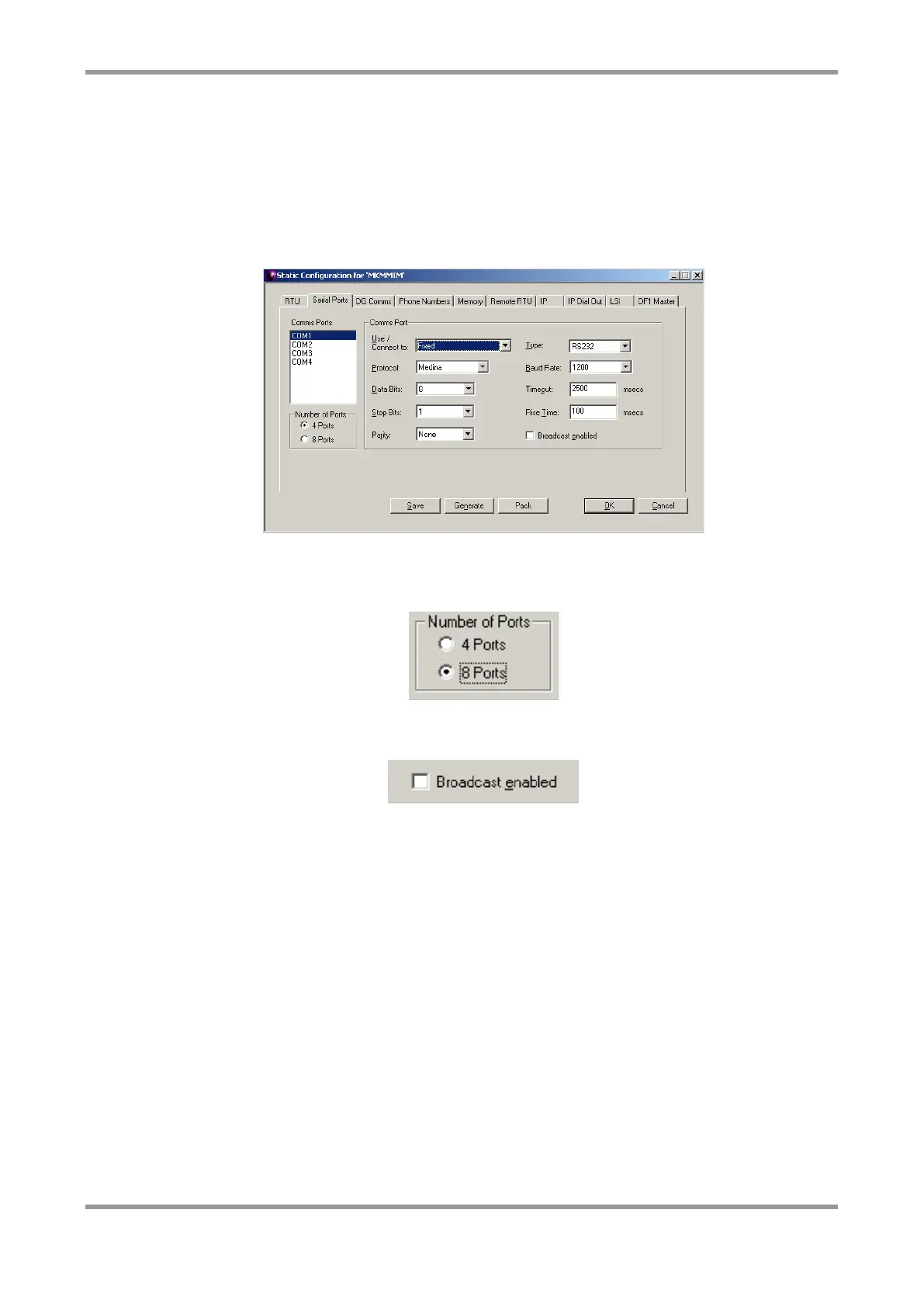
Each serial port needs to be configured according to what it is used for or connected to.
Most common options are Fixed, Radio, PSTN, Modbus Slave, DF1 Slave, LSI and Data
Sharing.
Note: Selecting “Modbus Slave” or “DF1 Slave” indicates that the selected port will be
connected to a slave, i.e. that the MM-IM will act as the master.
Early versions of the MM-IM were available with 8 serial ports. While subsequent versions
have 4 serial ports, there is support for up to 4 additional ports connected using USB. If no
USB ports are to be used, the default of “4 Ports” should remain selected.
Select “Broadcast Enabled” if this serial port is used to pass polls to a remote RTU so that
the broadcast time poll is forwarded.
Note: COM4 is either RS485 or RS422, configured with a DIL switch on the MM-IM.
Please ignore the “RS232” setting for the “Type” for COM4.
Note: The specific settings (baud rate, data bits, stop bits etc) for a port that is
connected to a Modbus Slave are not important, as these are configured within the
Fieldbus configuration in Straton. It is important, however, to ensure that the port is
set up to connect to a Modbus Slave.
DG Comms
The MM-IM is capable of passing polls through to locally-connected RTU’s over one or
many of its serial ports. Whereas this is configured in the “Remote RTU” screen, there is
an option here to set up a default passthrough port, which will forward polls to the
specified port if the destination group address is the same as the MM-IM’s group address
and if the RTU address does not match the MM-IM’s RTU address or the address of one of
the Remote RTU’s.



 To Next Page