MM-IM User Guide
38
Configuring the MM-IM without the Straton-Medina Enhancements
This section explains how to configure the MM-IM without the Straton-Medina
enhancements.
MicroMC
Full details of how to use MicroMC are contained in the Master Control MicroMC user
guide, a copy which is available from the Metasphere website at http://www.metasphere.co.uk.
You can also download an installable version of MicroMC from the Metasphere website.
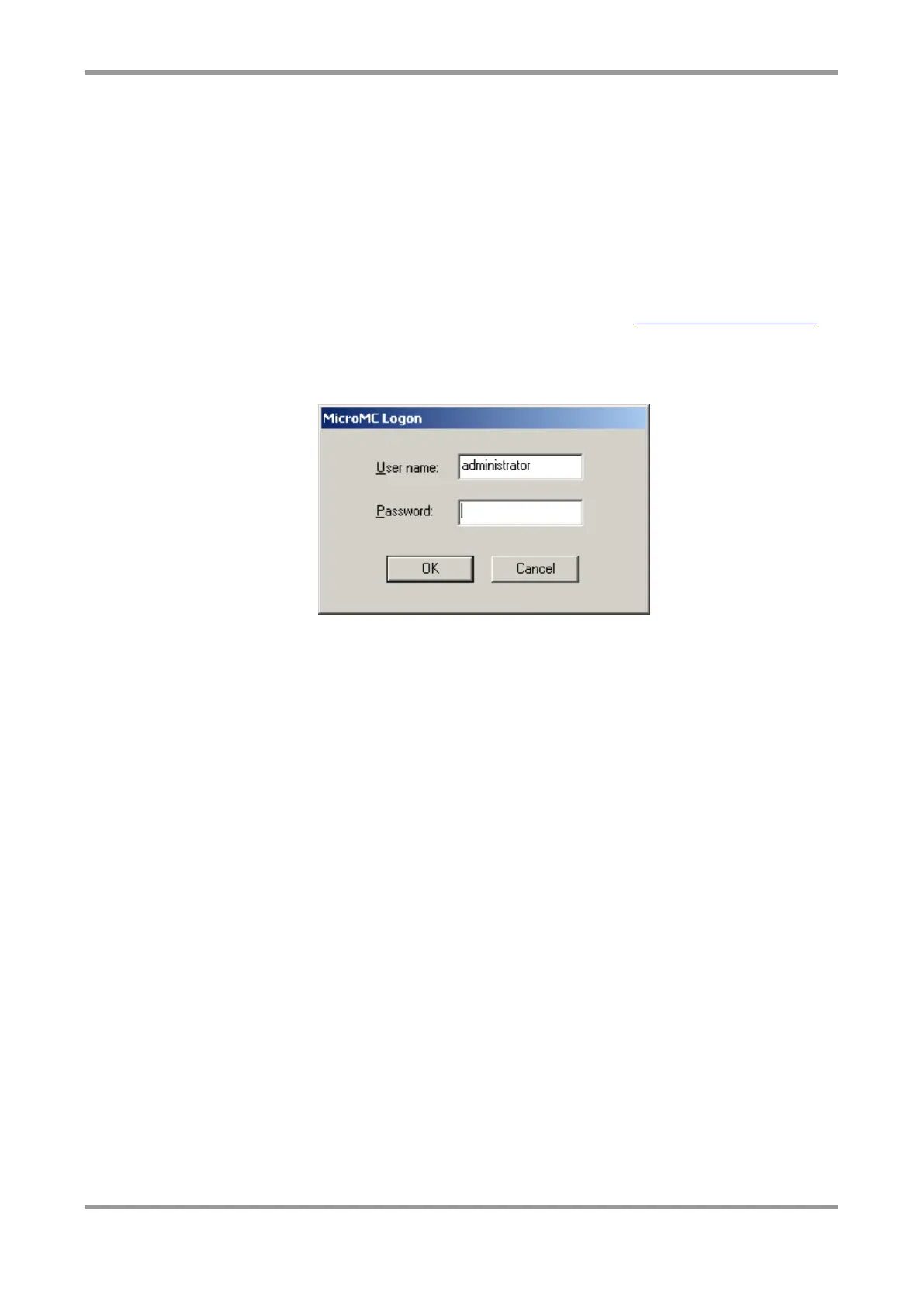
When you start MicroMC, a login box is displayed. Enter a valid username and password
(both case sensitive) and click OK.
If you can’t remember your password, please contact your system administrator.
Note: The default administrator password is “metasphere”.



 To Next Page